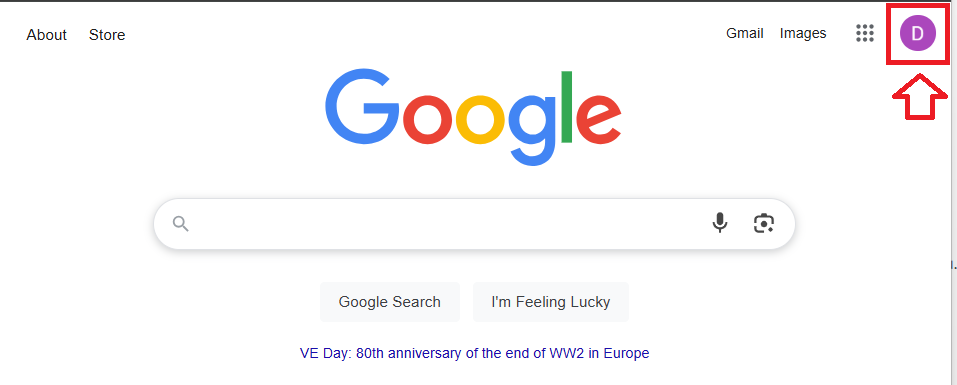
We will use Google.com as an example for logging in to a Google account with a registered Fido2 key (used as a passkey);
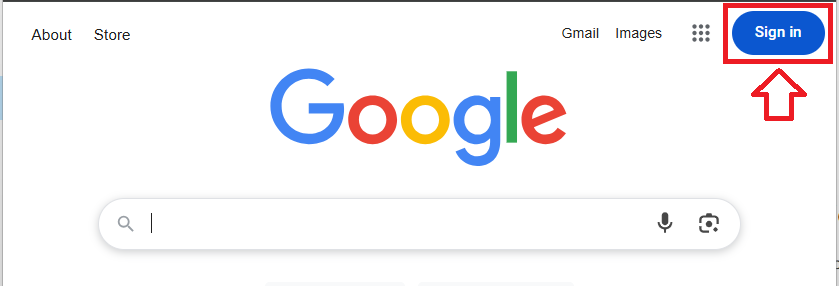
In a web browser, navigate to google.com then click on the  button;
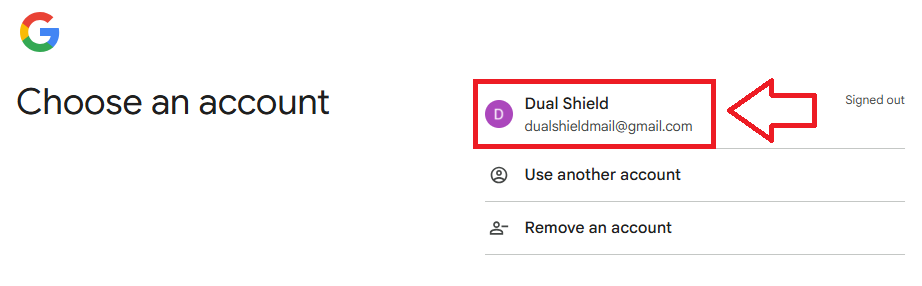
You first be asked to select which account you are going to sign in to, click on the account to be accessed;
If the account is passkey protected, then you will be presented with a list of the available passkeys available to your account.
Insert you Fido2 key into an available USB port then select "Security Key";
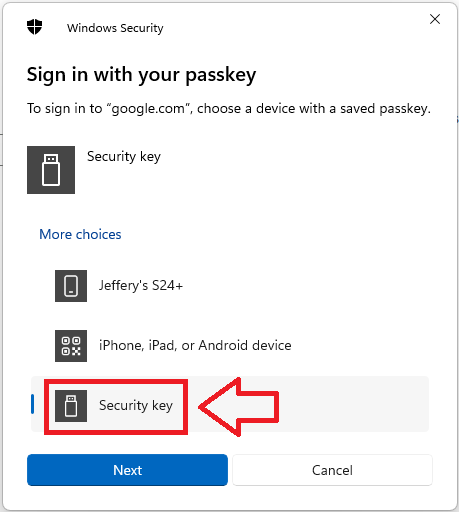
Once Security key is selected click  , and you will be asked for the PIN code for you Fido2 key;
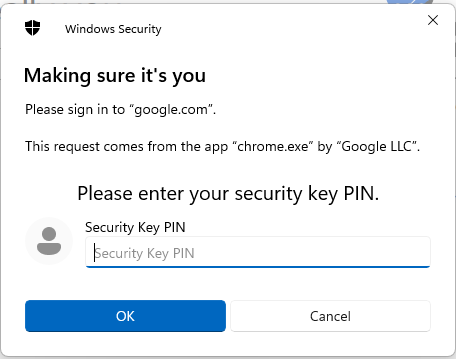
At the "Security key PIN" prompt, supply the PIN code for your Fido2 key then click  ;
;
You will now be asked to touch the Fido2 key (in the case of a Fido key with a fingerprint reader you will need to swipe your finger on the key);
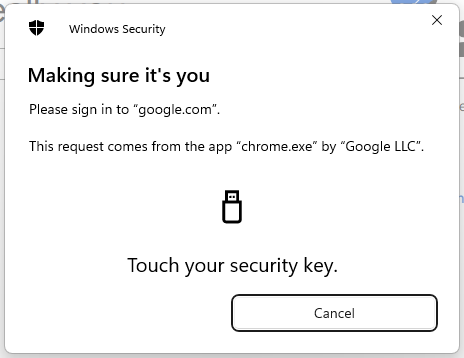
Provided you touch the key in the allowed time, you will be logged in to your Google account;