PayPal is a global online payment system and digital wallet that allows users to send and receive money securely, shop online, and make payments in person.
Once you have registered your FIDO2 key with PayPal the key will be ready to be used as an authentication method when accessing your account;
Register your FIDO2 key in your PayPal account
Before you can use your FIDO2 key as an access method for your PayPal account you will need to register the key with PayPal using the following procedure;
- Sign in to the your PayPal account,, then click on the cog icon (see below);

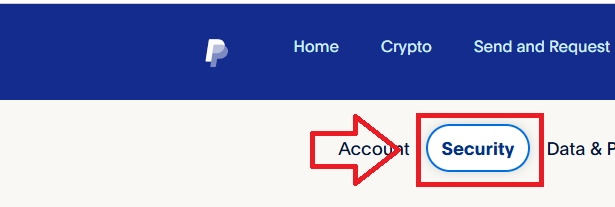
Then select the sub-menu option "Security";
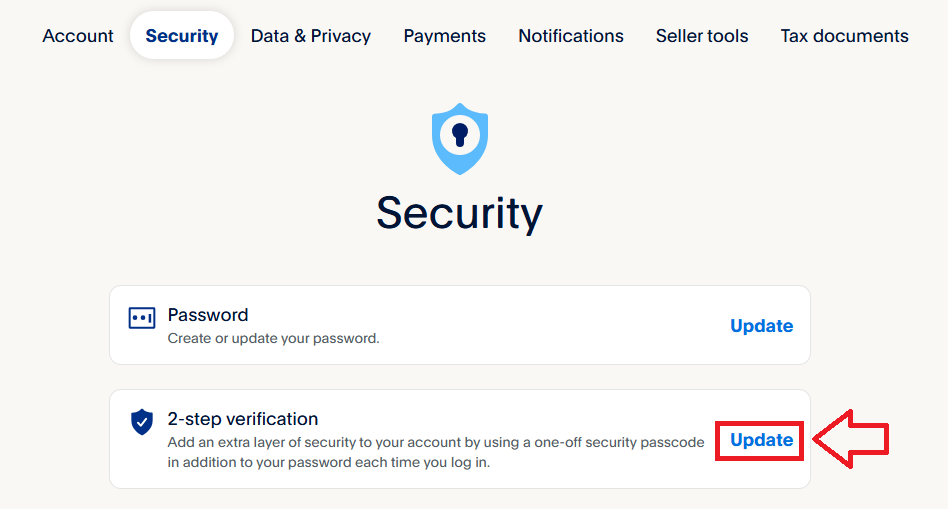
A list of authentication method options will then be presented, against the option for "2-step verification", click on "Update";
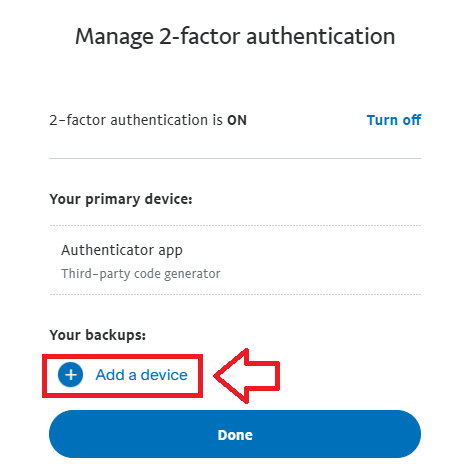
If a second factor already exists, then you Fido key can be added by selecting the option "Add a device" (if not then you will need to add one first - e.g. an authentication app);
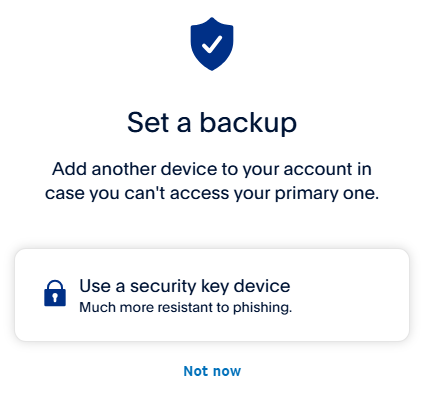
In order to specify we are adding a Fido key we need to select the option "Use a security key device";
You should now insert your Fido key into an available USB Port and select the option "Security key";
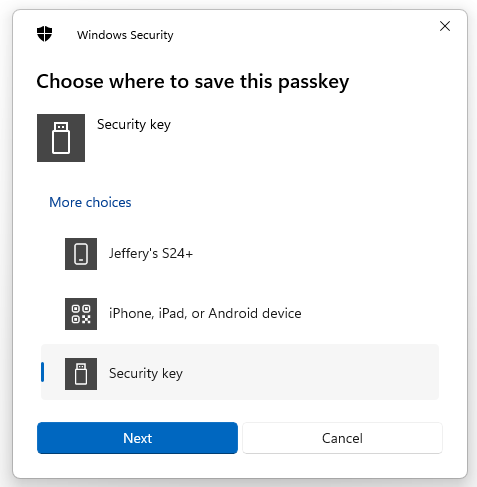
You are now notified that access to google will be prepared with your Fido2 security key - click
 to proceed to the next step;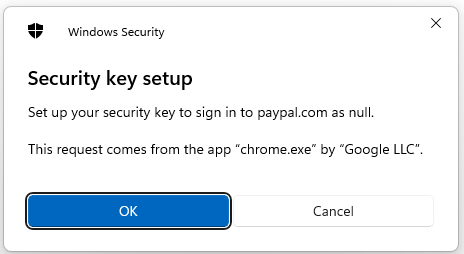
You will be asked to touch the button on your key (if your model has a fingerprint reader you may be asked to provide a finger swipe instead);
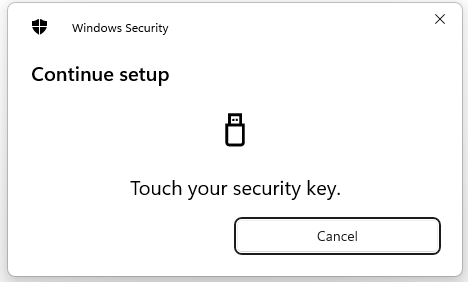
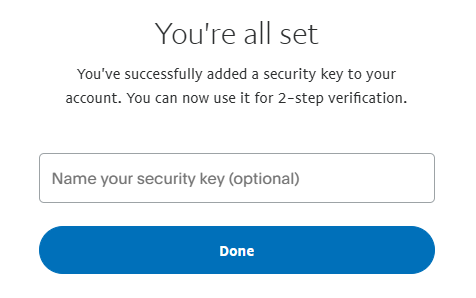
Provided you press the button on the Fido2 key in the allowed time, the passkey details will be stored on your Fido2 key, and you will be presented with the following confirmation;
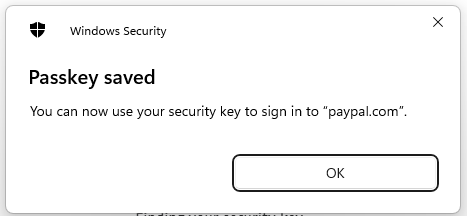
Click "OK", and the FIIDO2 key will be registered with eBay, and you will be shown confirmation that the passkey has been added;
Signing in to an PayPal account with a FIDO2 key
Once you have registered you FIDO2 key with PayPal the key will be ready to be used as an authentication method when accessing your account;
- Sign in to the your PayPal account by supplying your username and password,, and then you will be prompted to insert your security key;
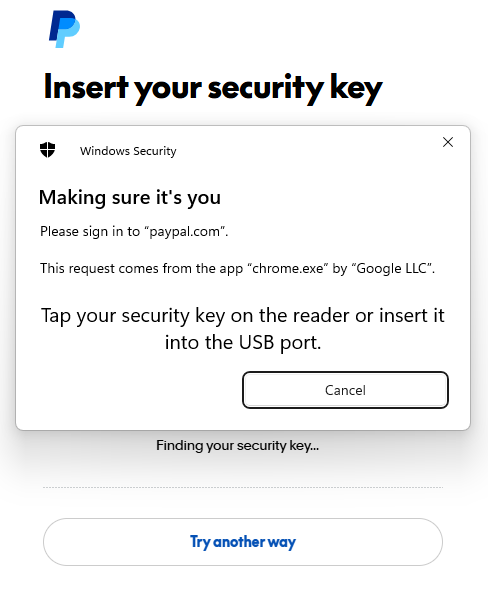
Insert you Fido2 key into an available USB port, Select "Security key", and you will prompted to touch the key (in the case of a Fido key with a fingerprint reader you will need to swipe your finger on the key);
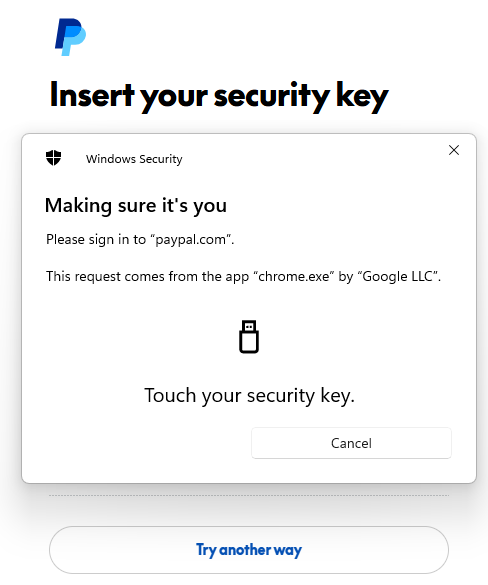
Once you have touched the key you will then be logged in to your PayPal account.
Related Articles