Register your FIDO2 key in your Login.Gov account
Before you can use your FIDO2 key as an access method for your Login.Gov account you will need to register the key with Login.Gov using the following procedure;
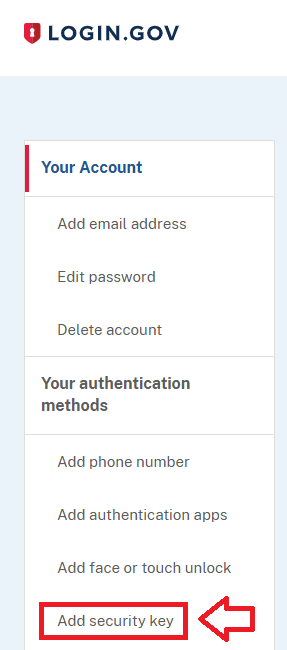
- Sign in to the your Login.Gov account, then in the "Your Account" column, select the option "Add security key" (if your account has only just been created, then you will be presented with a list of options, select the option "Security key");
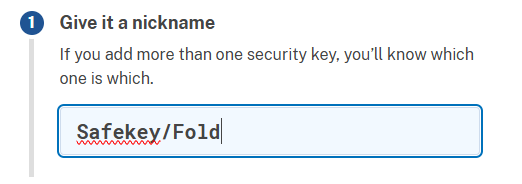
Provide a suitable name for your Fido key;
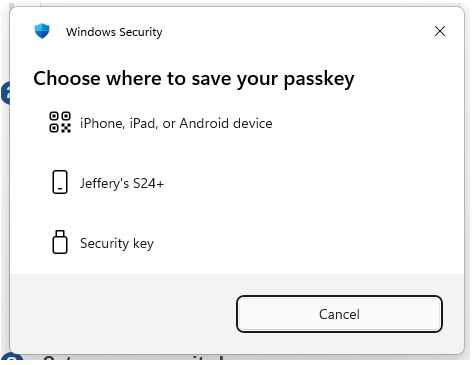
You will then be asked to select where to save the passkey, select "Security key";
You will be asked to touch the button on your key (if your model has a fingerprint reader you may be asked to provide a finger swipe instead);
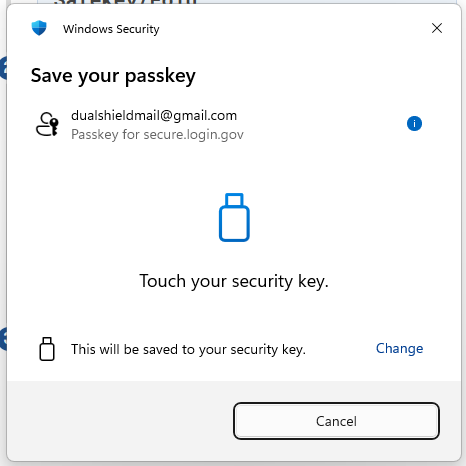
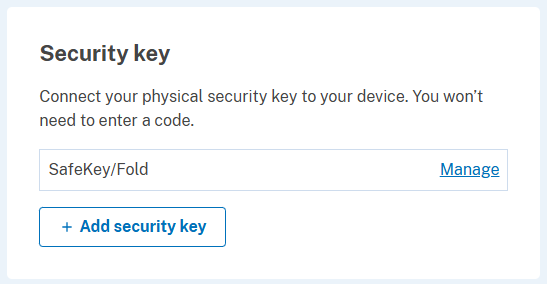
Provided you press the button on the Fido2 key in the allowed time, the passkey details will be stored on your Fido2 key, and you will be presented with the following confirmation;
Signing in to your Login.Gov account with a FIDO2 key
Once you have registered you FIDO2 key with Login.Gov, the key will be ready to be used as an authentication method when accessing your Login.Gov account;
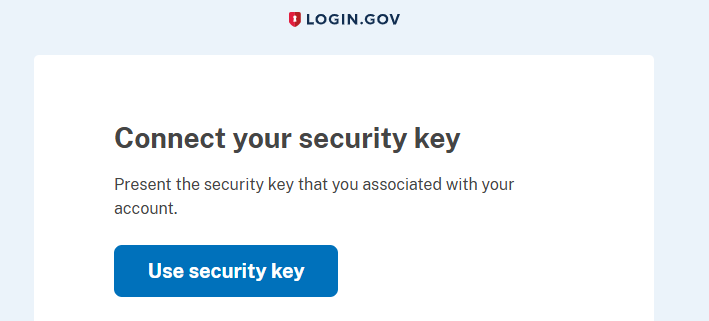
- Log in to your Login.Gov account, in by supplying your email address and password, and you will then be asked to connect using your security key;.
Insert your Fido key into an available USB port then click
 ;
;
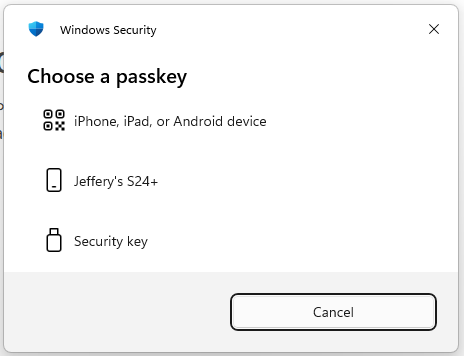
When asked to Choose a passkey select the option "Security Key";
You will now be asked to touch the Fido2 key (in the case of a Fido key with a fingerprint reader you will need to swipe your finger on the key);
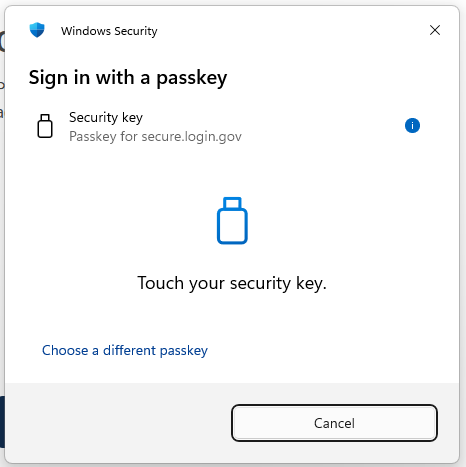
Once the key has been touched you will be logged in to your Login.Gov account.
Related Articles