Sign in to your Microsoft account accessing https://account.microsoft.com, clicking on the  icon, the supplying your login credentials,
Once you have logged in to your account click on the  icon;
icon;
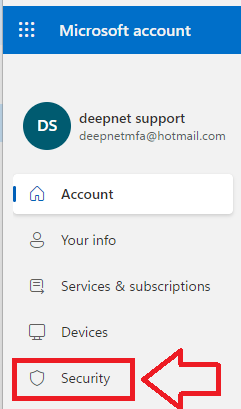
Click on the security option "Advanced security options", then scroll down to the section "Additional security"
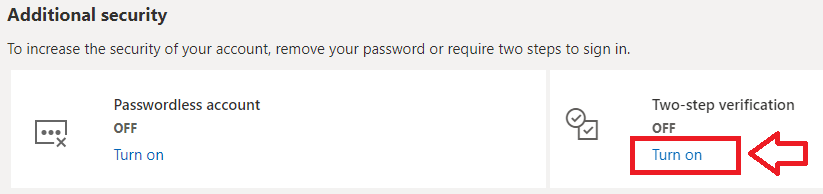
In order to enable Two-step verification, click on the "Turn on" option as indicated above, and you will be asked to confirm that you want Two-step verification enabledd;
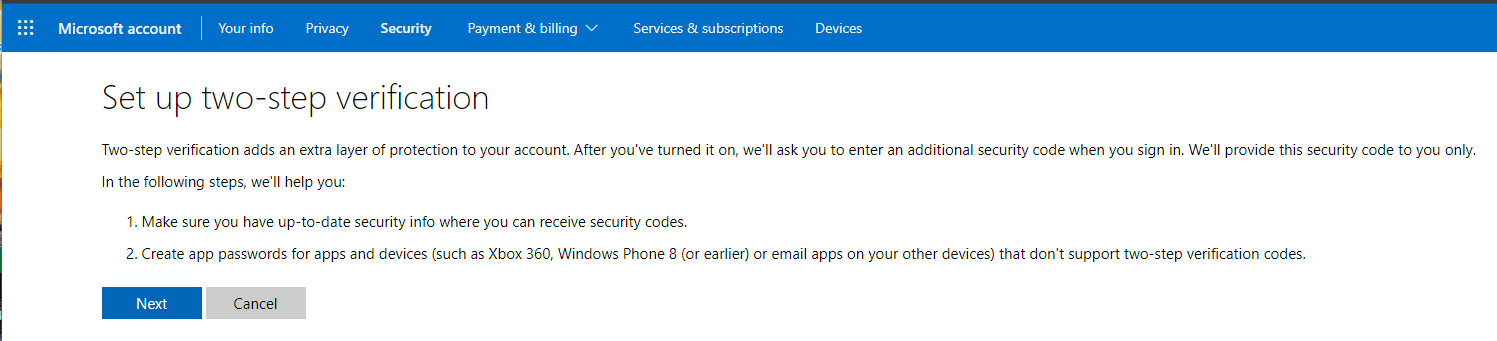
Click 
You will now be informed that an app password will be synchronised with you Microsoft account, Click , then click 
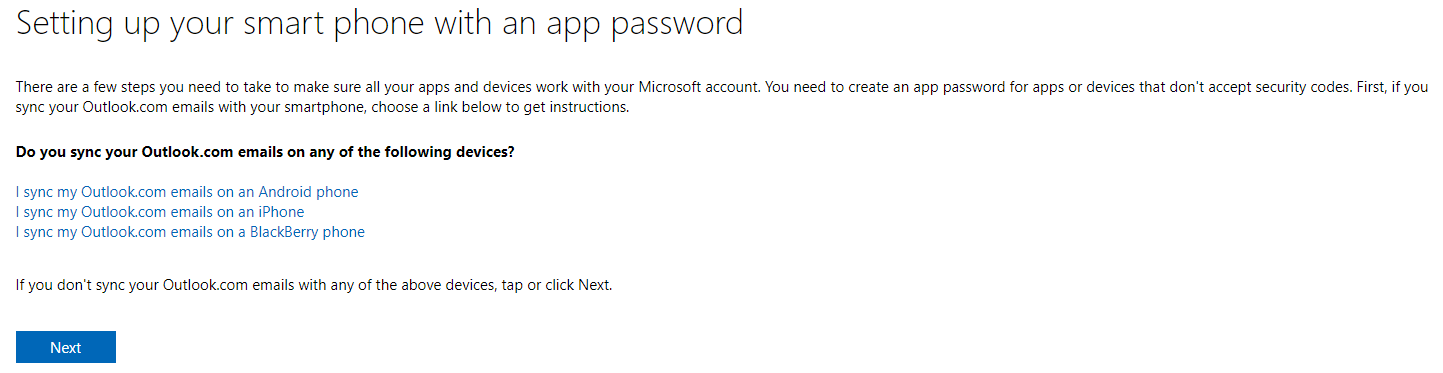
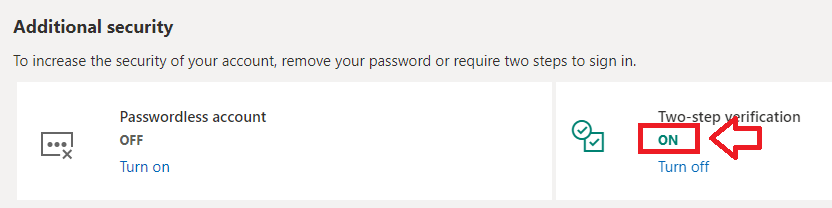
Two step verification will now be enabled on your Microsoft account;