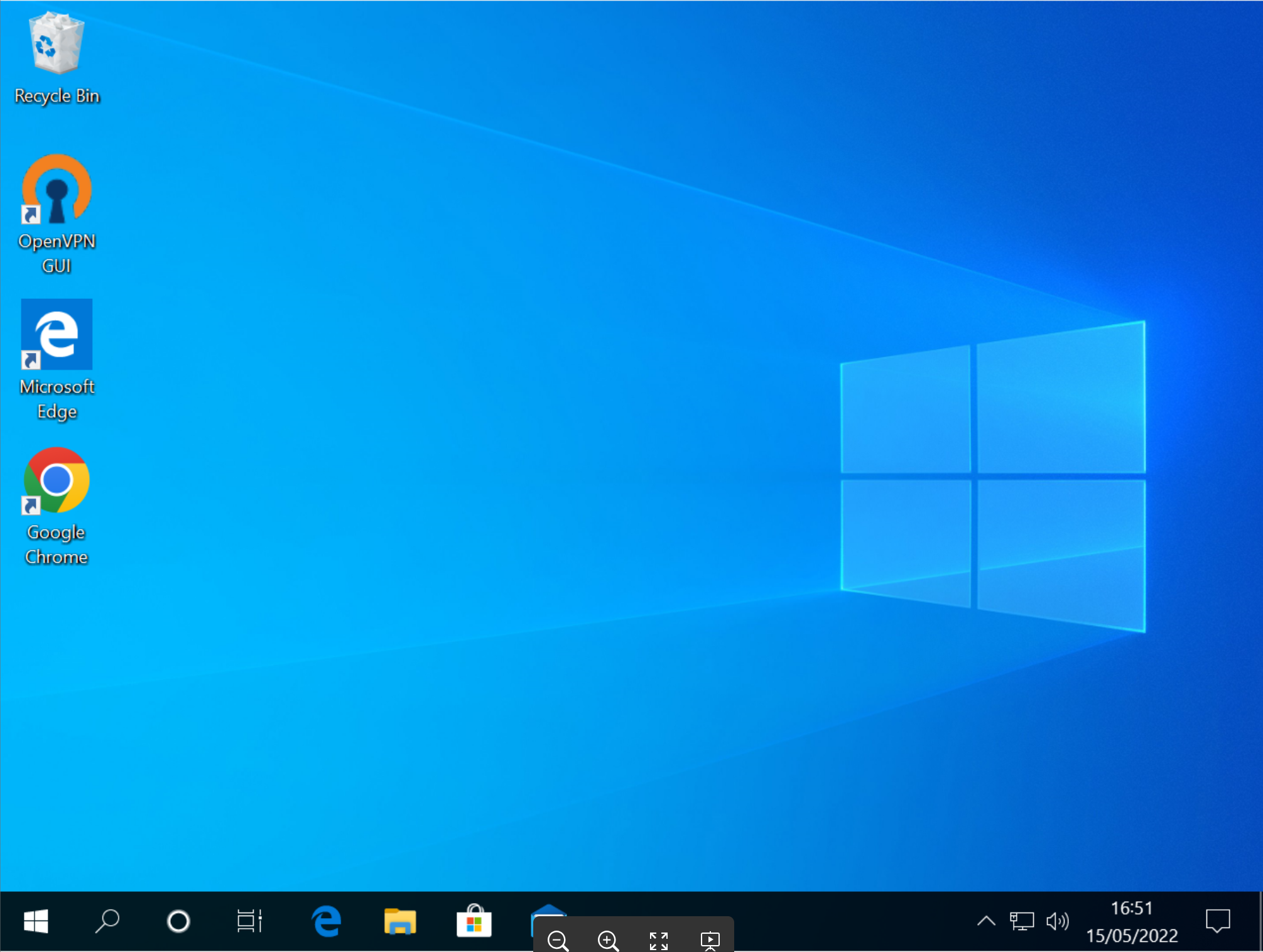
This document describes a typical user experience when using a smartcard to sign into a Windows PC
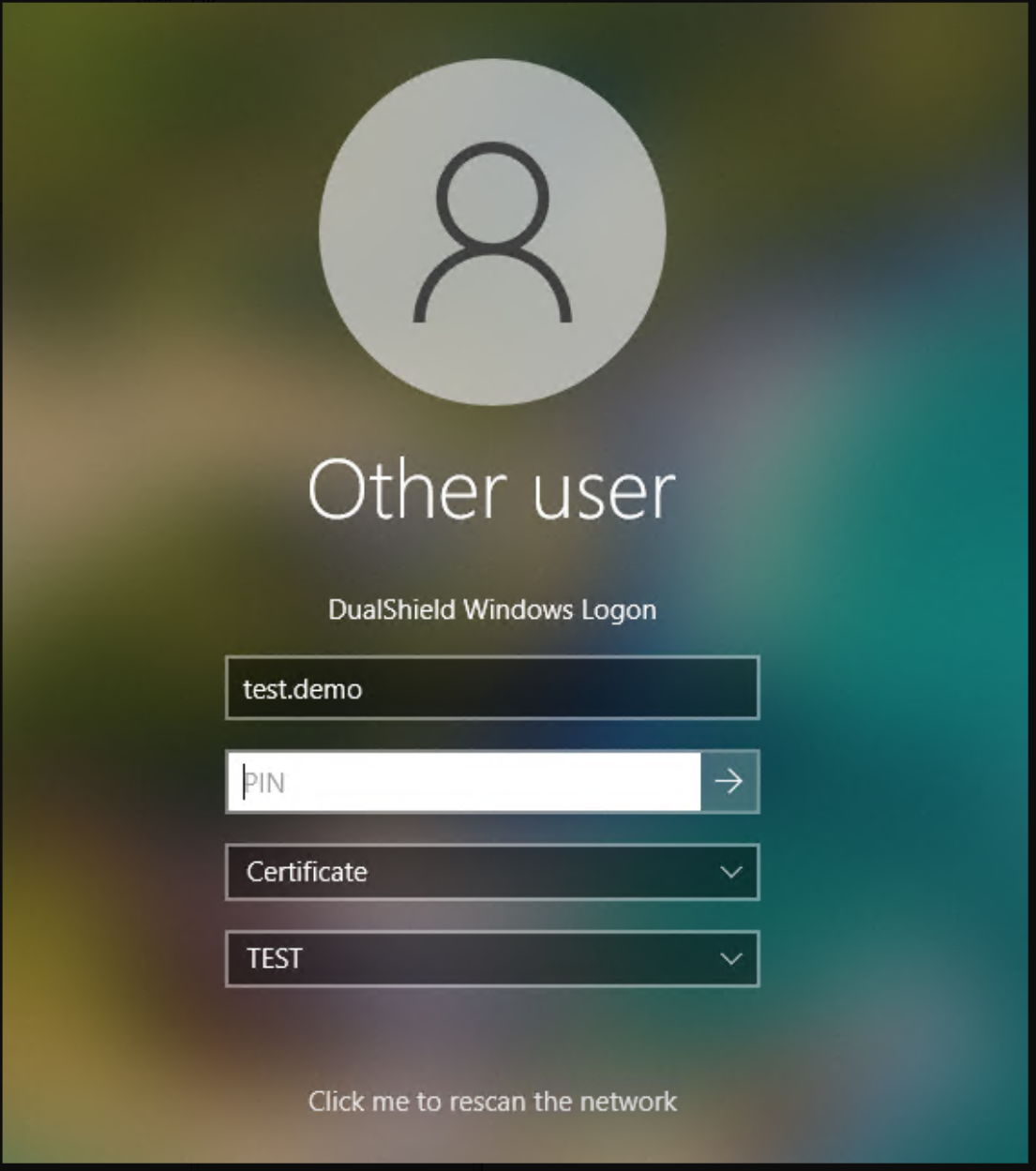
If you are using a smartcard certificate, then PIN is always required.
Enter the PIN of your smartcard, then press the  button to continue
If the correct PIN was provided, then you'll be prompted to select the smartcard reader
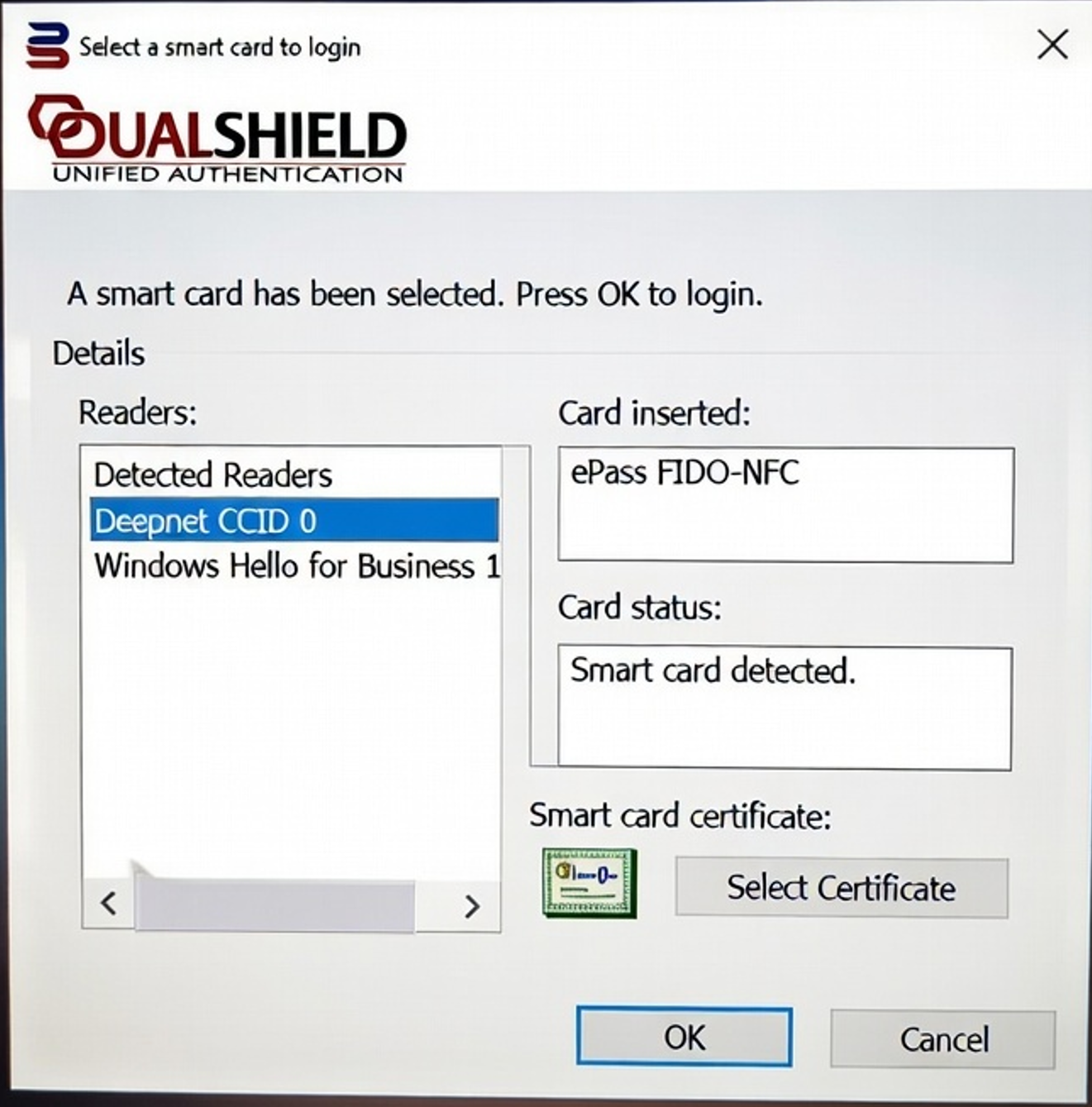
Select your smartcard reader from the "Readers" list, then press the "Select Certificate" button
You'll be prompted to select your certificate
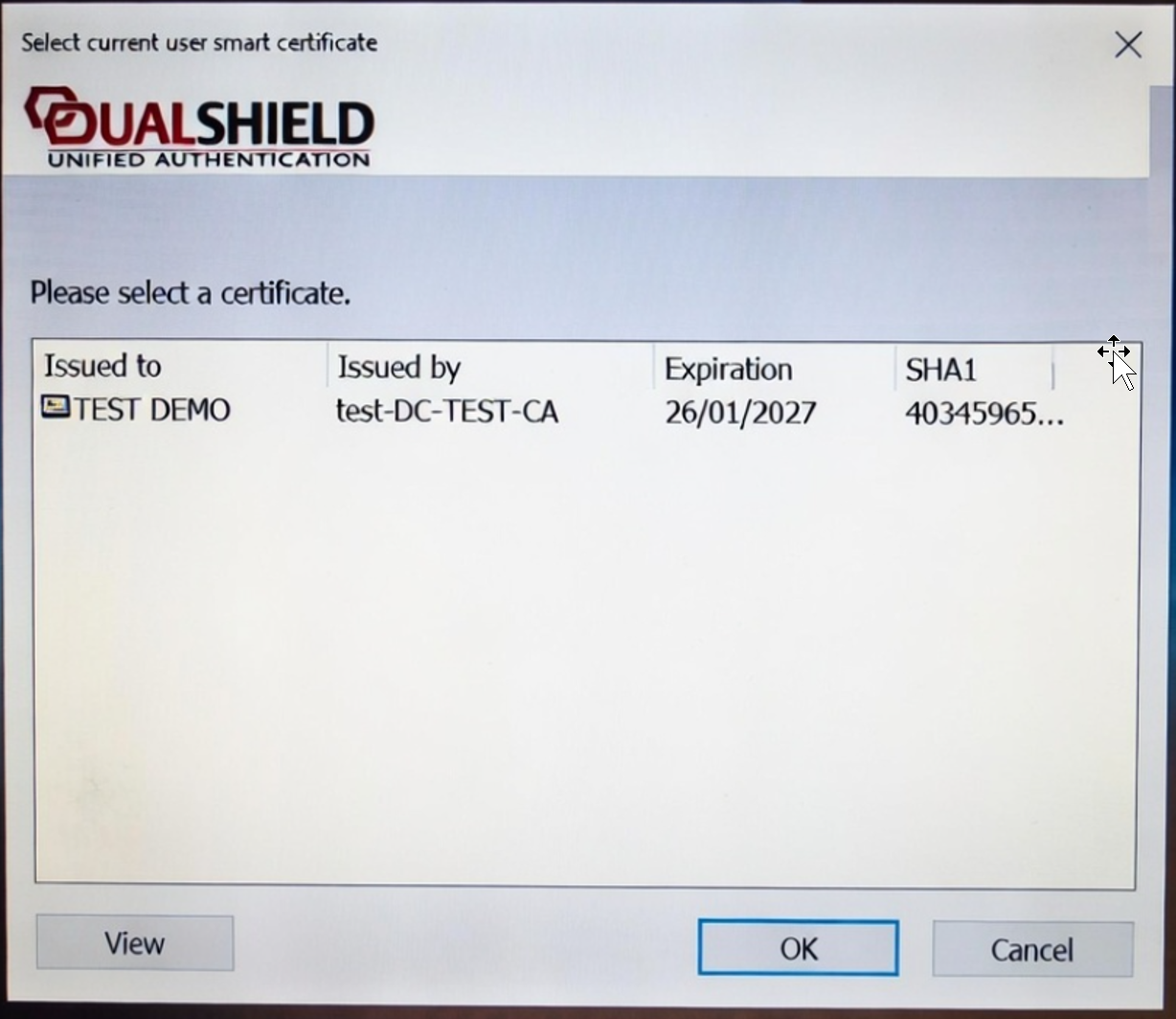
Select your certificate in the list, then press the "OK" button
You have now successfully signed in