Click Token Settings above the tabs. Unlike everything else on this page, which acts on one token at a time, Token Settings holds global override values that affect every token at once — both software and hardware.
The "Token Settings" button, above the Soft/Hardware Tokens tabs
OFFLINE TOKEN LIFETIME (DAYS)
This single number overrides every token's own expiration date for how long it can keep working offline — whichever comes sooner, a token's own expiration date or this many days counted from today, is what's actually enforced. It's a simple way to make sure a lost or stale token can't keep working offline indefinitely, without having to set an expiration date on every token one by one. Set it to 0 to turn this override off and use each token's own expiration date only.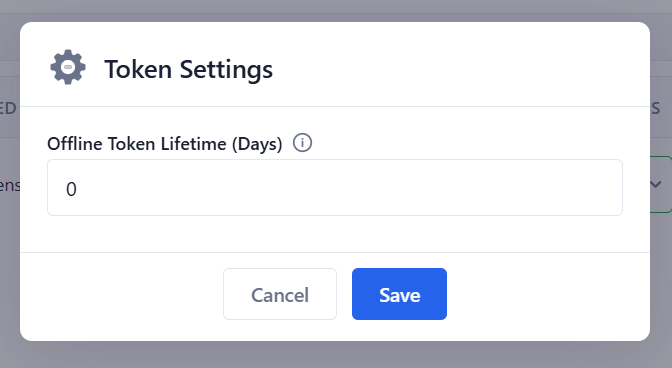
Token Settings — Offline Token Lifetime (Days)