MFA Policies let you define where MFA is required:
- Cold Boot Login
- Elevated Access (Run as Admin)
- Screen Unlock
and when MFA is required:
- Online Login
- Offline Login
- Local Login
You can also define an MFA policy on 4 different levels:
- System
- Domain
- Group
- User
The system policy applies to the entire system, the domain policy applies to users in the specified domain, the group policy applies to the specific user group only, and the user policy applies to the specific users only.
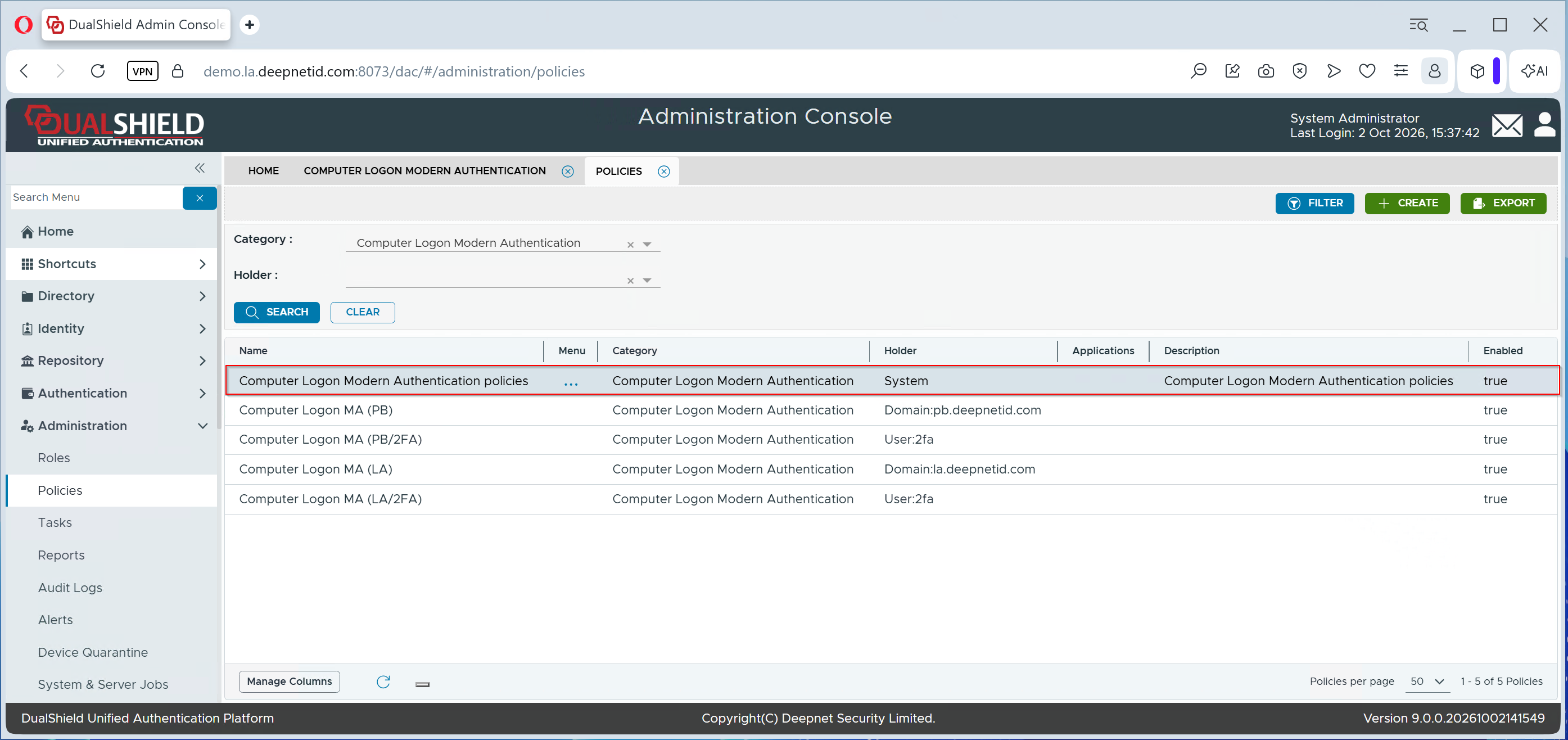
To manage MFA Policies for Computer Logon MA, navigate to Administration \ Policies in the Dualshield Admin Console
In the Category list, select "Computer Logon Modern Authentication", then click the Search button