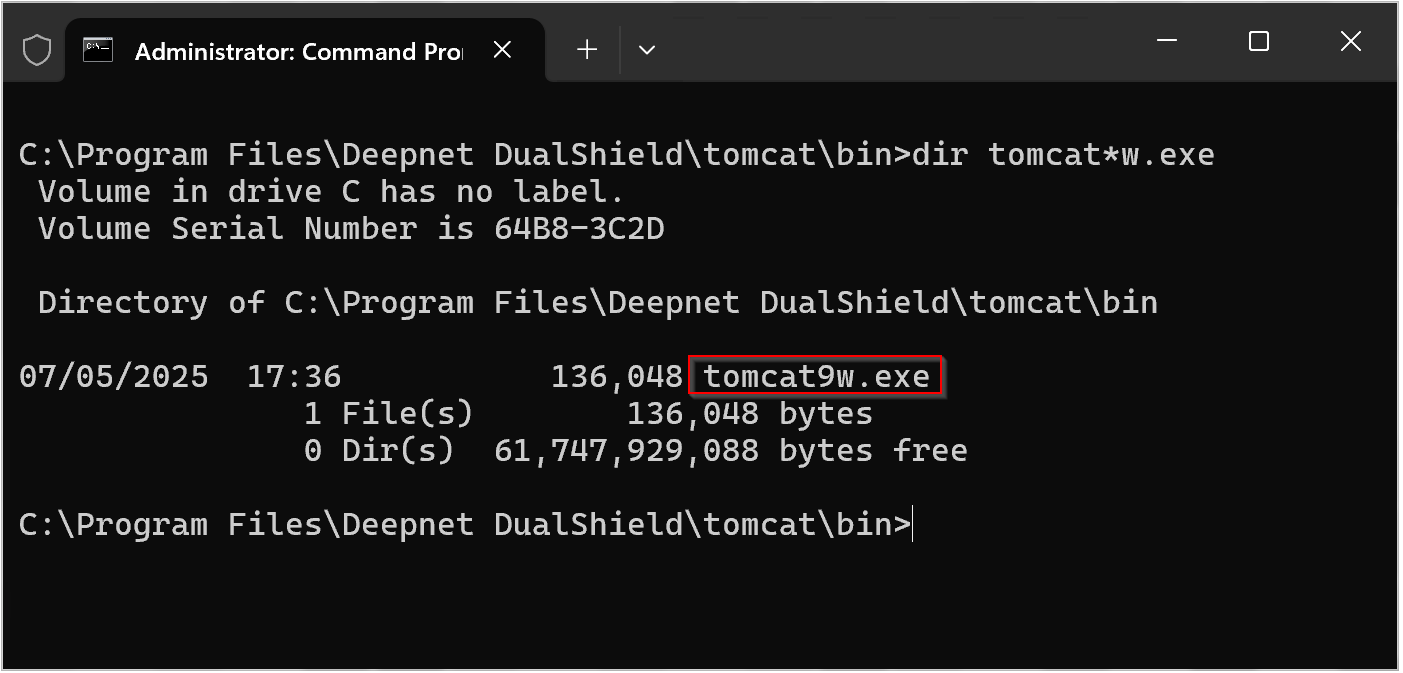
Open Windows Command Prompt, navigate to the DualShield installation directory, select the subfolder "tomcat\bin",
Enter the command "dir tomcat*w.exe*"
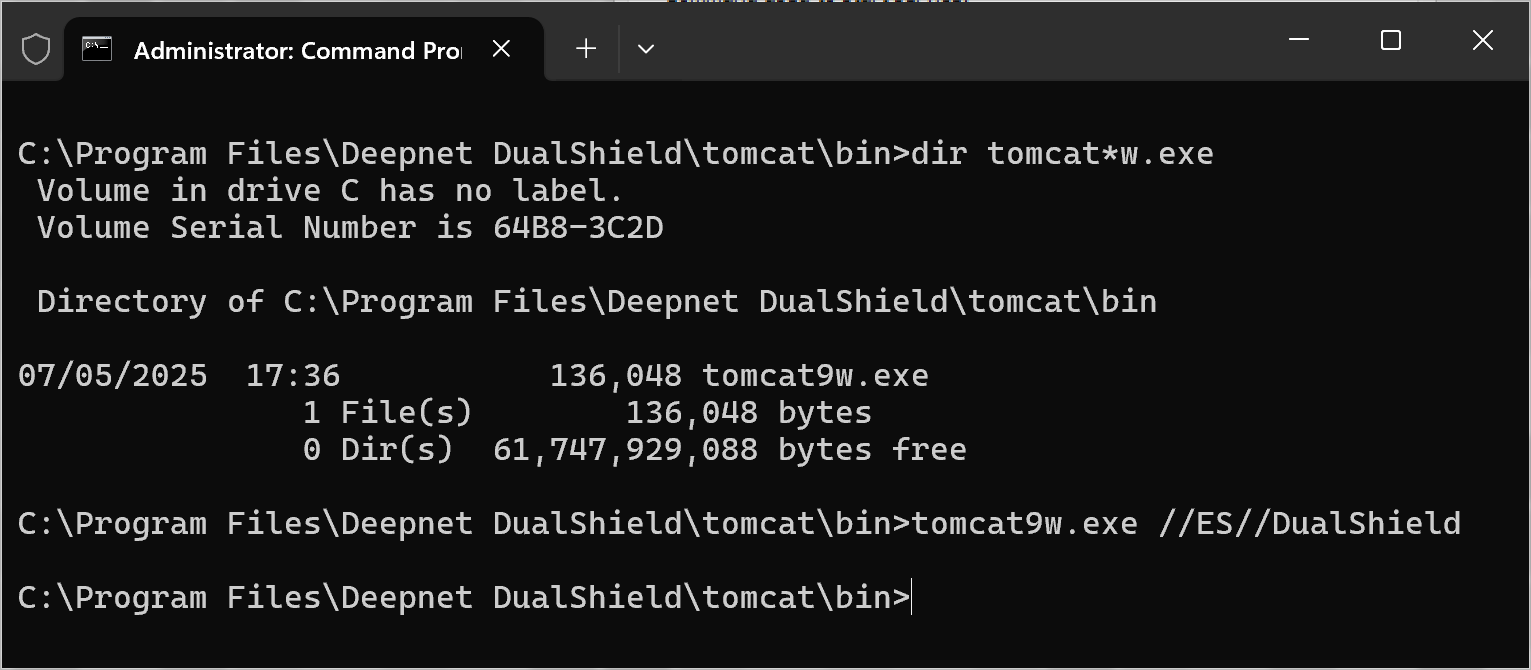
Now, enter the command "tomcatNw.exe //ES//dualshield " (replacing N with the version found in your directory, e.g. Tomcat9w.exe),
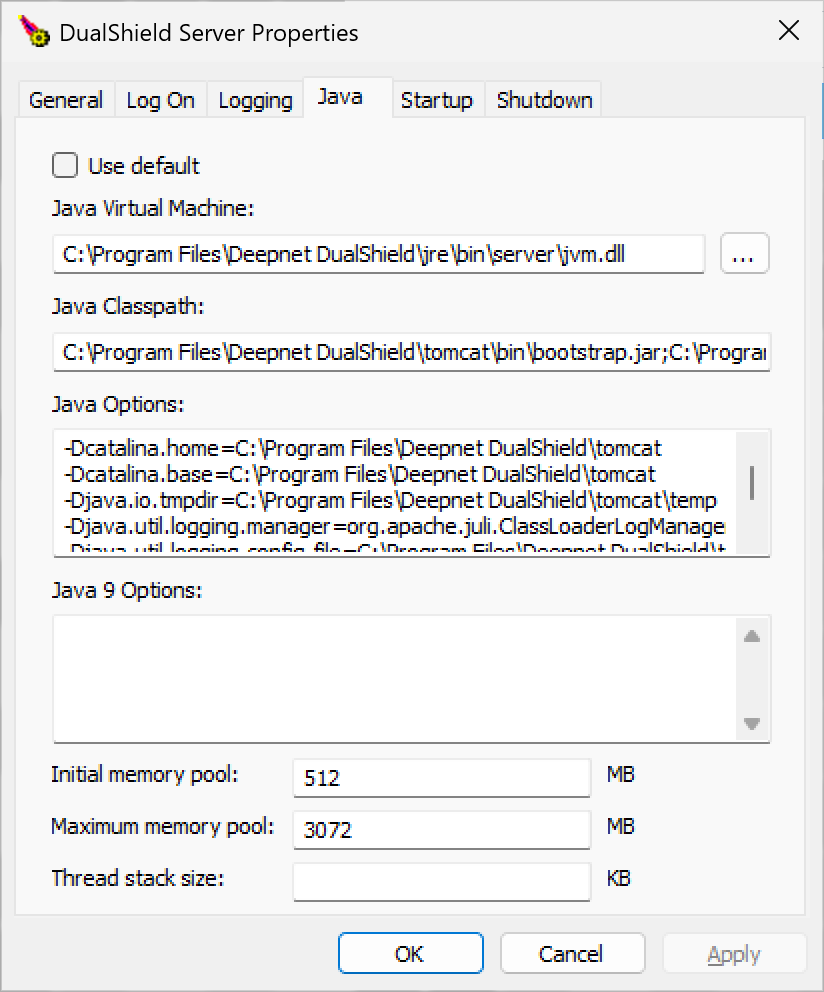
A new window will open titled "DualShield Authentication Server Properties"
Select the tab "Java"