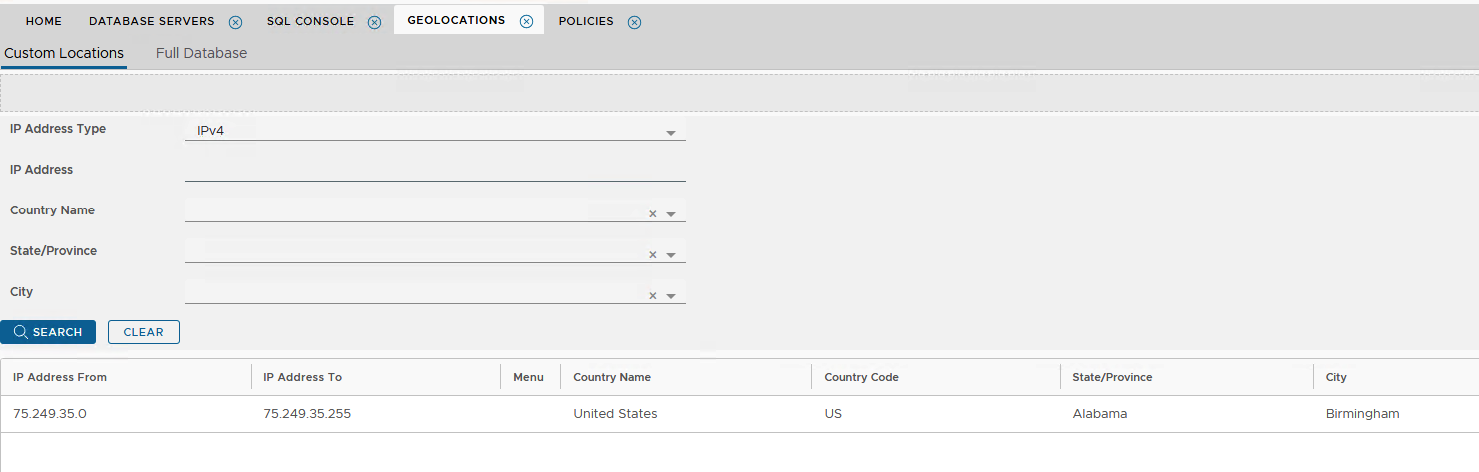
Sometimes, location data from a vendor such as ip2location.com or db-ip.com is inaccurate. In these cases it is possible to override the incorrect records by defining customised data, in the Geolocations repository
For example you may have a location-based policy applied that only allows logins from the state of Alabama however one of the end users who lives in Alabama is being denied access because their IP address is being identified as New York
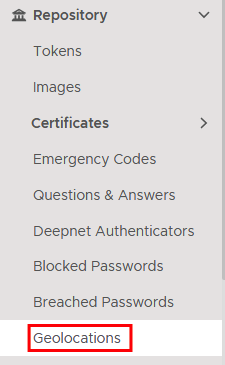
On the Administration Console, go to repository>geolocation
Click on the Custom Locations tab
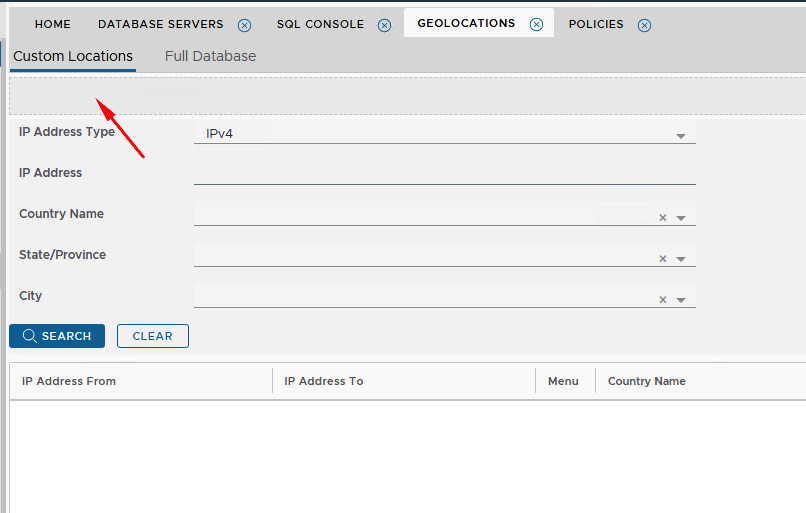
Click  on the top right
In the Location - New window you can set a customised IP address range, and apply it to the Country Name, State and City as per following example.
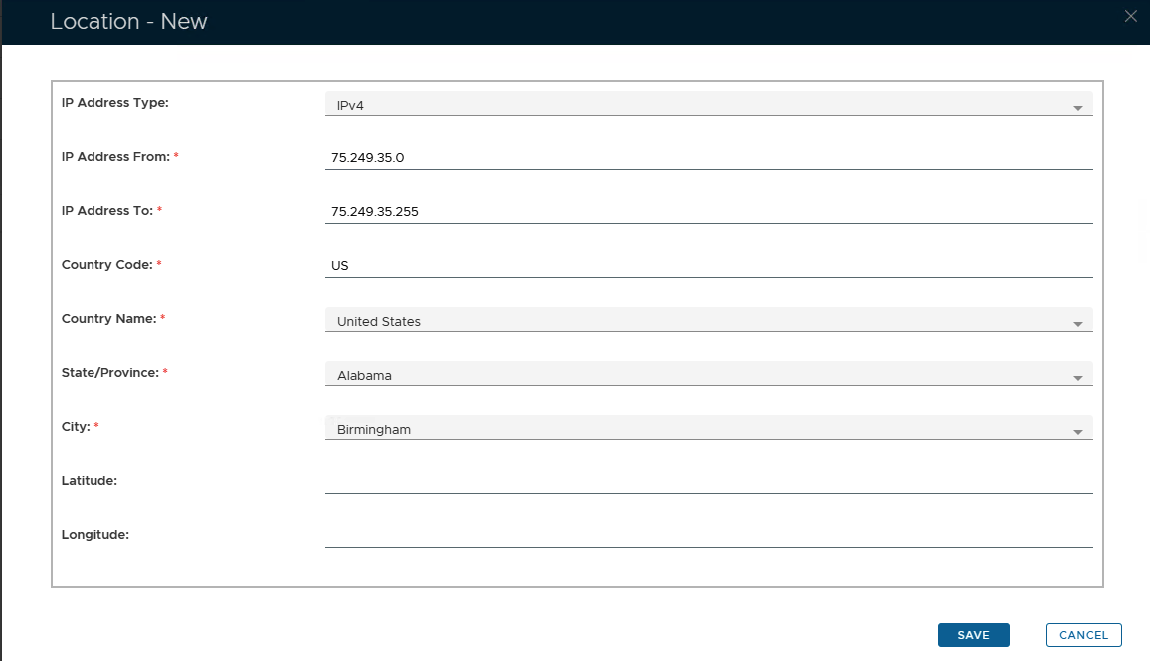
Click Save and the new custom geolocation will appear in the custom list below.