If you are using DualShield Server 8.0 or later, you must assign the 'API Agent' role to the agent after registration.
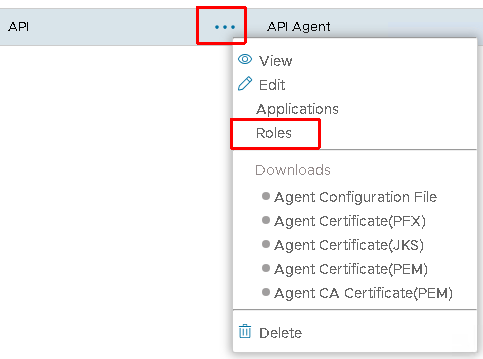
- Click the context menu of the new agent
- Select "Roles"
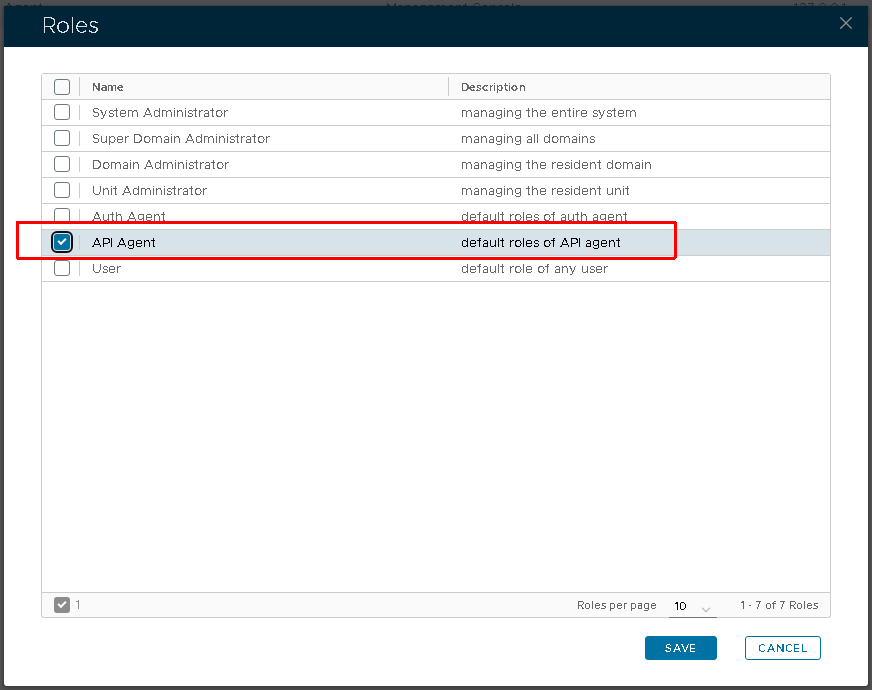
- Select "API Agent", the click "Save" button to close the dialog.
The default permission of the role is defined as:
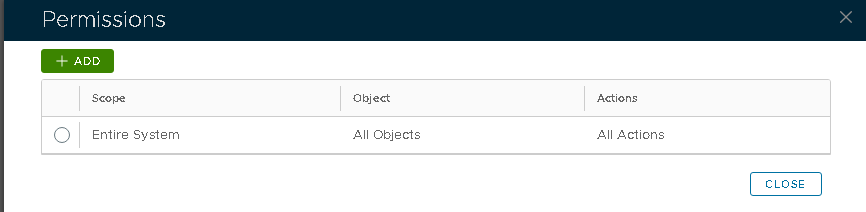
You may modify it as needed. If necessary, you can also create a custom role and assign it to the agent to achieve more granular permission control.