If you want to apply MFA to only selected devices, then create a new device group.
In the Mobility Console,
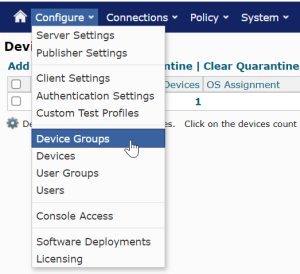
1. Select "Configure > Device Groups"
2. Click "Add"

3. Fill in the Group Name, etc

4. Click OK
If you want to apply MFA to only selected devices, then create a new device group.
In the Mobility Console,
1. Select "Configure > Device Groups"
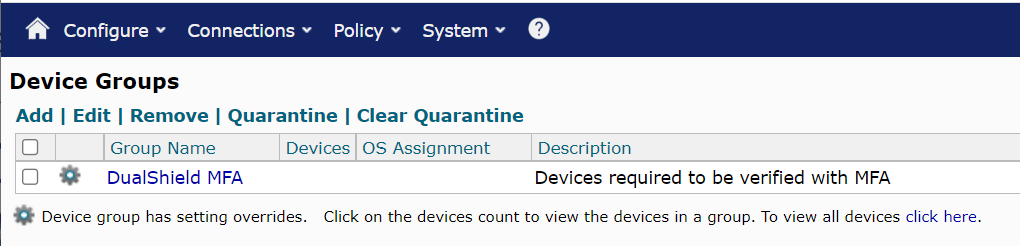
2. Click "Add"
3. Fill in the Group Name, etc
4. Click OK