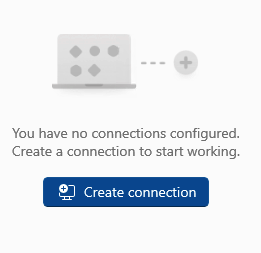
Launch Parallels desktop client. If setting up for the first time, click Create connection...
Enter your Parallels server address. (This information can be found on RAS under Farm>Secure Gateways)
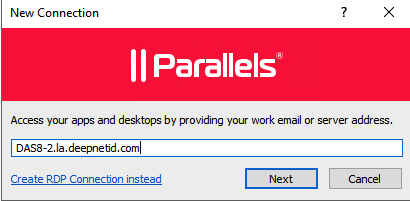
Click Next

Click Create
Enter your AD Credentials (save password is optional)
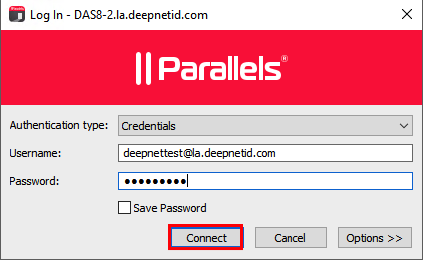
Click Connect
When prompted for the 2nd factor authentication, select the type of token that you wish to use, and enter the one-time password (OTP).
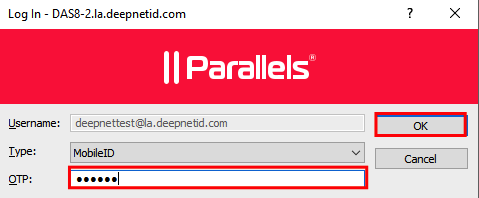
Click OK or press return.