| Option | Description |
|---|---|
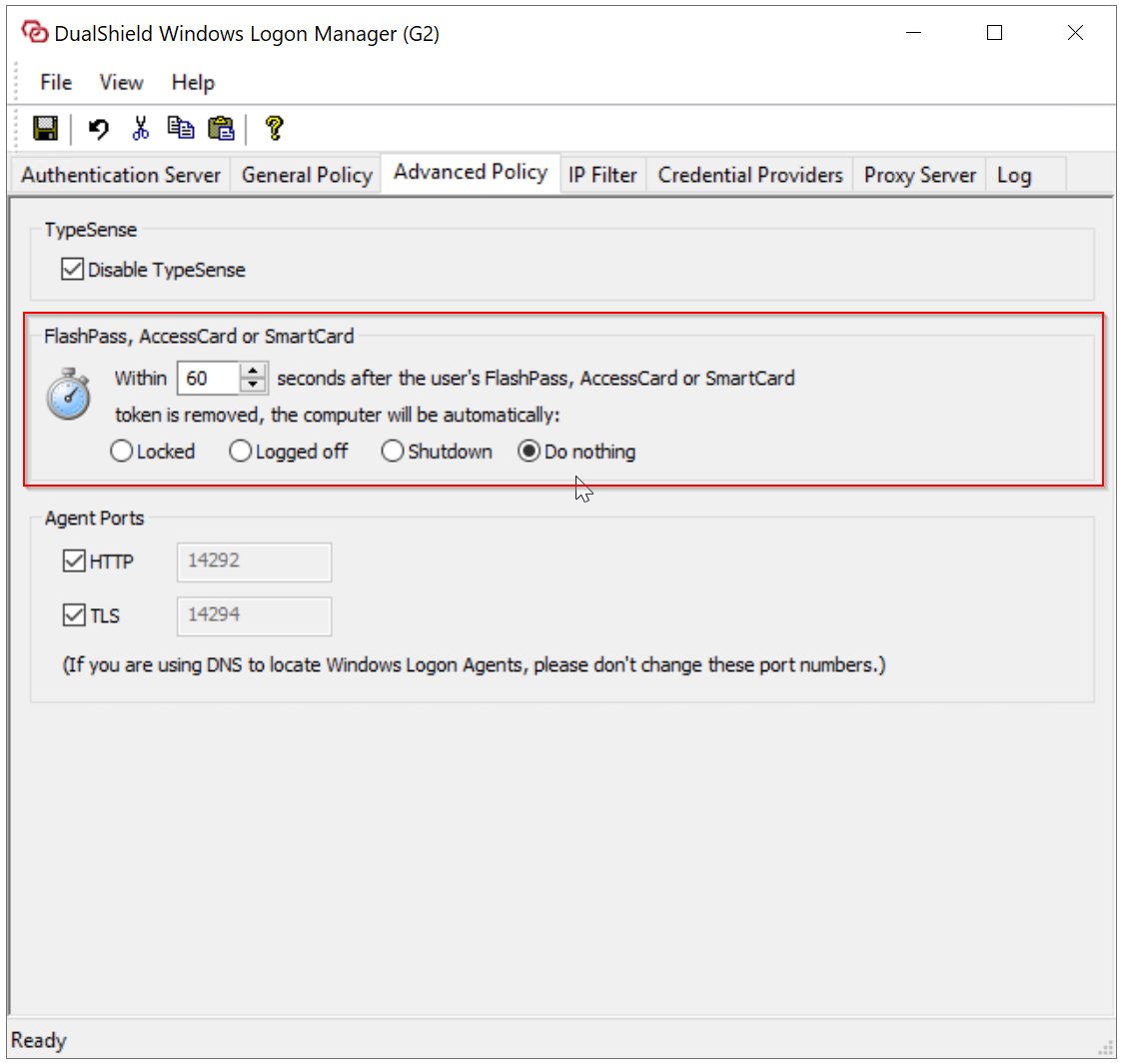
| Disable TypeSense | To enable-disable TypeSense |
FlashPass, Access Card or Smartcard
| This option defines the action to be taken when the authentication device is removed from the computer. If you are using access cards, smart cards or FIDO USB keys in your organization as an authentication device in MFA logon, then you can define the action when the device is being removed from the computer. For instance, if you want no action to be taken when the user's authentication device is being removed, then set the option highlighted below to "Do Nothing" |
Agent Ports
| HTTP: This option defines the HTTP port used by the connection between the logon agent and clients TLS: This option defines the HTTPS port used by the connection between the logon agent and clients. |