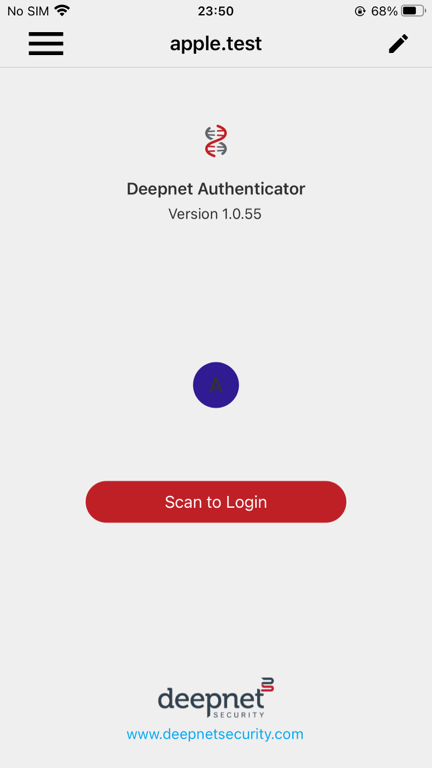
In order to use the DNA app as a login console, you must first register your DNA app with your user account. In other words, you must add your user account into your DNA app.
To add a new user account into the DNA app, you need to obtain a QR code from the DualShield Service Console (DSC)
- Visit the DualShield Service Console, e.g. https://dualshield6.deepnetsecurity.com/dsc
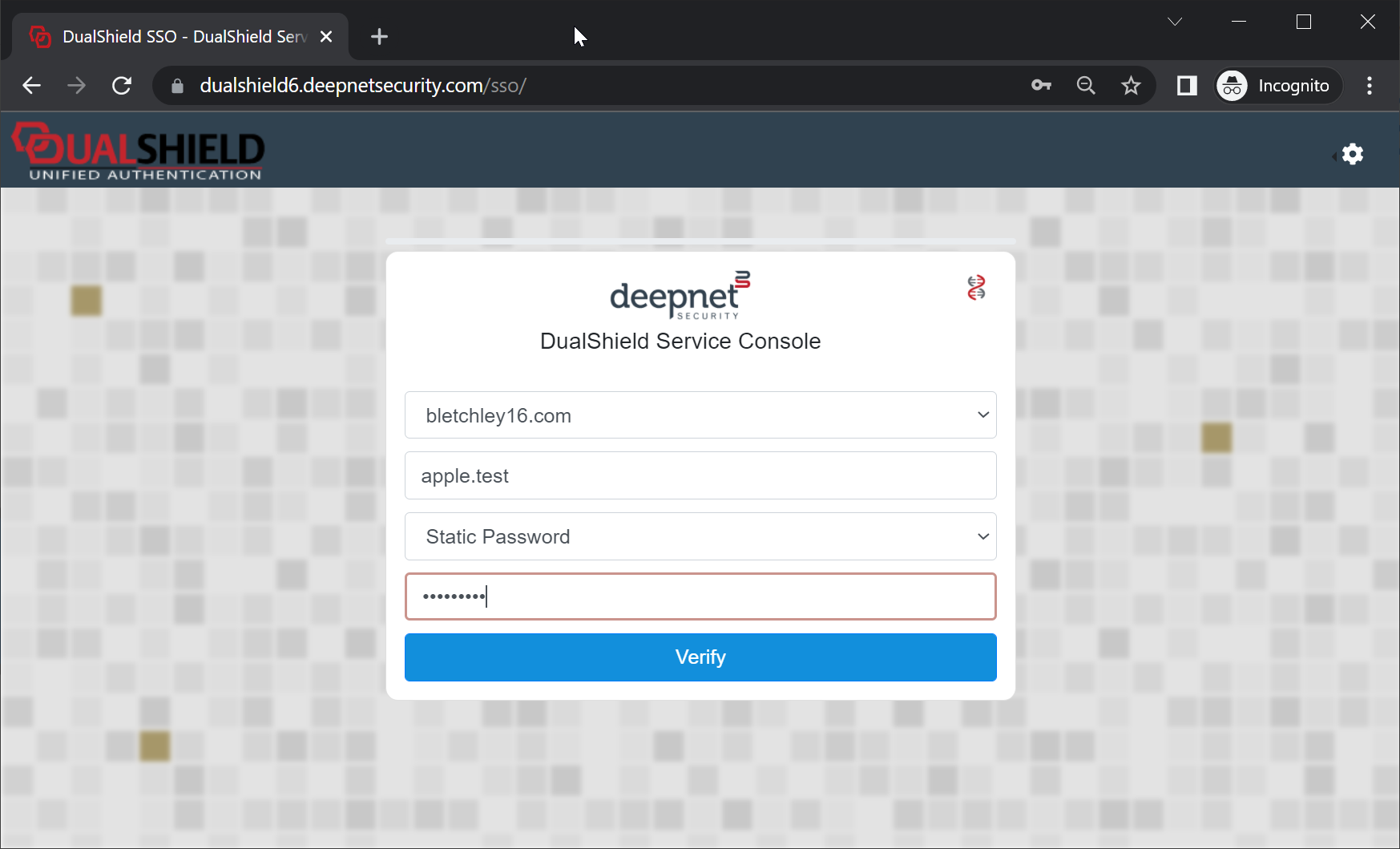
Sign in with your username and password
- Click the Deepnet Authenticator icon
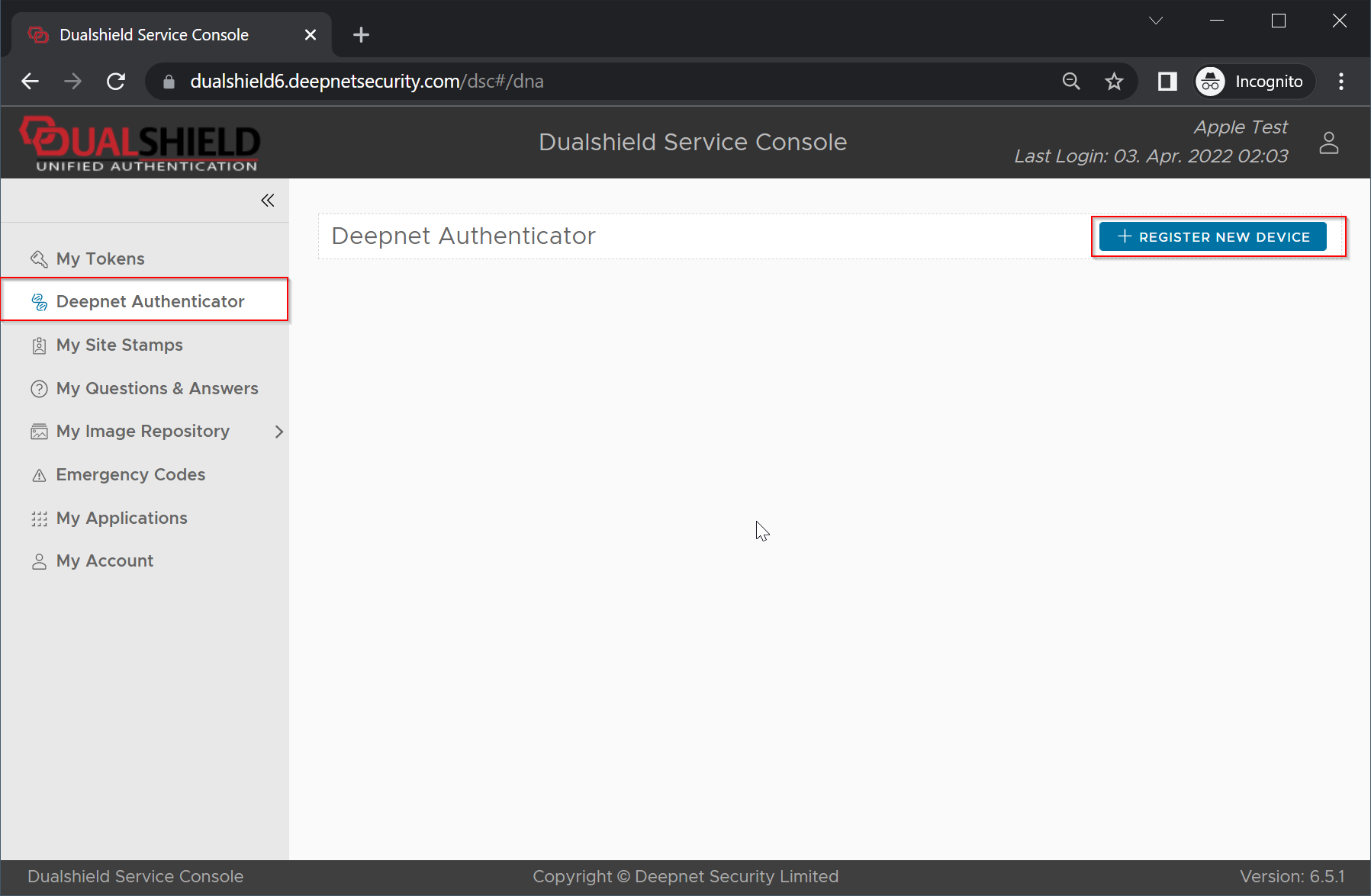
- then click the Register New Device button. A QR code will be displayed
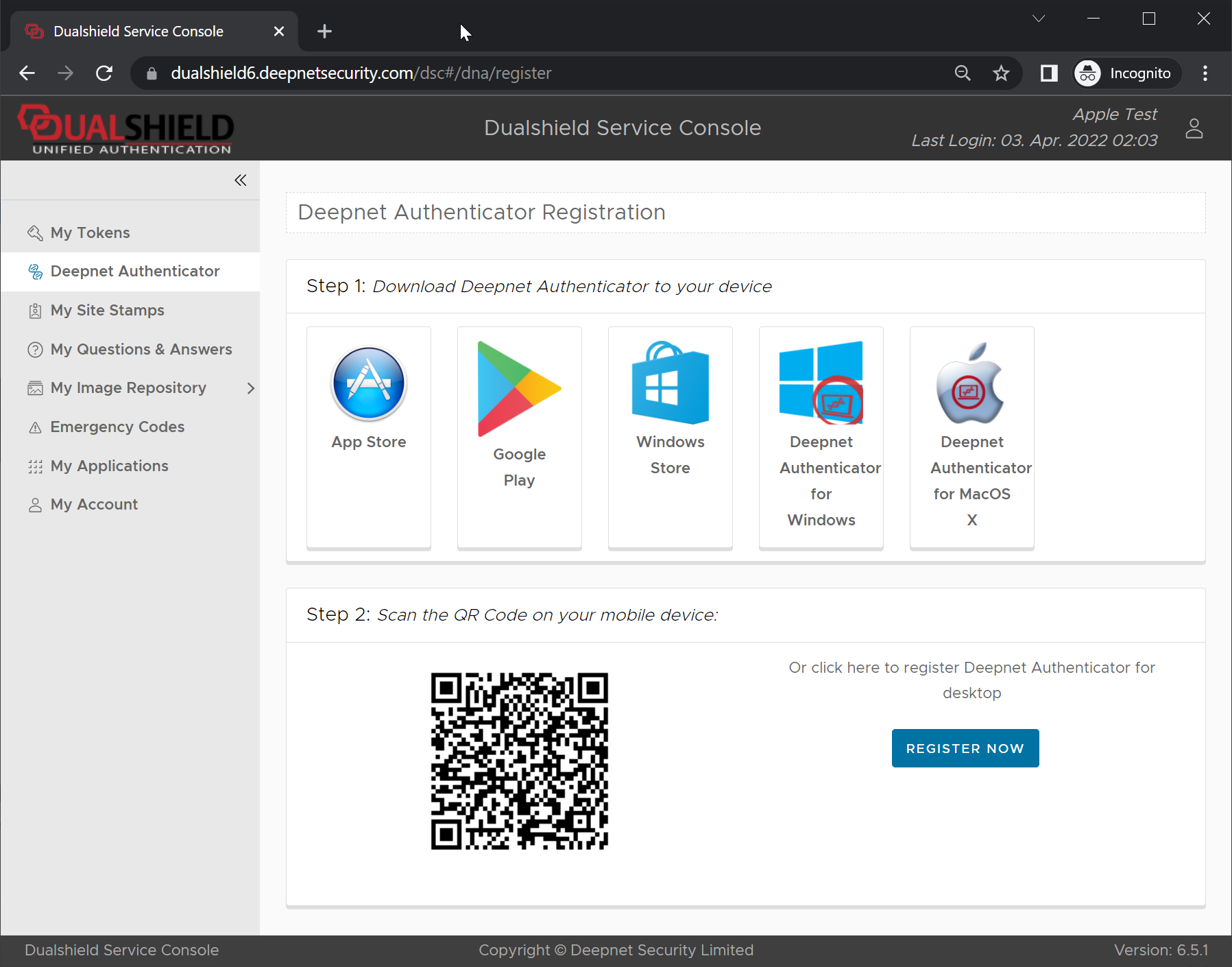
- In the Deepnet Authenticator app, click the main menu icon
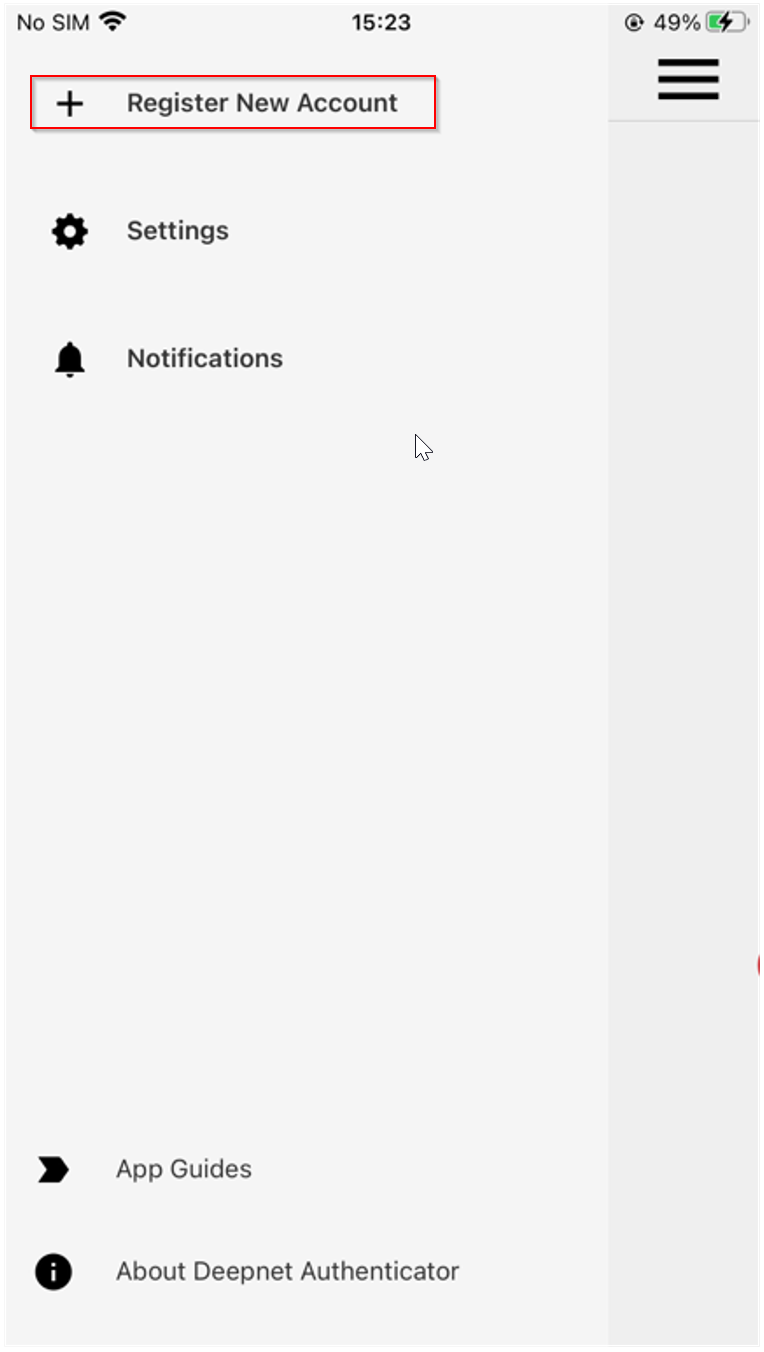
- Select "Register New Account"
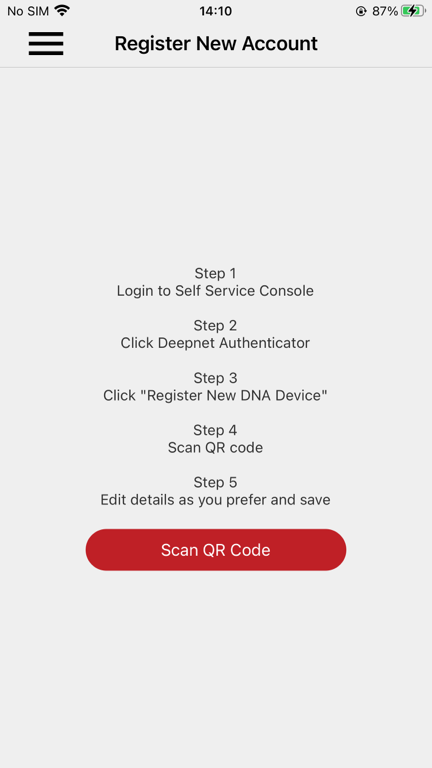
- Click Scan QR Code, then scan the QR code displayed in the DaulShield Service Console
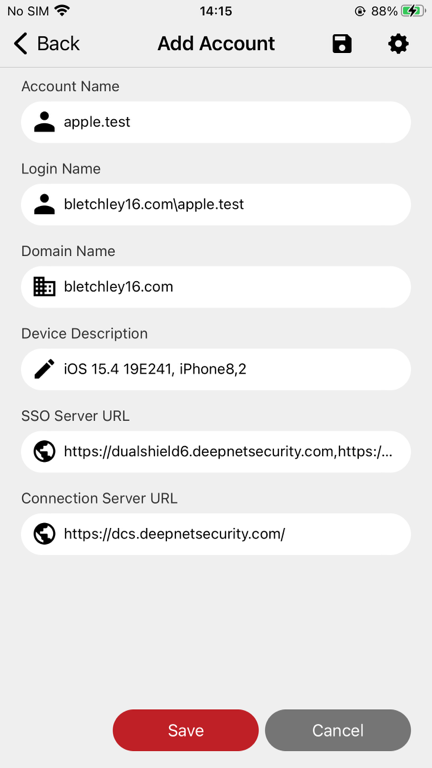
- Click Save