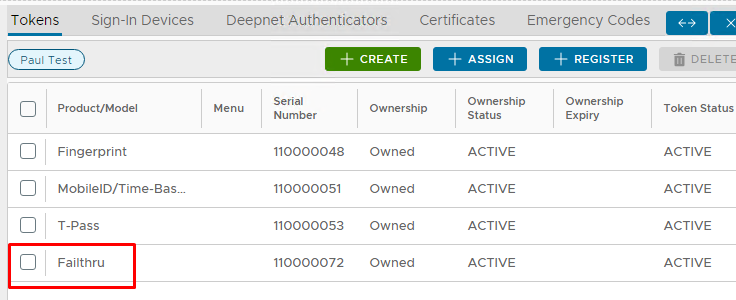
Failththu will be used to authenticate the AD Password via your NPS server.
Setup a Failthru Server
Login to the DualShield Admin Console
Go to Platform>FailThru
Click on the green  button on the top right.
Enter the information as below, with Credentials set as Static Password and the IP address matching the one corresponding to your NPS Server
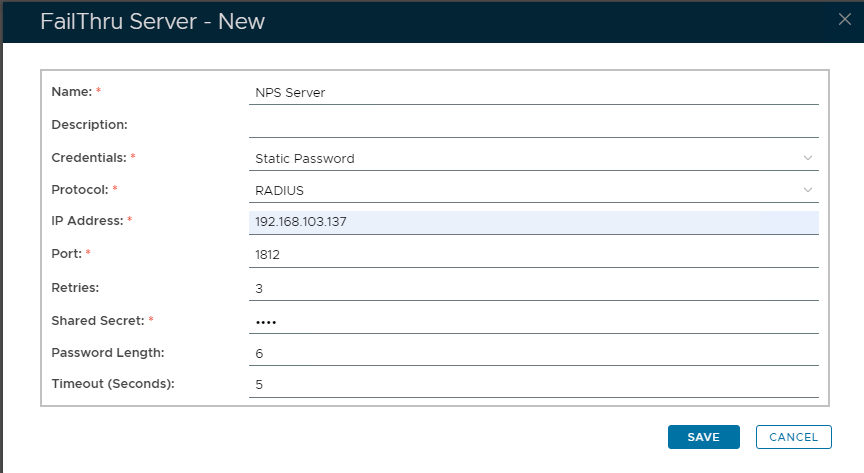
Also, make sure the Shared Secret corresponds to the one you specified in the NPS Radius Client settings.
Click Save.
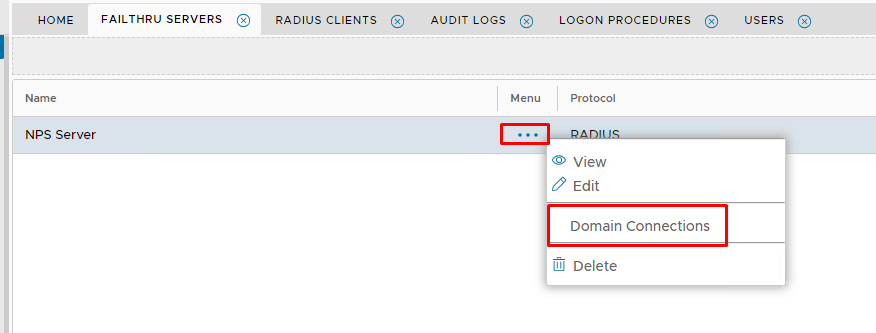
Connect the Failthru Server to a domain by selecting Domain Connections from the Failthru server sub-menu...
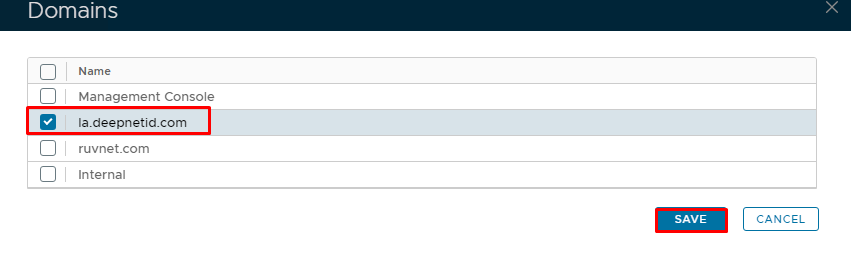
Select the domain and click Save.
Setup a Failthru Token
Before a user can use the failthru server, the user has to be assigned a Failthru token.