Run the DualShield Framework Upgrade file, DualShieldFrameworkUpgrade-x.x.x.yyyy, as Admin
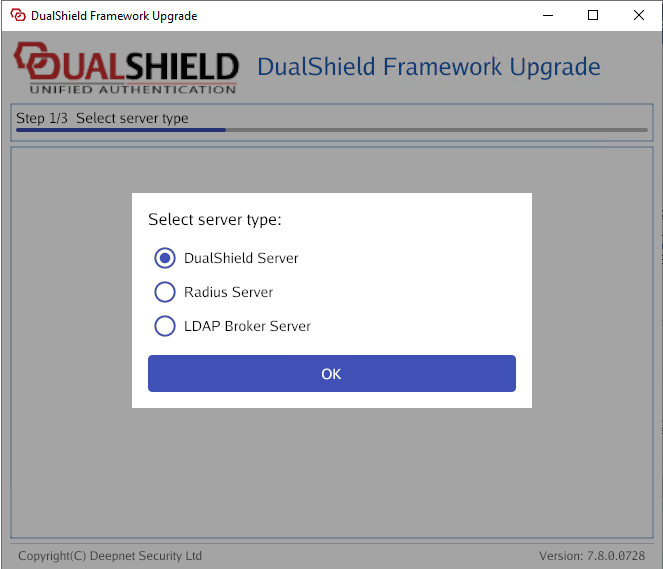
Select DualShield Server and click on OK
The Framework upgrade will then detect which components require updating; Tomcat/jre/MySQL
It will also show you which components are already up to date.
Follow the on-screen prompts as below.
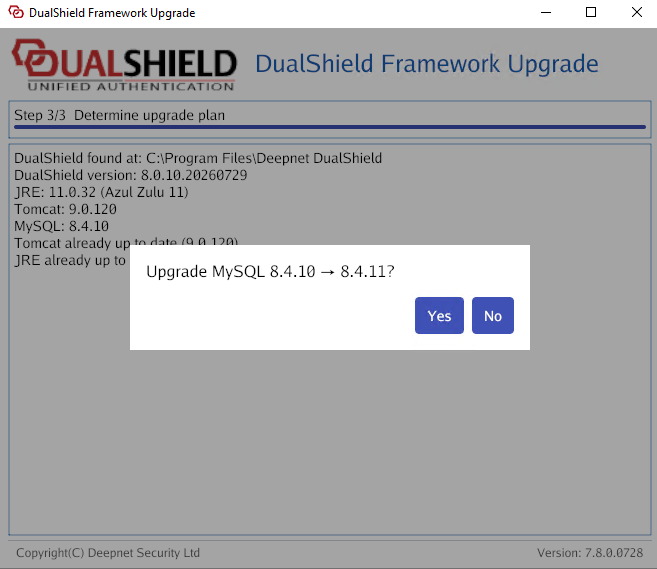
After you have selected what components you would like to upgrade, you will be presented with the following messages
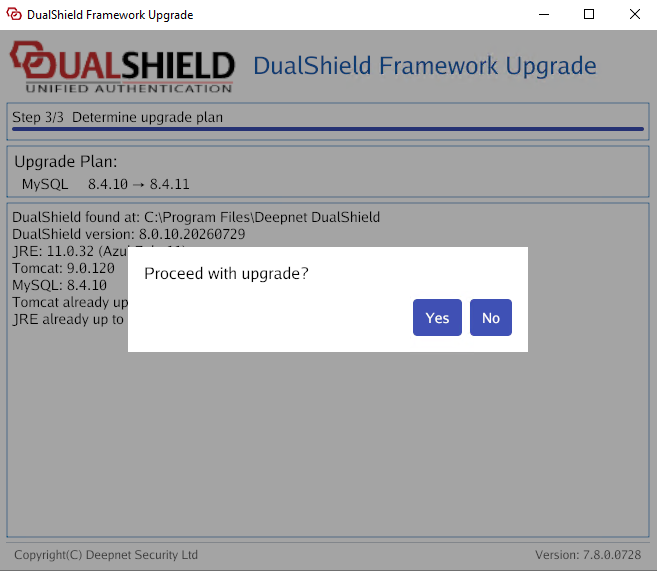
Close any open files under the DualShield Installation folder
Click Yes to proceed.
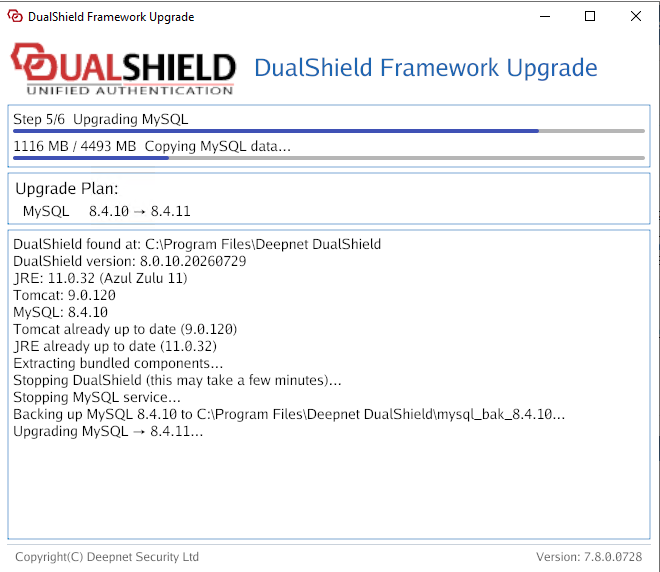
The update will now begin. You will see a graphical display of how the upgrade is progressing.
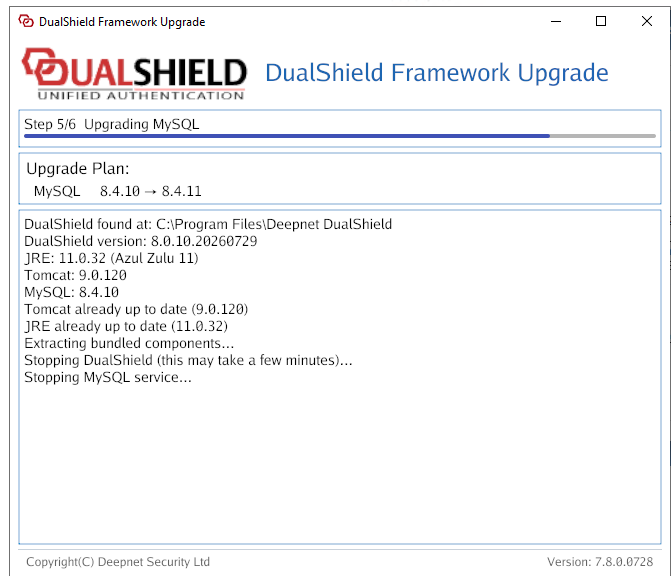
The Framework update will display the following when complete..
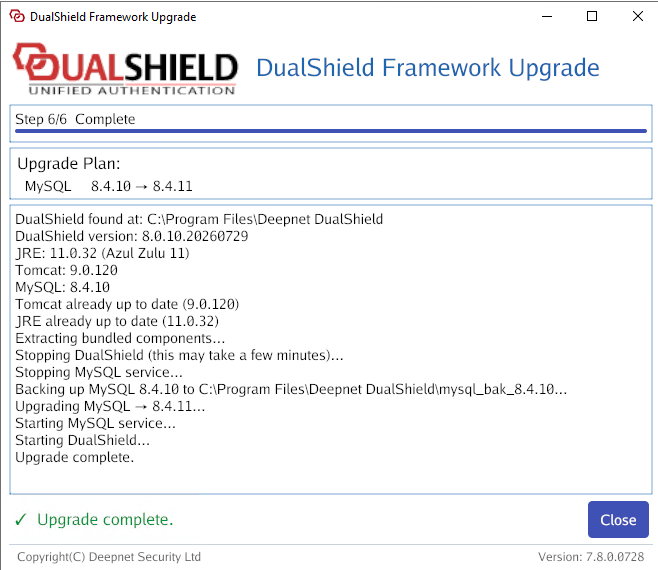
Click Close and Wait for the DualShield server to be fully loaded