DualShield has several web consoles, namely
- Single Sign-On Console (SSO)
- Administration Console (DAC)
- Service Console (DSC)
- Deployment Console (DDS)
- Reset Password Console (DRP)
- Unlock Account Console (DUA)
- Emergency Access Console (DEA)
All of those web consoles use the same SSL certificate.
To renew the certificate of web consoles, navigate to "SSO | SSO Servers"
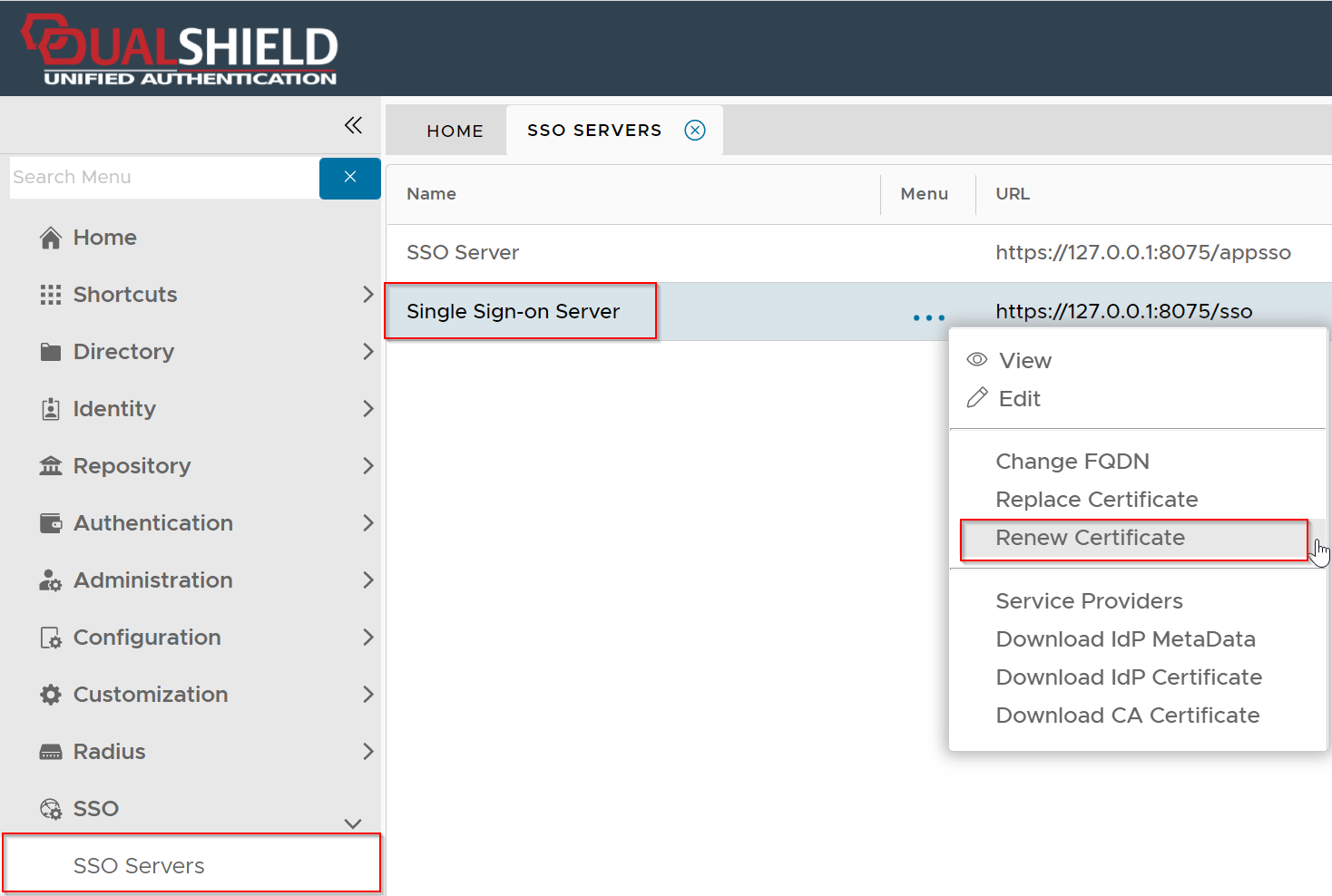
Click the context menu of "Single Sign-on Server", then select "Renew Certificate"
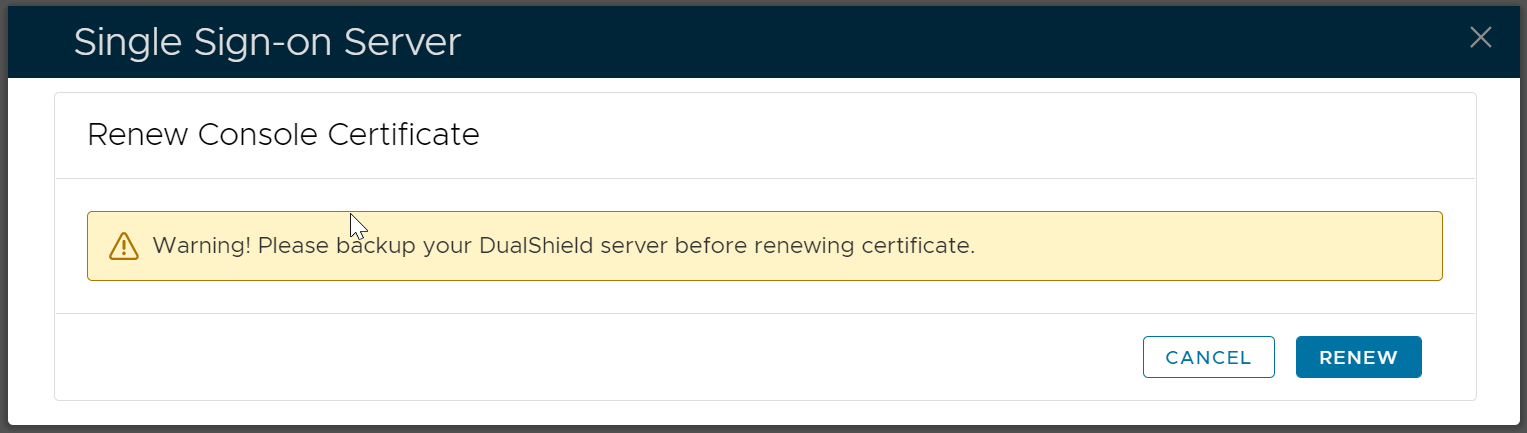
To be cautious, you might want to back you your DualShield server or take a snapshot of your DualShield VM.
Click "Renew" to start the renewal process
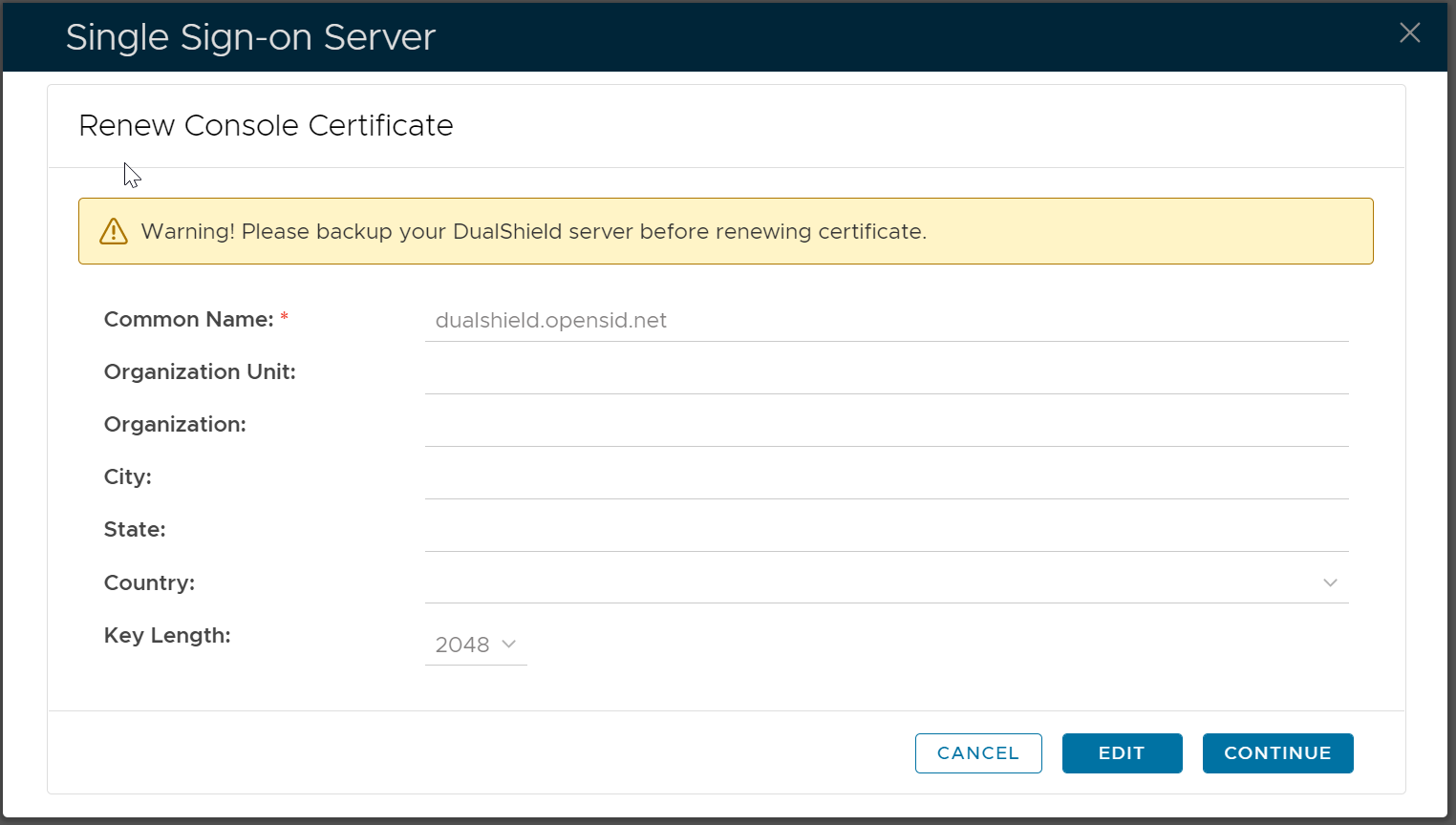
Click "Edit"
Fill the certificate application form
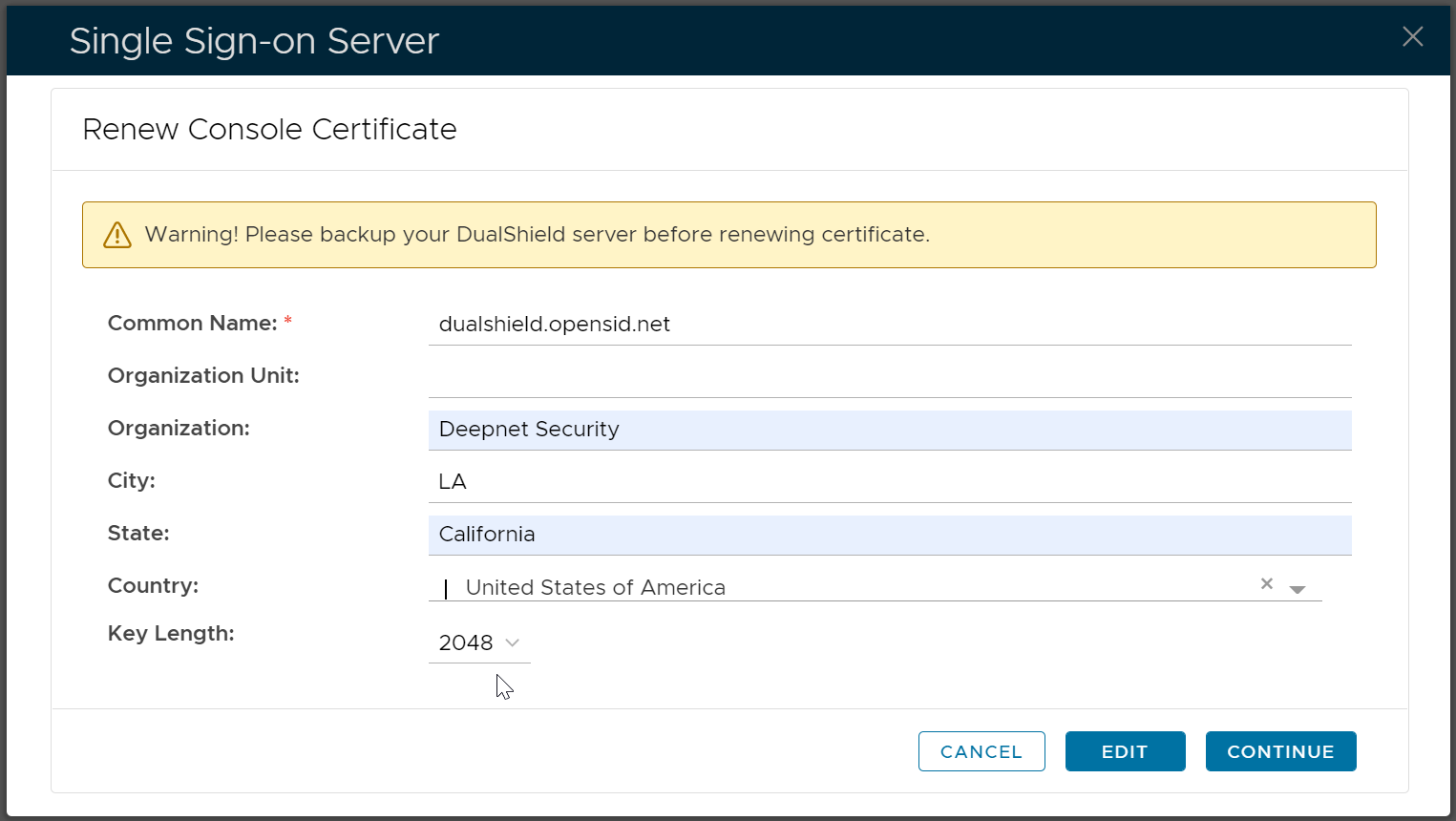
Click "Continue"
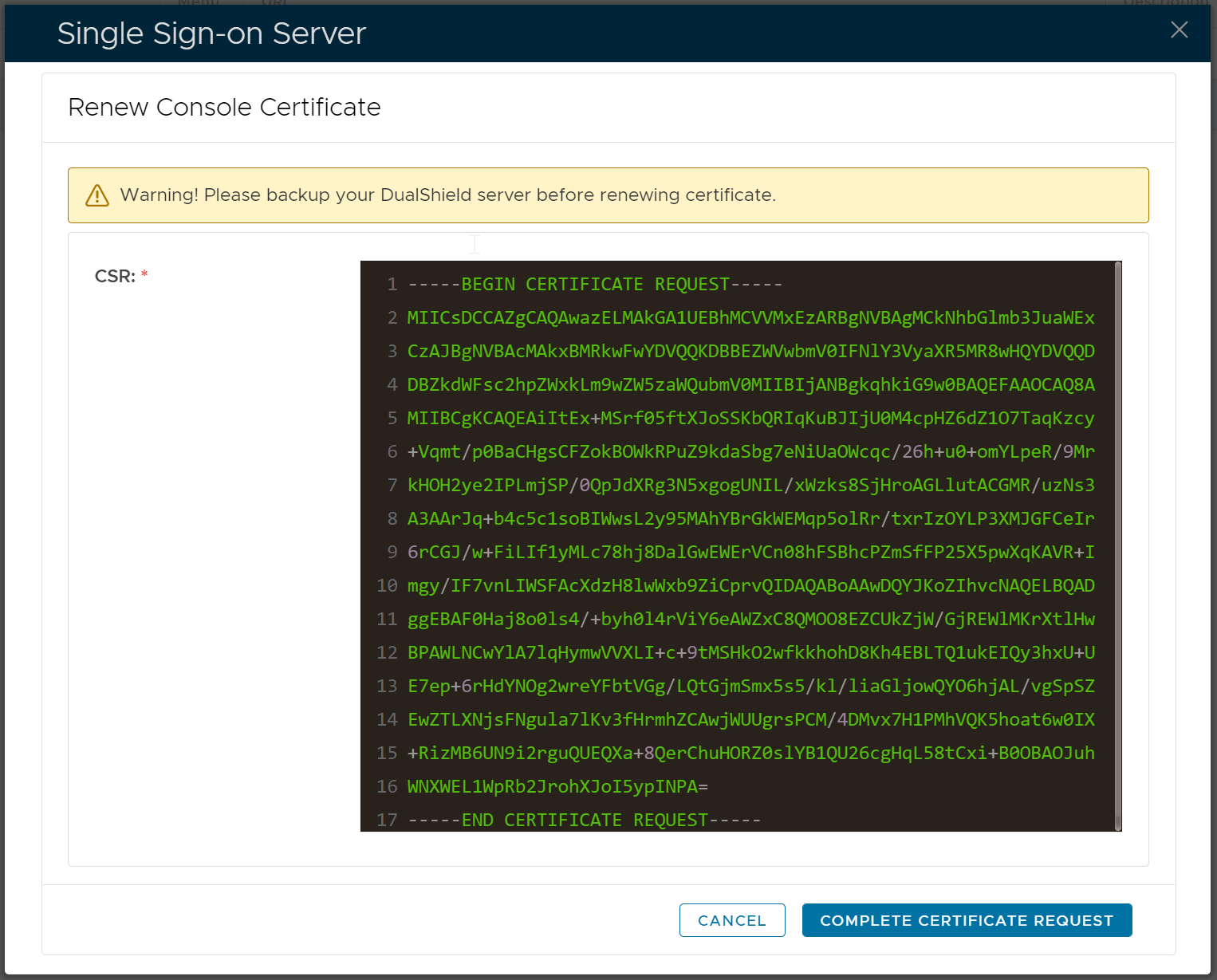
Copy the entire CSR text, and submit it to your certificate authority to apply for a SSL certificate.
Once you have received your certificate from your certificate authority, upload it to your DualShield server.

Click "Save"