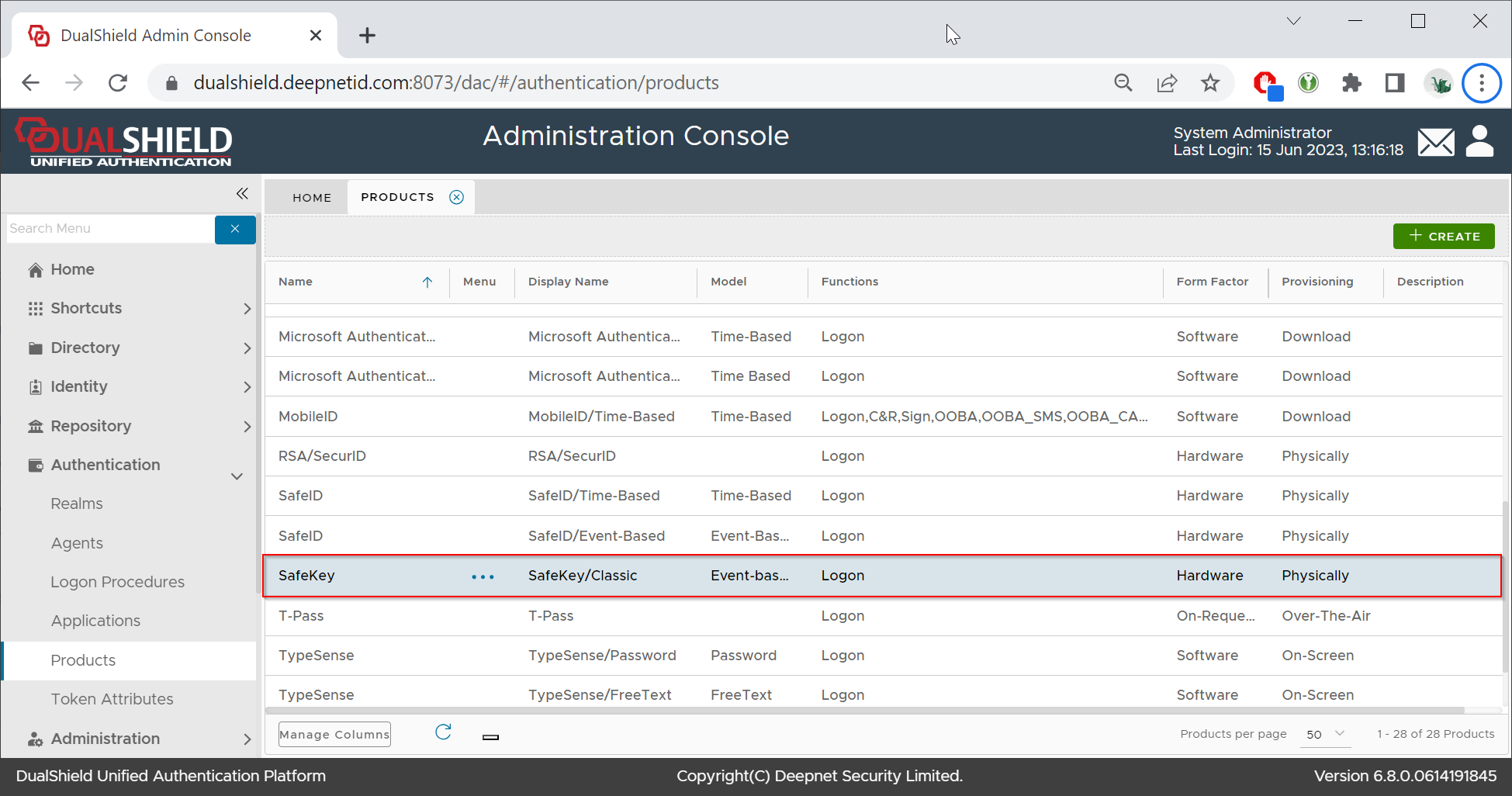
This guide describes the process of creating an event-base OTP (HOTP) authentication product for the SafeKey/Classic USB keys,
Follow the steps below to create a new authentication product.
In the Admin Console, navigate to Authentication \ Products

In the authentication products panel, click the CREATE button on the toolbar
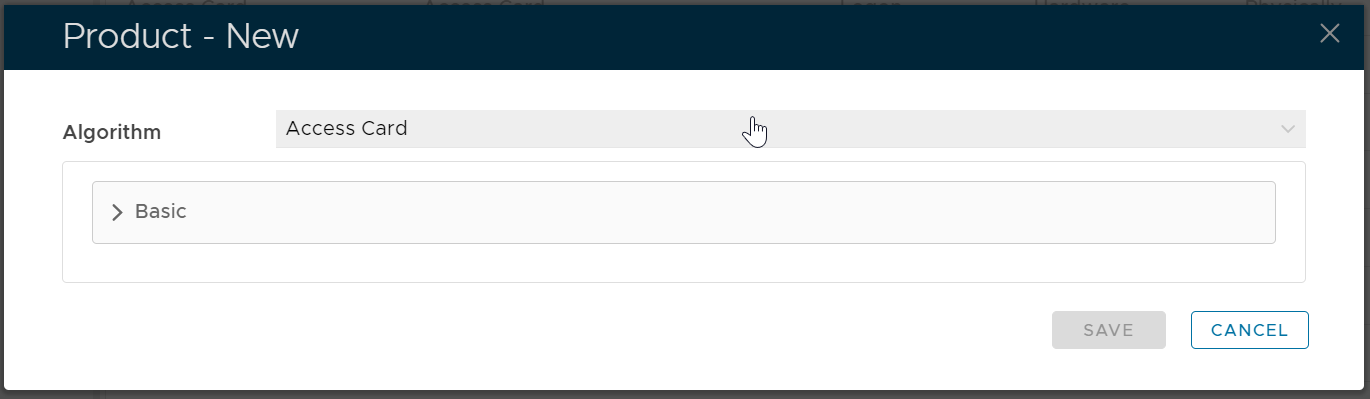
In the Algorithm selection box, select the algorithm that the product uses.
As we want to create an event-base OTP (HOTP) authentication product for the SafeKey/Classic USB keys, we need to select "OATH HOTP"

Expand the "Basic" section, and fill in the following details:

Now, expand the section "Extended", and fill in the following details:
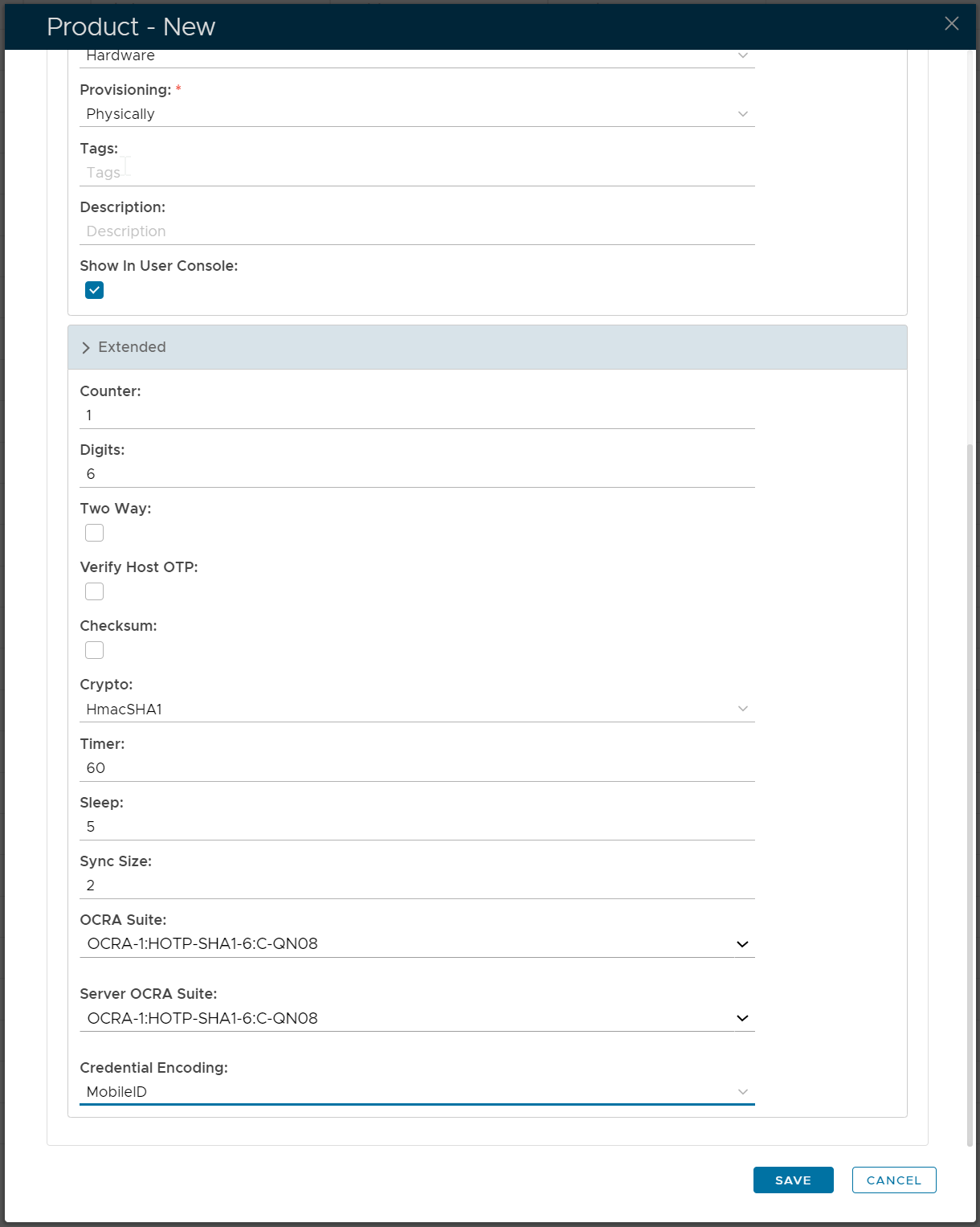
Finally, click the SAVE button.