The following procedure demonstrates how the system administrator can obtain token seed data prior to manual deployment to a user's mobile device or computer.
- Select the tab "SMTP Template", then click on the "Edit" button;

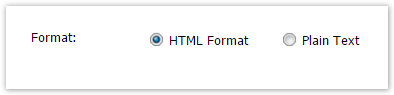
- At the prompt "Format:" ensure "HTML Format" is selected;
- At the prompt "Body:" include the text "[[QRCODE]]".
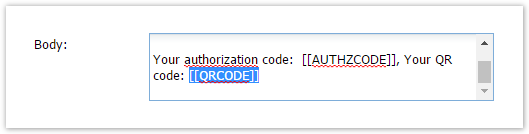
If the authorization code is not required, then remove "Your authorization code: [[AUTHZCODE]]" from the message body.
- Click on the "Save" button to update the SMTP Template for pushed emails.
To send out the token's QR code in an email, navigate to the user's token list. In the token's context menu, select "Push > By Email"
