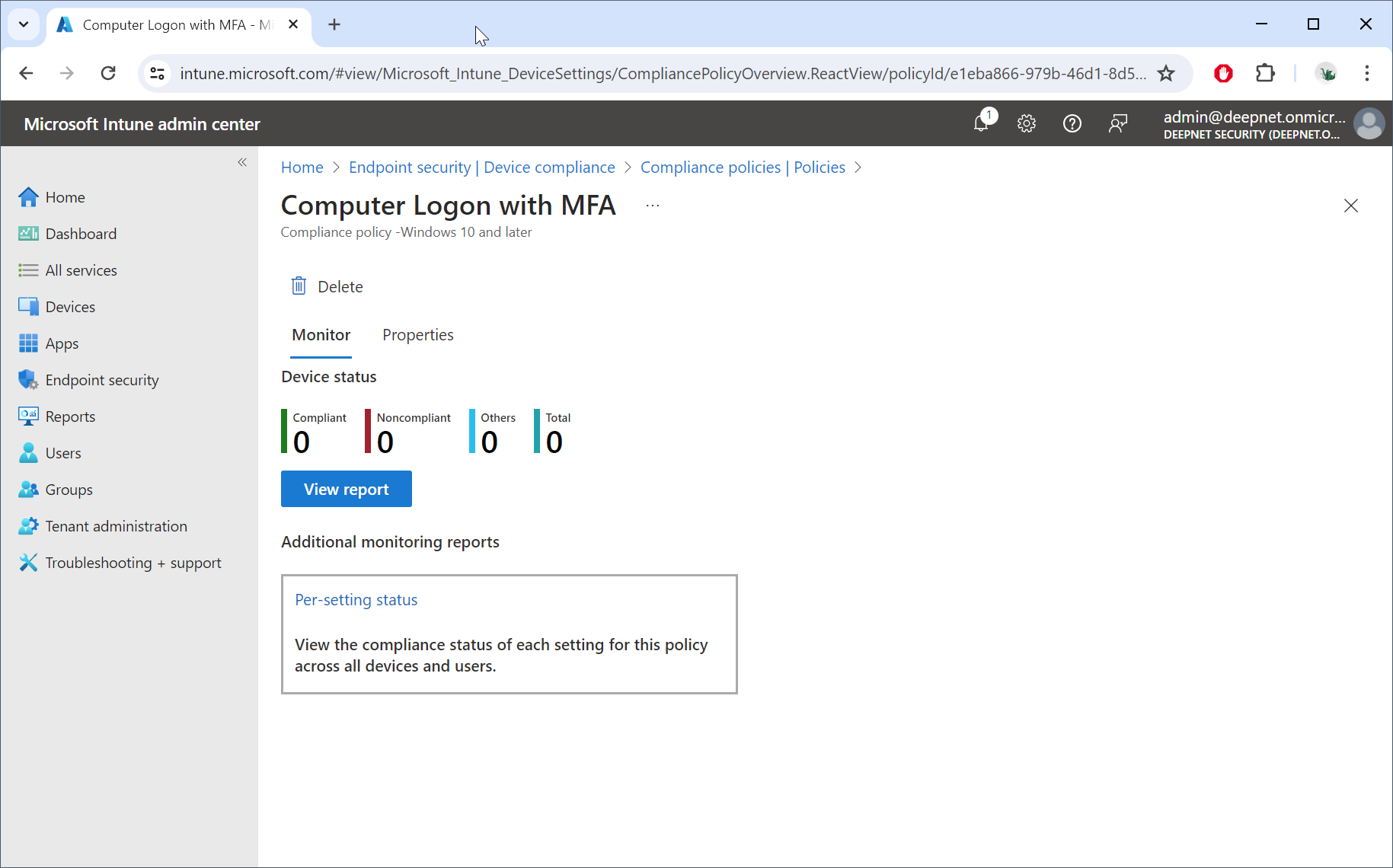
In the Intune portal, navigate to Endpoint security | Device compliance
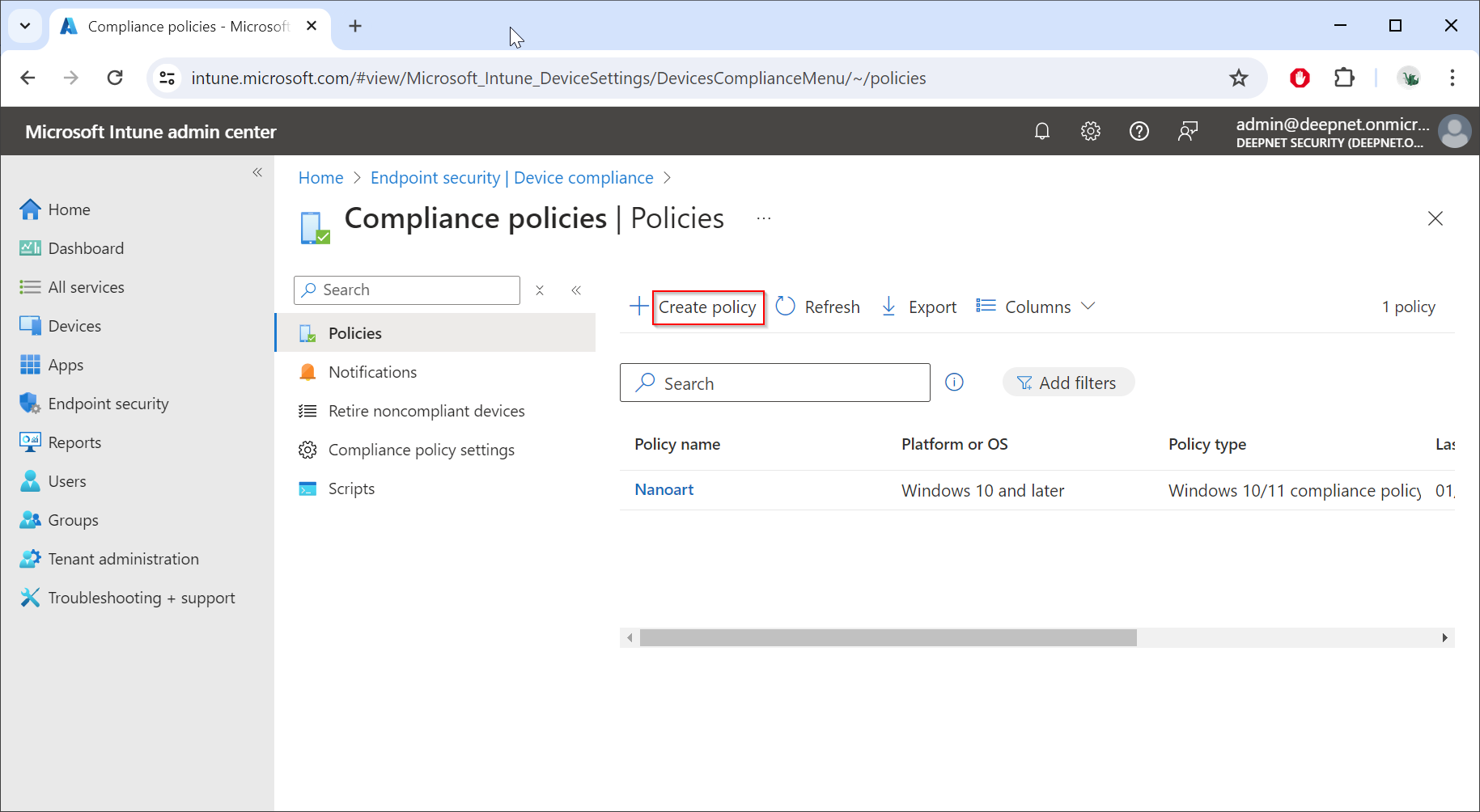
Click "Create policy"
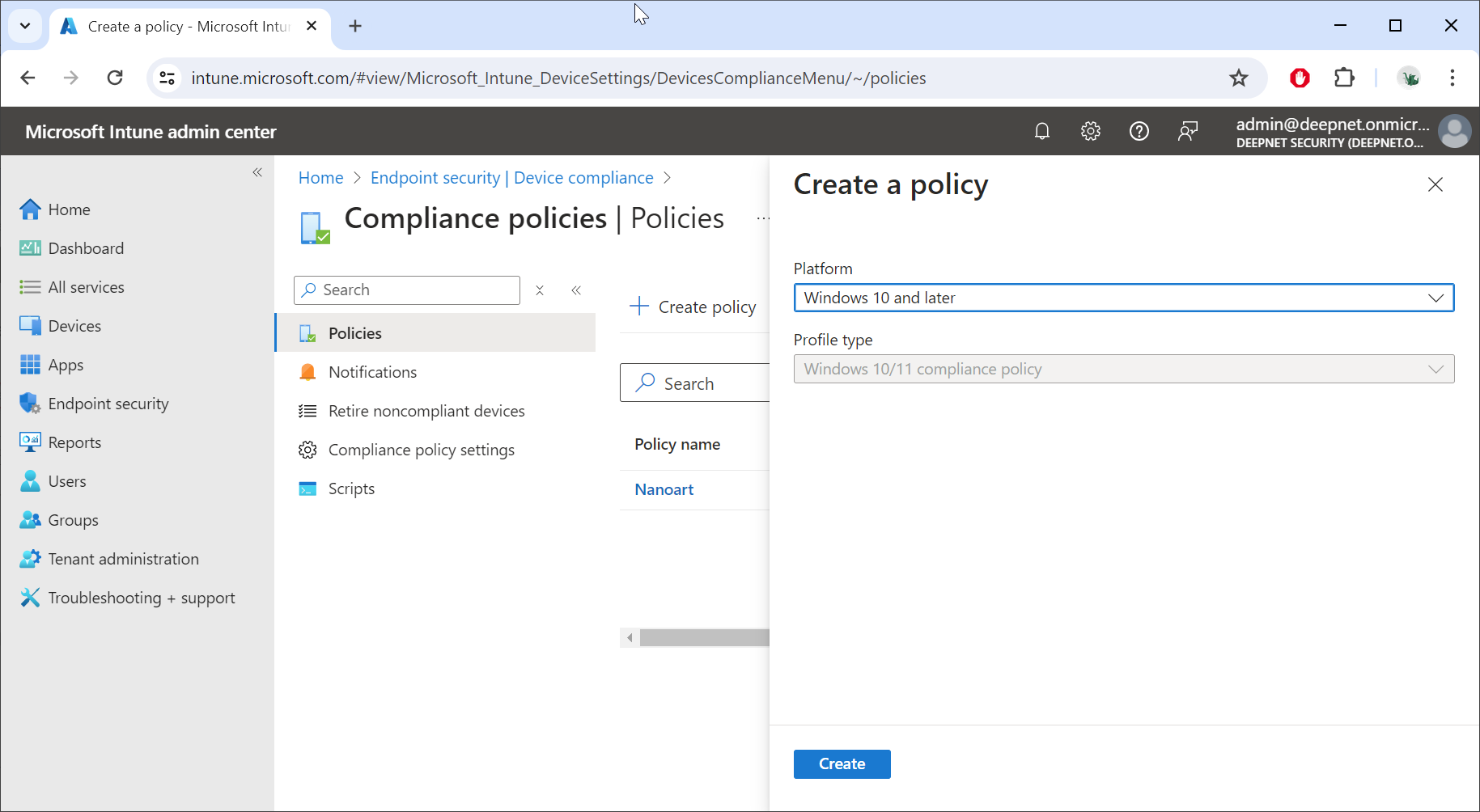
In "Platform", select "Windows 10 and later"
In "Profile type", select "Windows 10/11 compliance policy"
Click "Create"
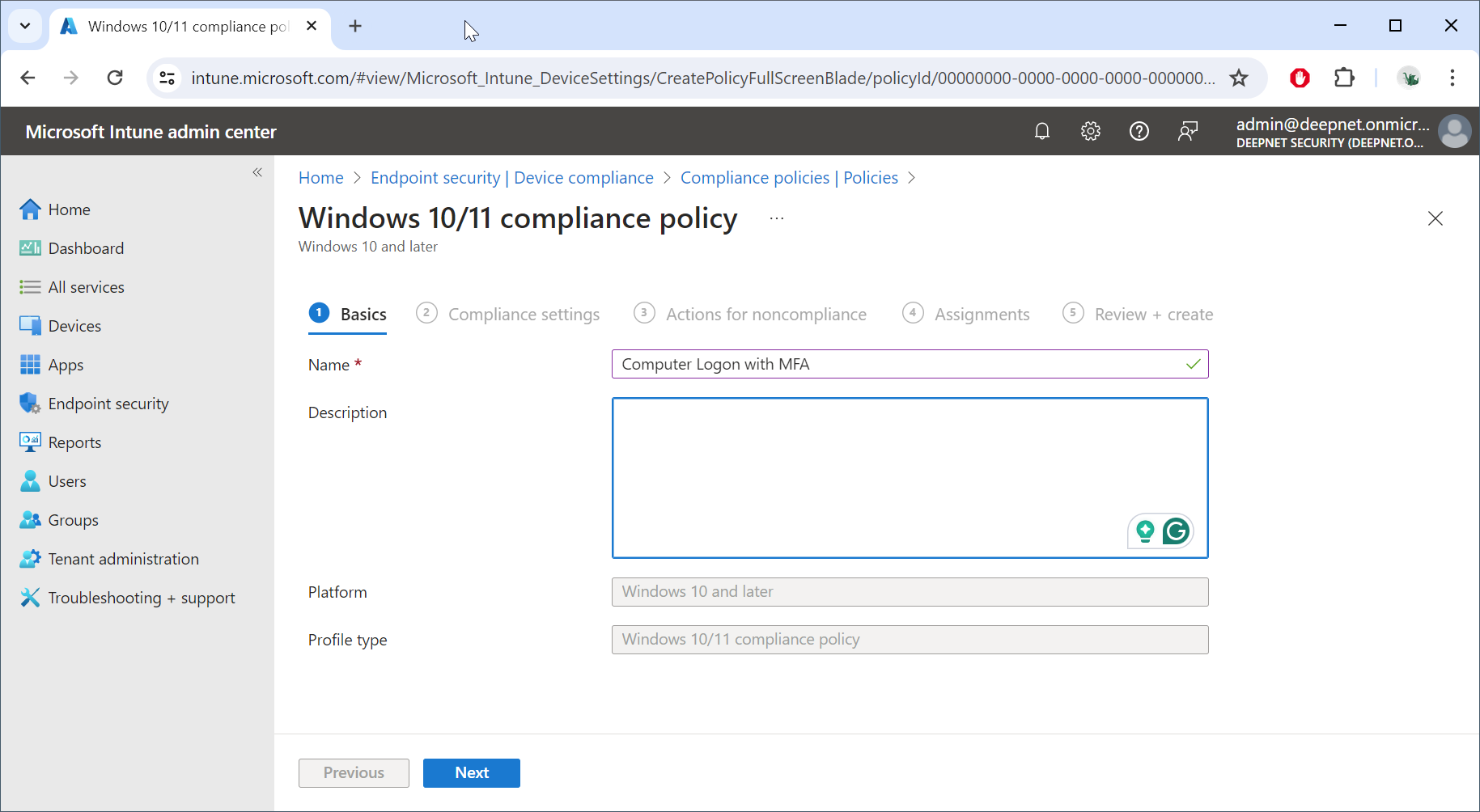
Enter the name of the policy, e.g. "Computer Logon with MFA"
Click "Next"
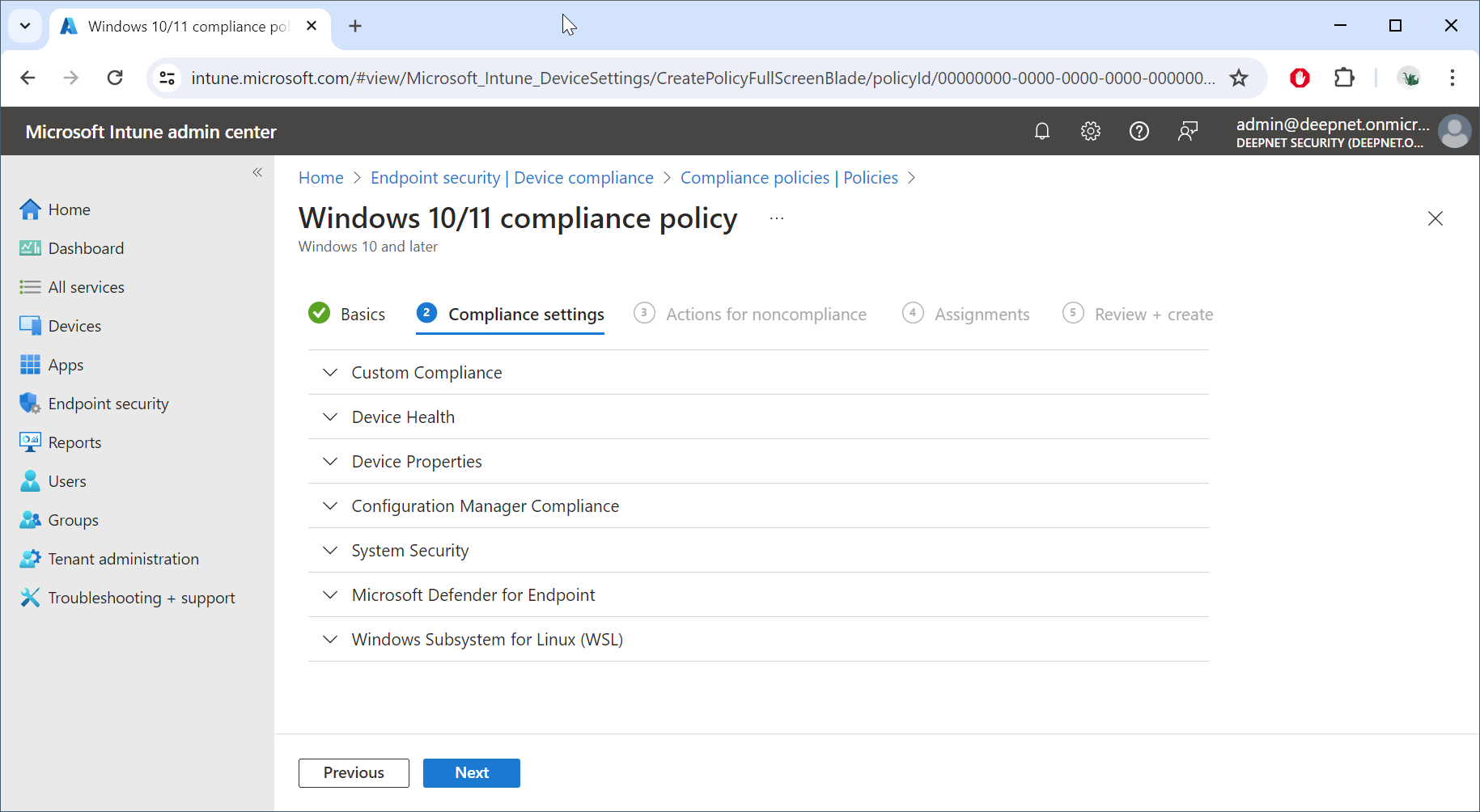
Click "Next"
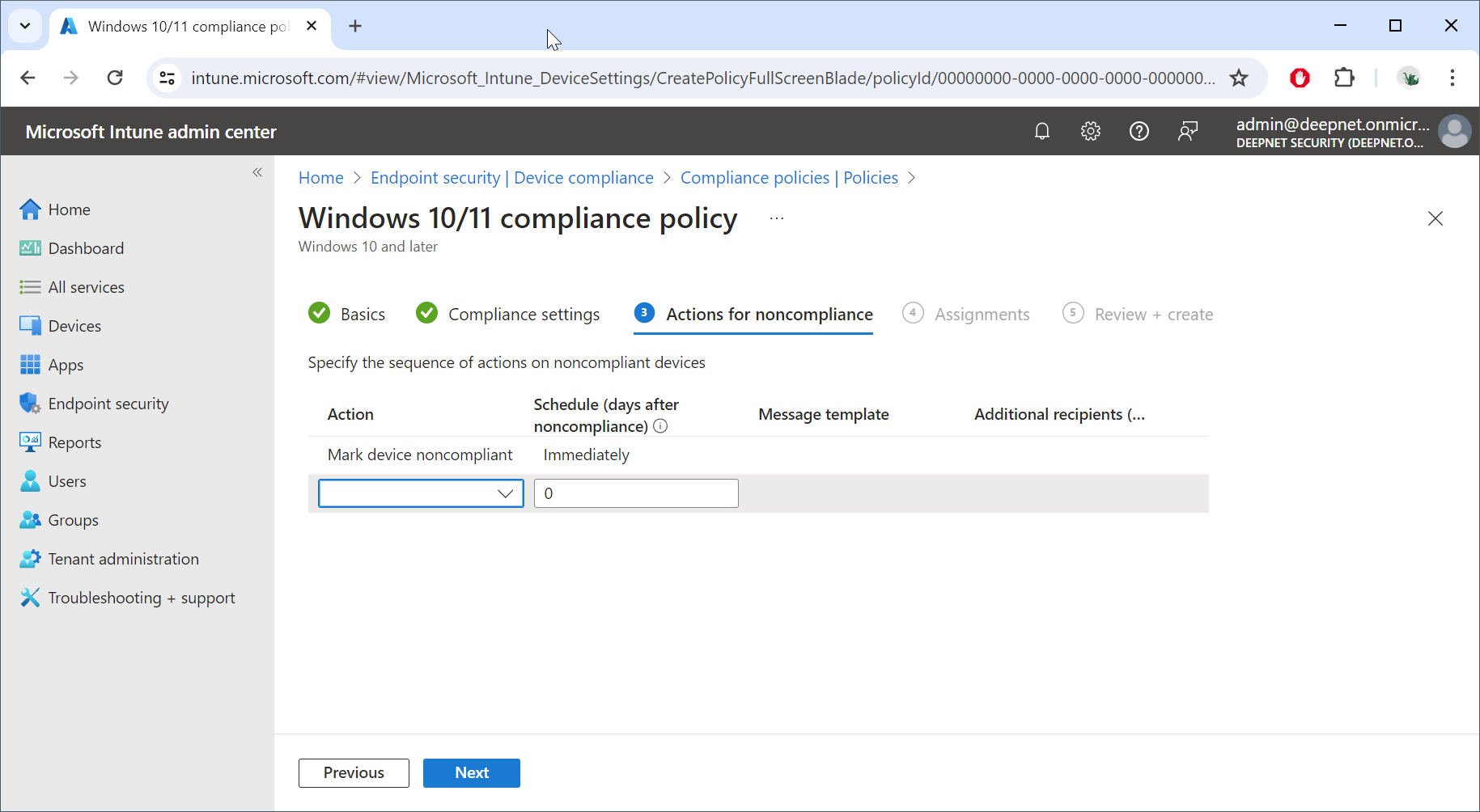
Click "Next"
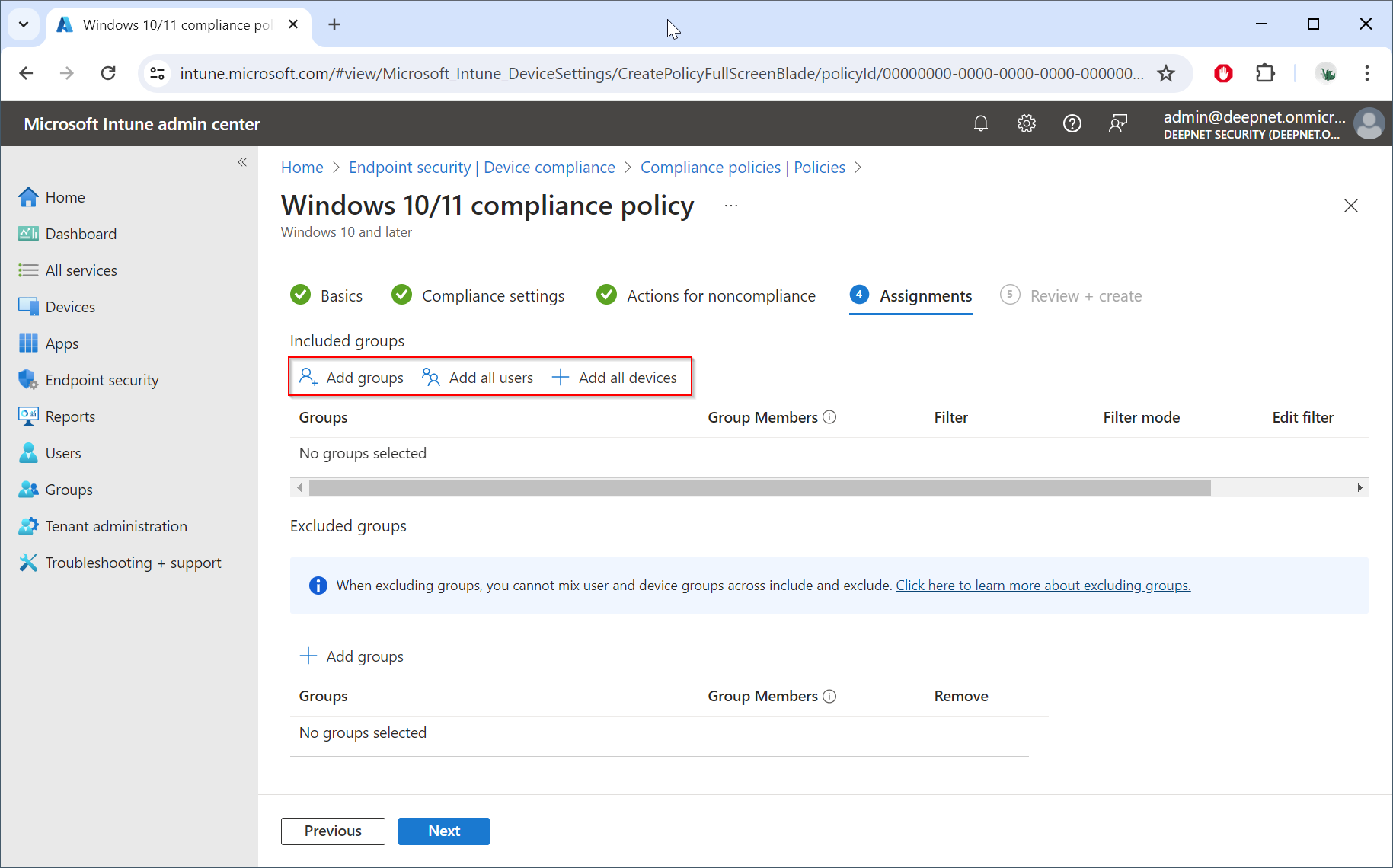
In the "Included groups" section, click "Add groups"
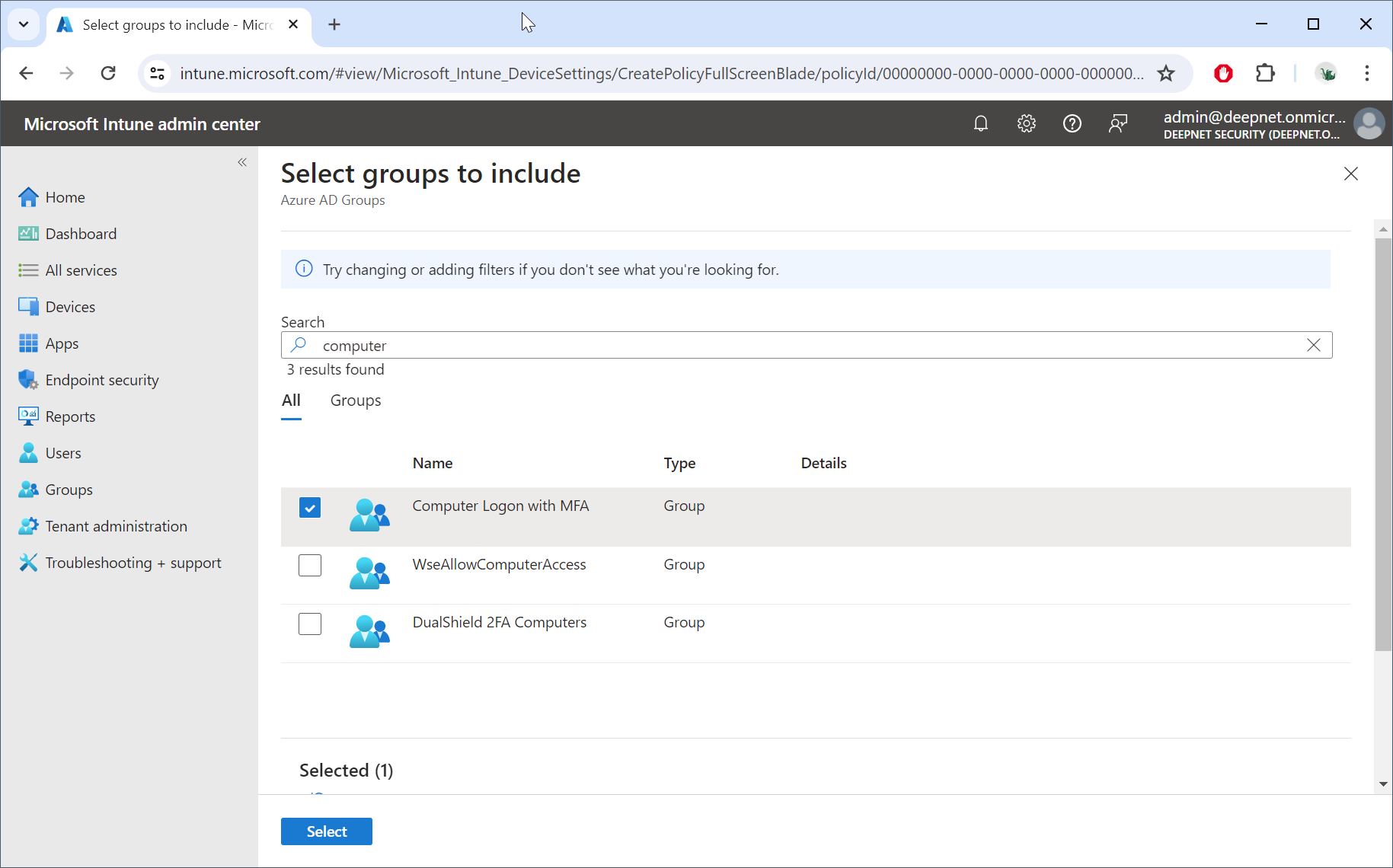
Select the group to be included, e.g. "Computer Logon with MFA"
Click "Select"
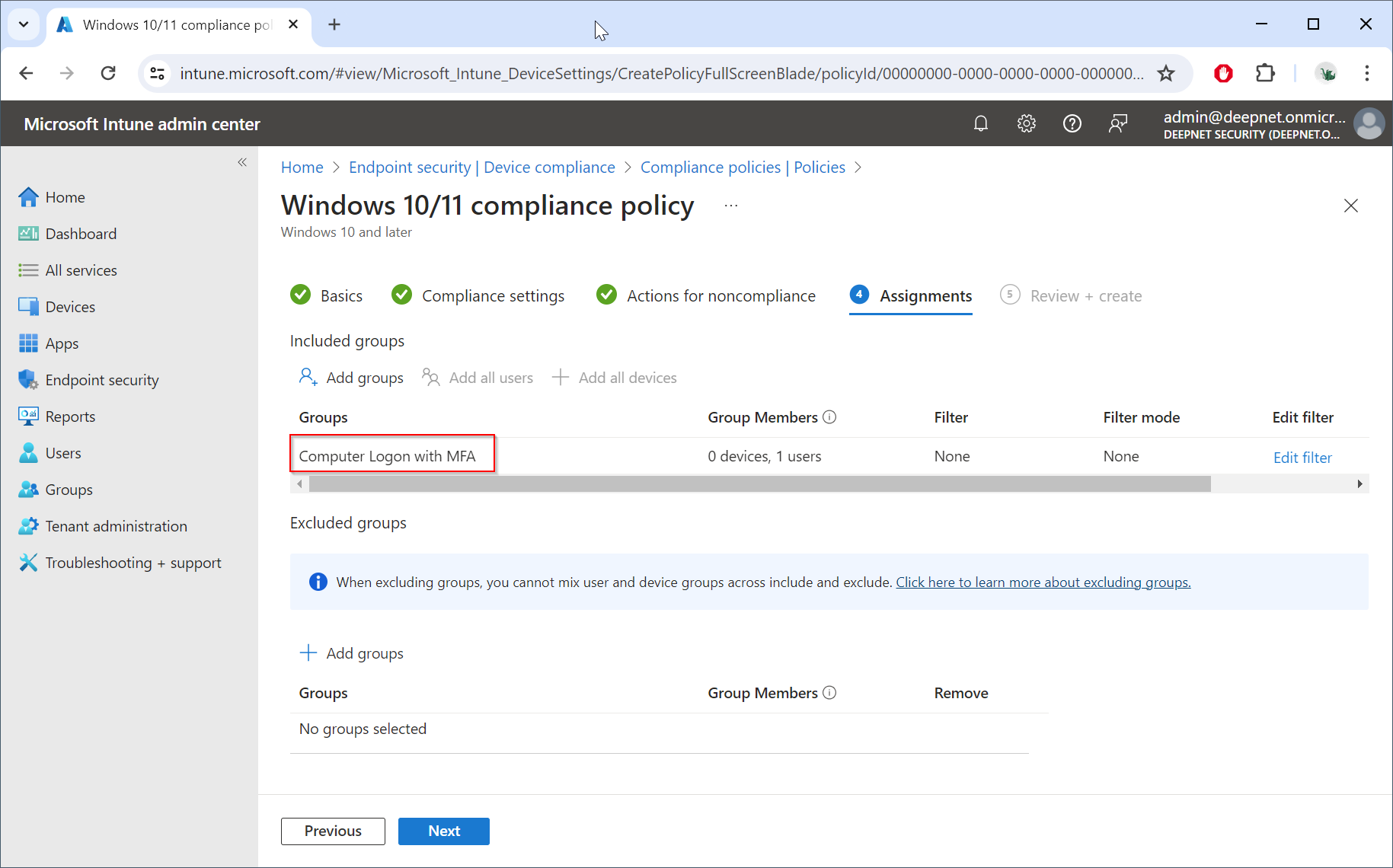
Click "Next"
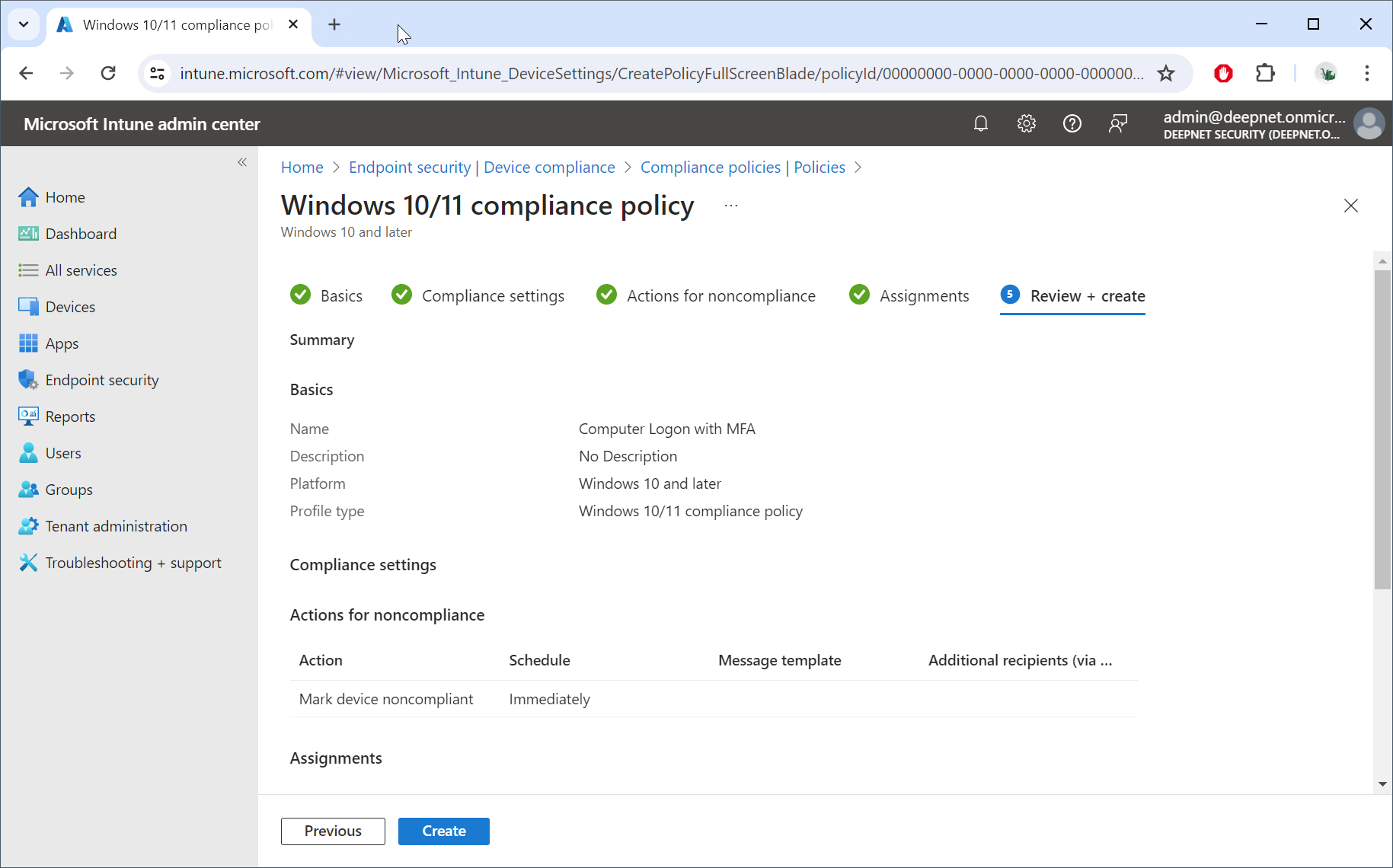
Click "Create"