In the Entra ID portal, navigate to Conditional Access | Policies
Create a new conditional access policy for EAM (External Authentication Method)
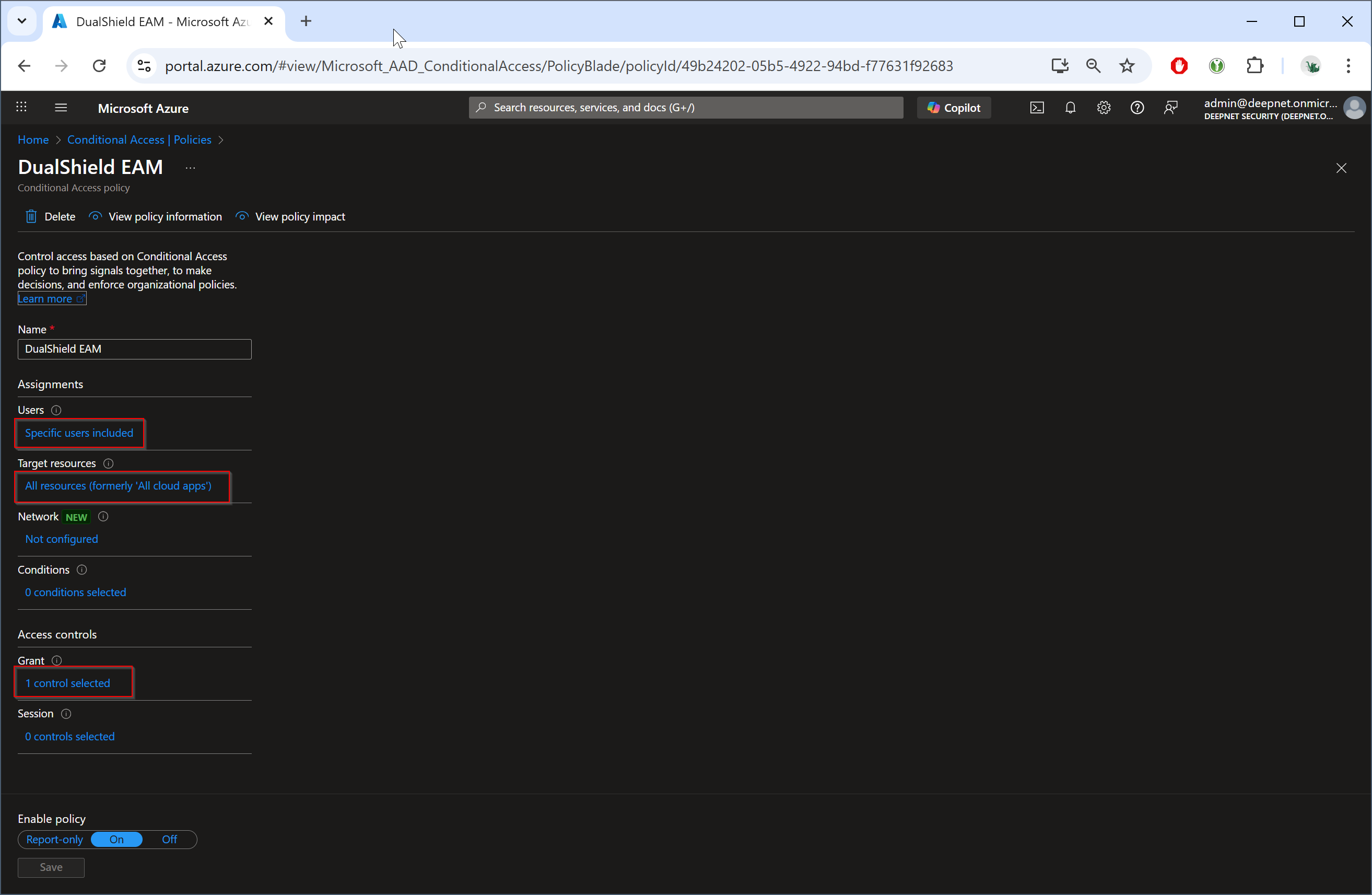
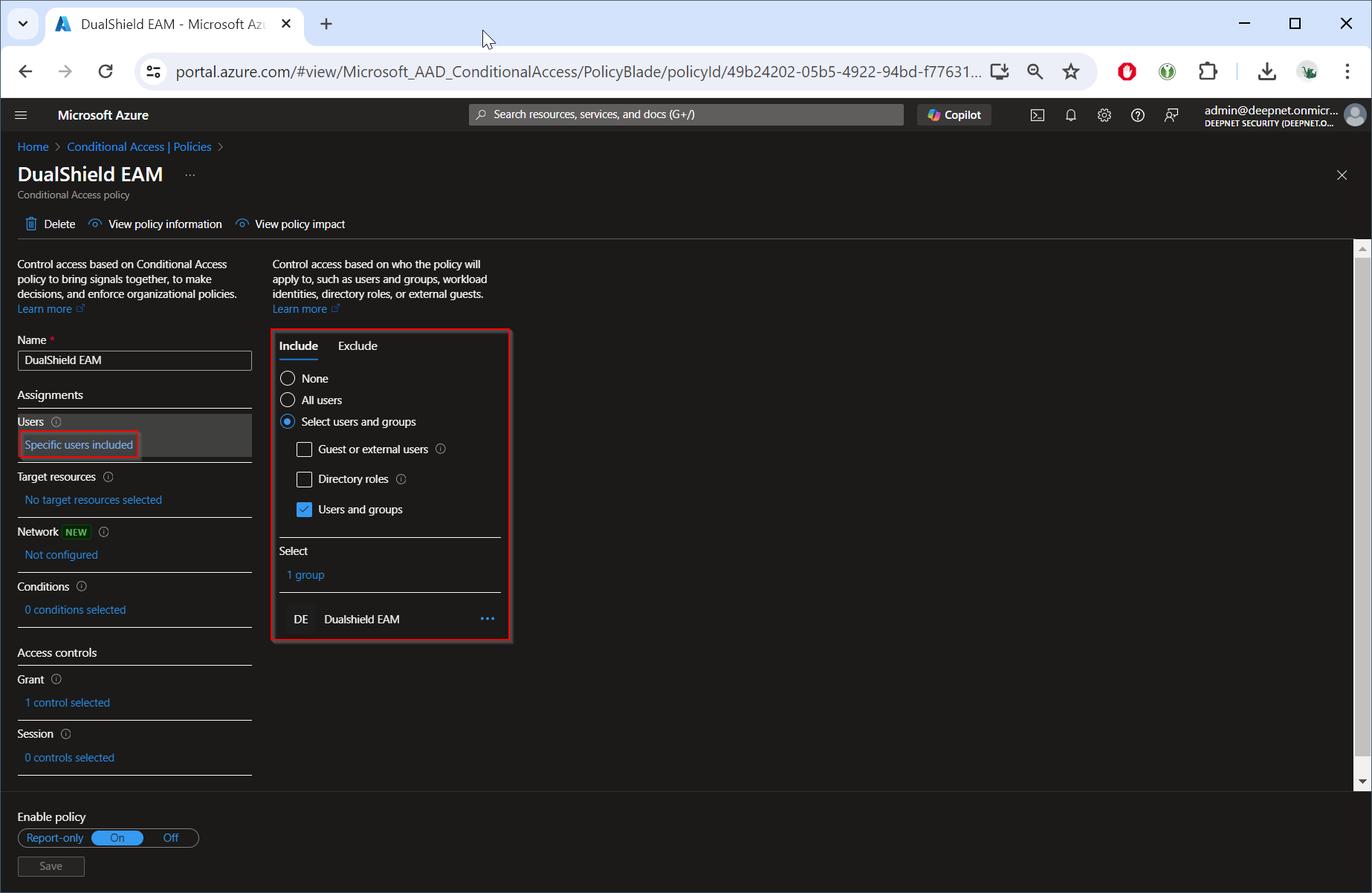
Specify the users to whom this policy will be applied
You can apply this policy to "All users" or some selected users and groups
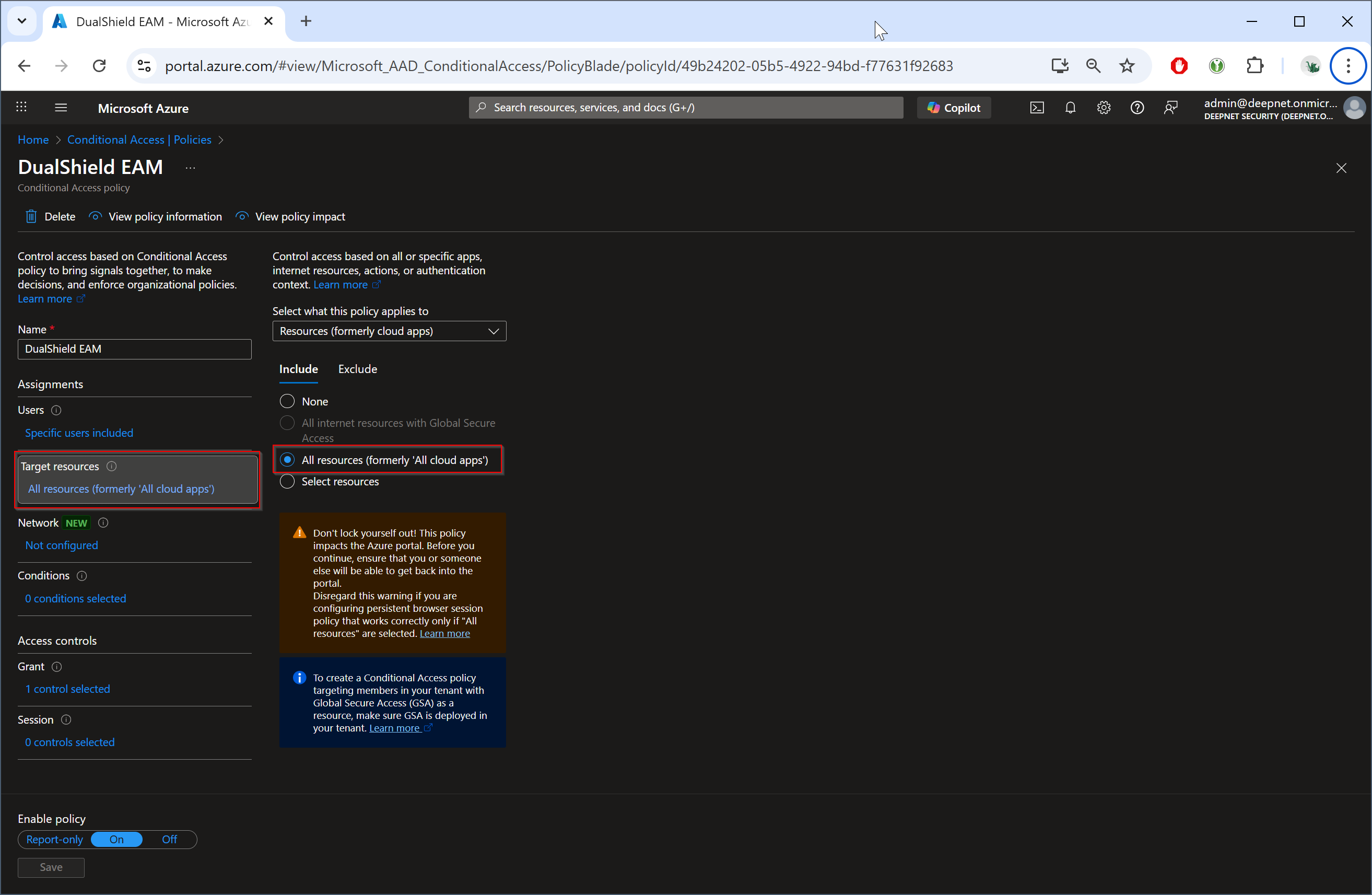
Specify the target resource to which this policy will be applied.
You can select "All resources" if you want to apply this policy to all resources
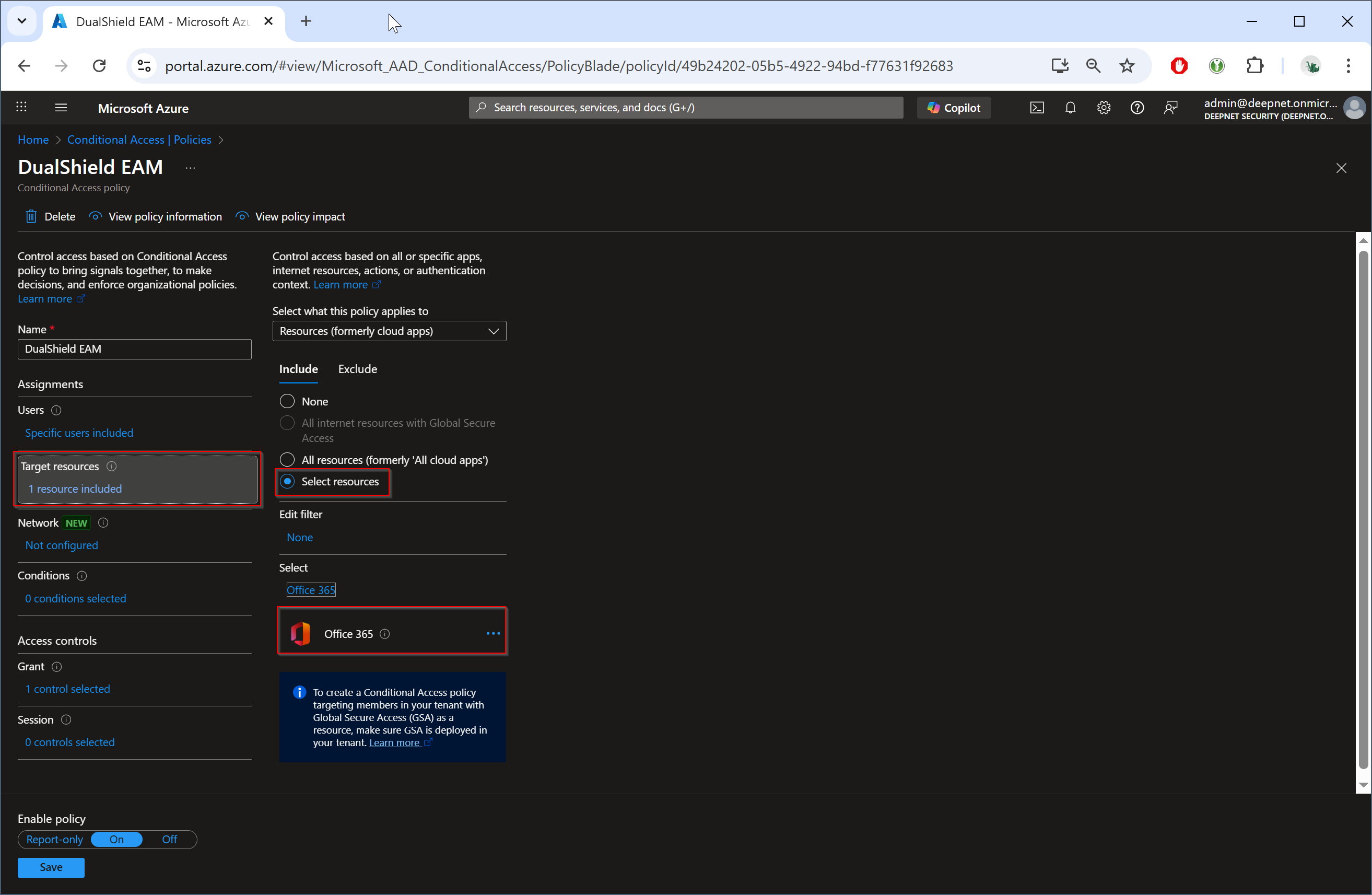
Or, you can apply this policy to some specific resources, such as Office 365
Finally, enable MFA by editing the "Grant" option
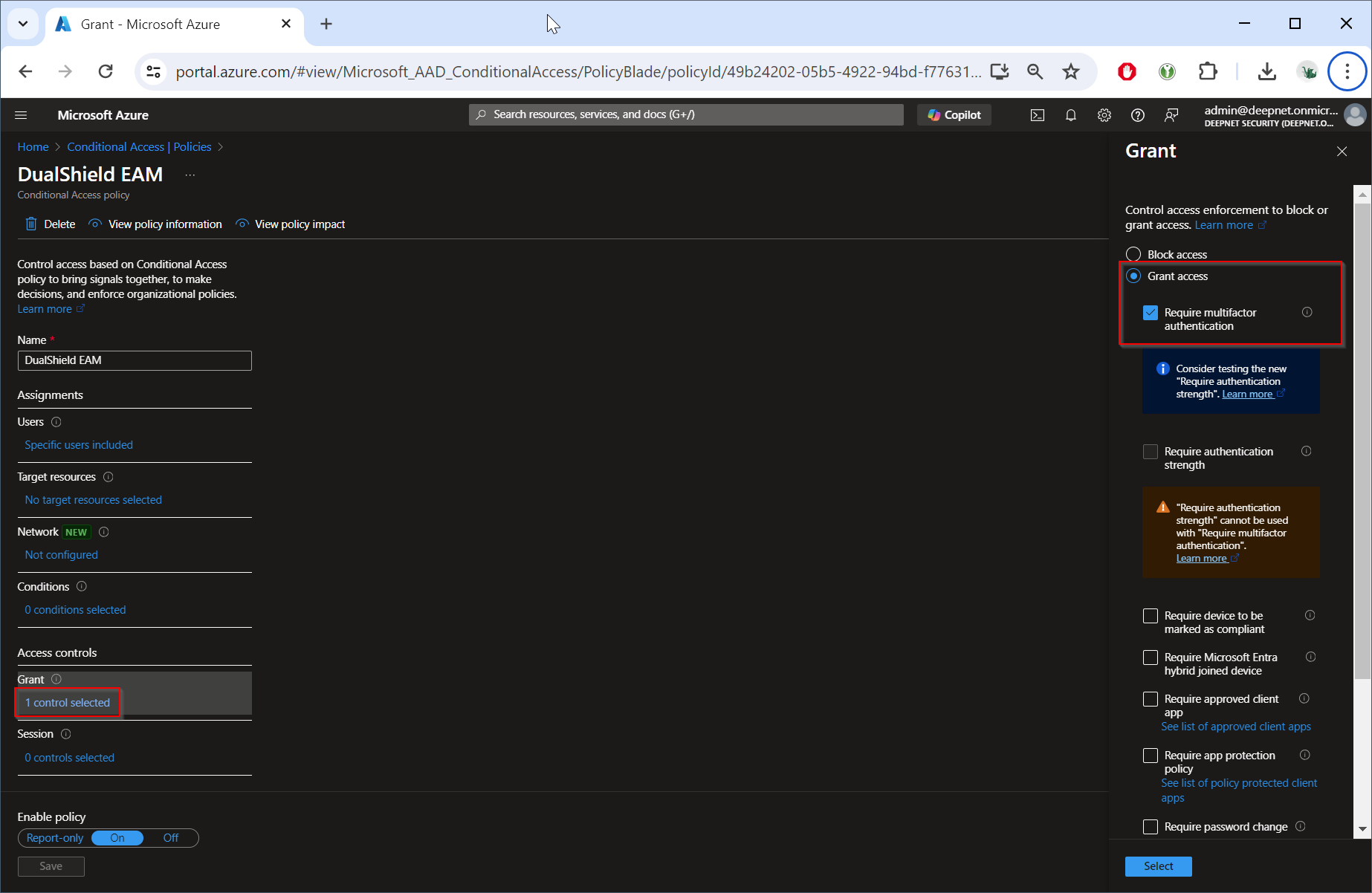
Select the "Grant access" option and check the "Require multifactor authentication" option.
Click the "Select" button
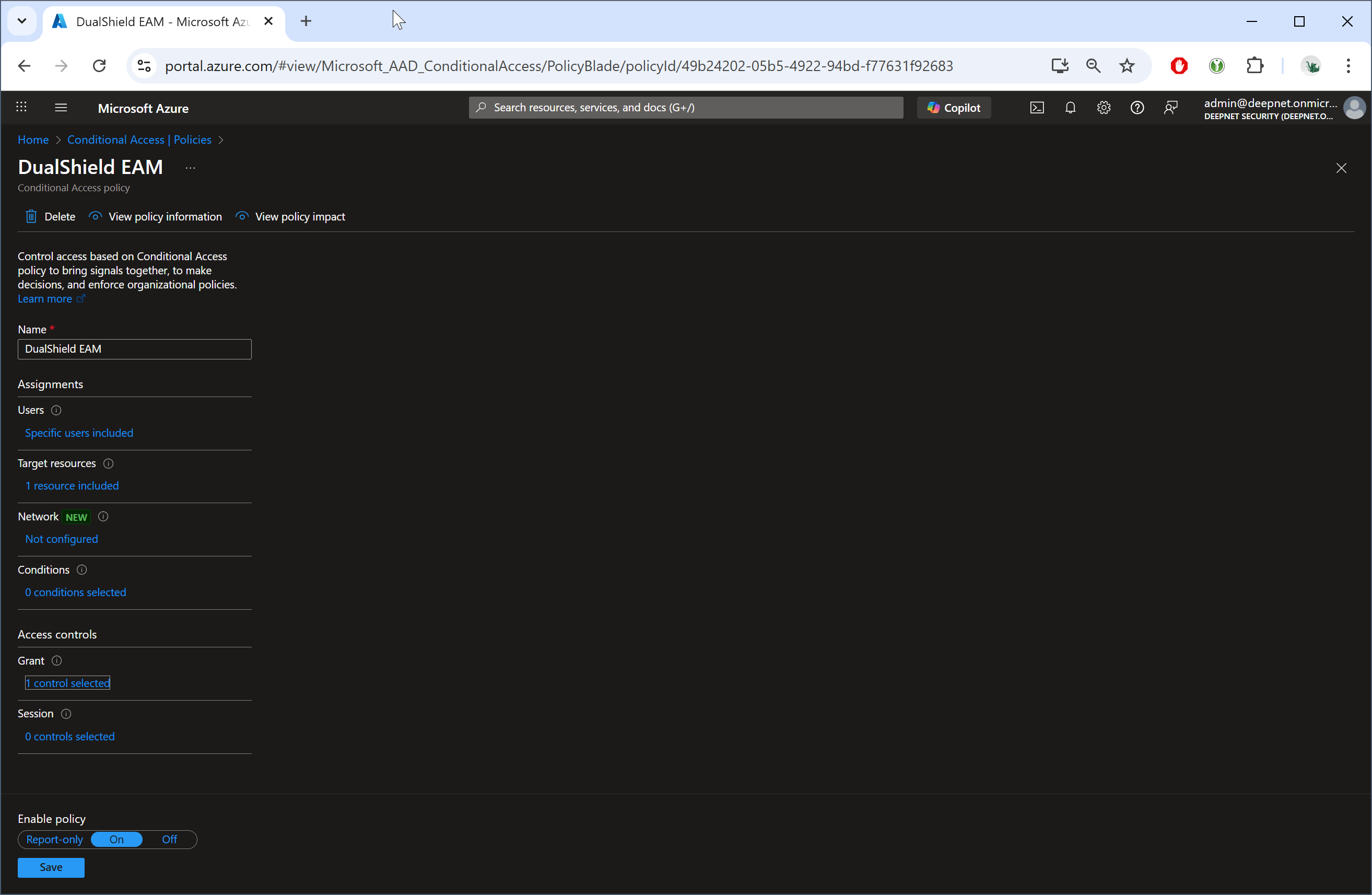
Click the "Save" button