eBay is a global online marketplace where people and businesses can buy and sell a vast range of products and services, and Fido keys can be used as an authentication method when logging in to your account.
Once you have registered your FIDO2 key with eBay, the key will be ready to be used as an authentication method when accessing your account;
Register your FIDO2 key in your eBay account
Before you can use your FIDO2 key as an access method for your eBay account you will need to register the key with eBay using the following procedure;
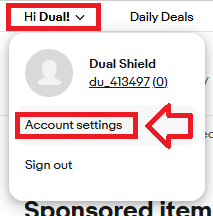
- Sign in to the your eBay account,, then via the user dropdown select the option "Account Settings";
Then in the section "Personal info", select the option "Sign-in and security", then against the option "Passkeys" click the button "Turn on";

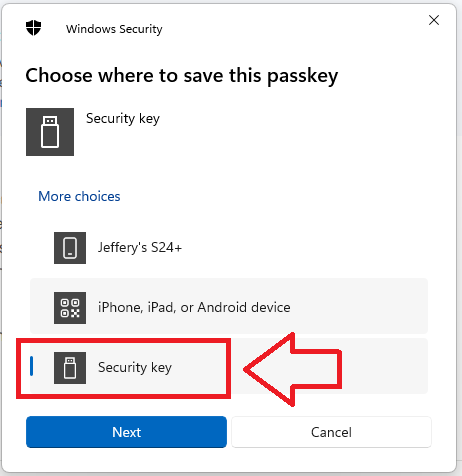
When asked where to save this passkey, select the option "Security Key", then click
 ;
;
You are now notified that access to google will be prepared with your Fido2 security key - click
 to proceed to the next step;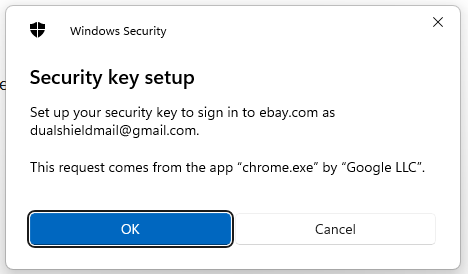
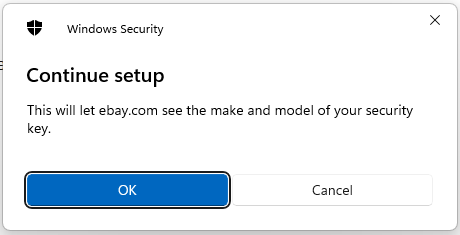
Next you are asked for permission for the site to access your Fido2 key, insert the key into an available USB port then click
 ;
;
At this point you will be asked to provide the PIN code that protects your Fido2 key;
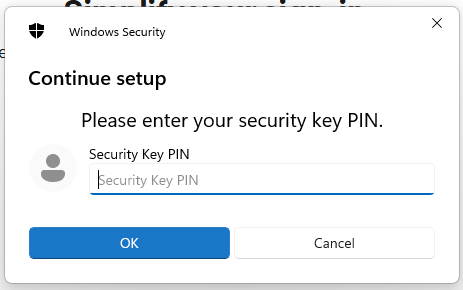
Enter the PIN code for your key then click
 , and you will be asked to touch the button on your key (if your model has a fingerprint reader you may be asked to provide a finger swipe instead);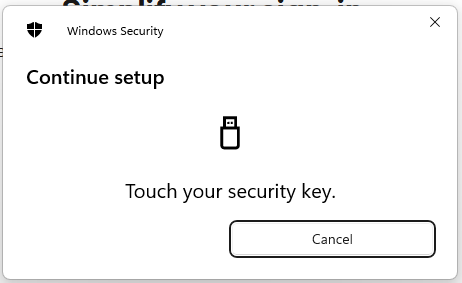
Provided you press the button on the Fido2 key in the allowed time, the passkey details will be stored on your Fido2 key, and you will be presented with the following confirmation;
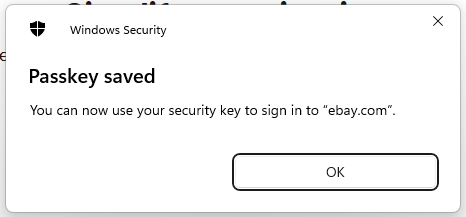
Click "OK", and the FIIDO2 key will be registered with eBay, and you will be shown confirmation that the passkey has been added;
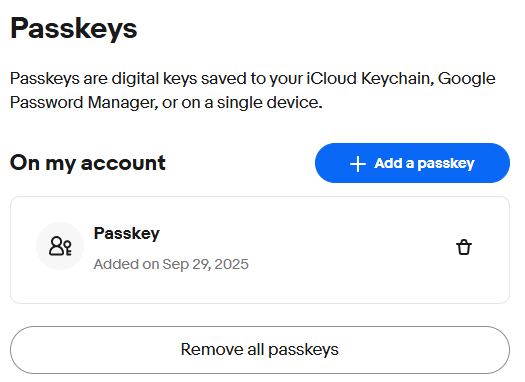
The key can now be used as an authentication method when logging in to eBay.
Signing in to an eBay account with a FIDO2 key
Once you have registered you FIDO2 key with eBay the key will be ready to be used as an authentication method when accessing your account;
- Sign in to the you eBay account by supplying your account details, but instead of being asked to enter your password you will be asked to insert your Fido key;
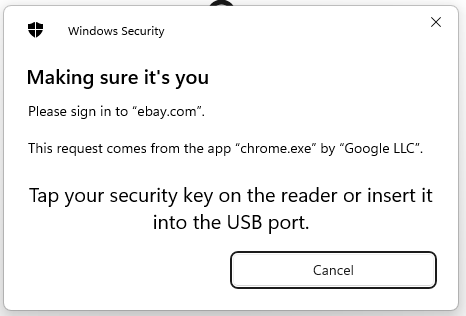
Insert you Fido2 key into an available USB port, Select "Security key", then click
 ;
;
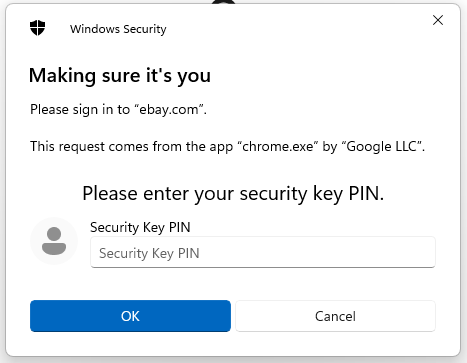
At the prompt "Security Key PIN", enter the PIN code, then click
 .
. (in the case of a Fido key with a fingerprint reader you will need to swipe your finger on the key);
You will now be asked to touch the Fido2 key (in the case of a Fido key with a fingerprint reader you will need to swipe your finger on the key);
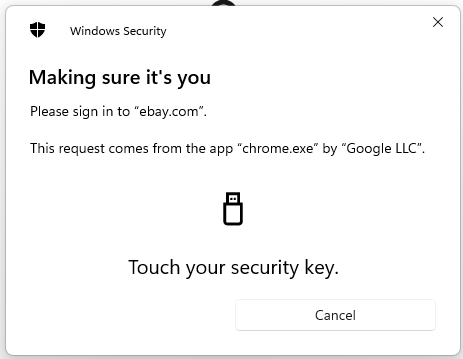
Once you have touched the key you will then be logged in to your eBay account.
Related Articles