Introduction
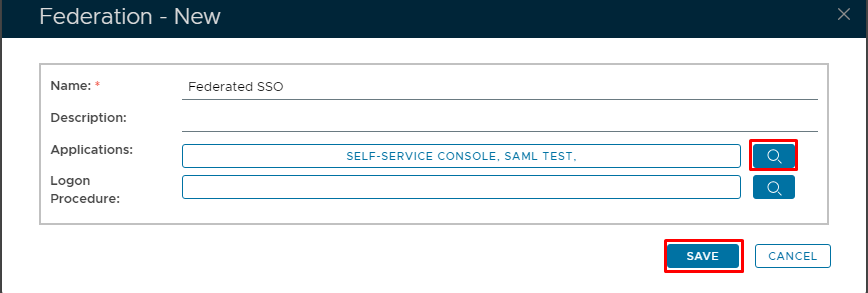
Federated Single Sign-On (SSO) is a service that allows users to log in to multiple web applications using a single set of credentials. This is also known as Federated Identity Management (FIM).
Create a Federation
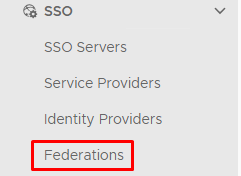
On the Dualshield Administration console go to SSO>Federations
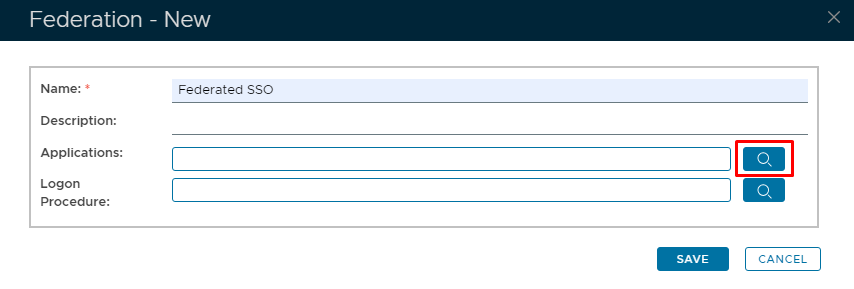
Click  on the top right.
Specify a Name then add the web applications by clicking on the  right.
Place a check in the corresponding box.
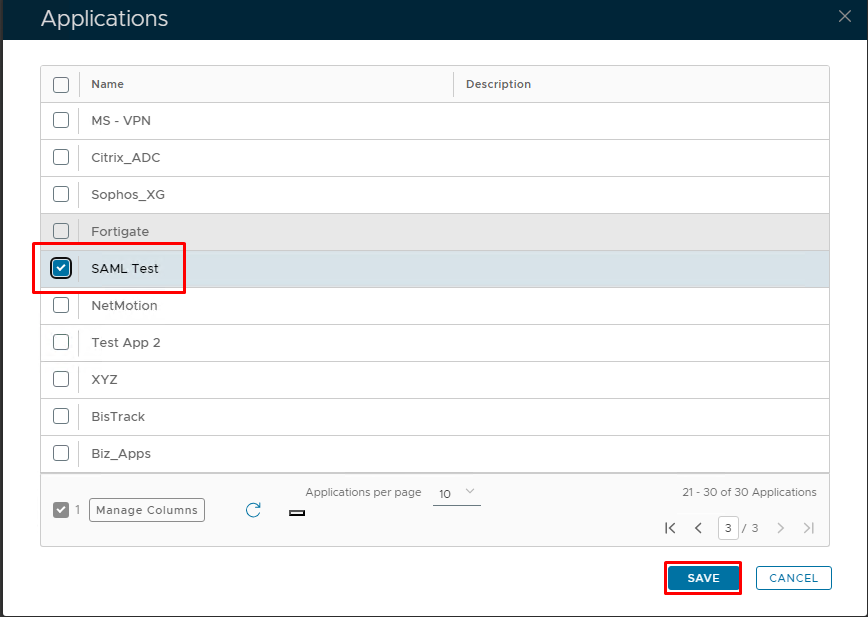
Add as many applications as you need and click Save