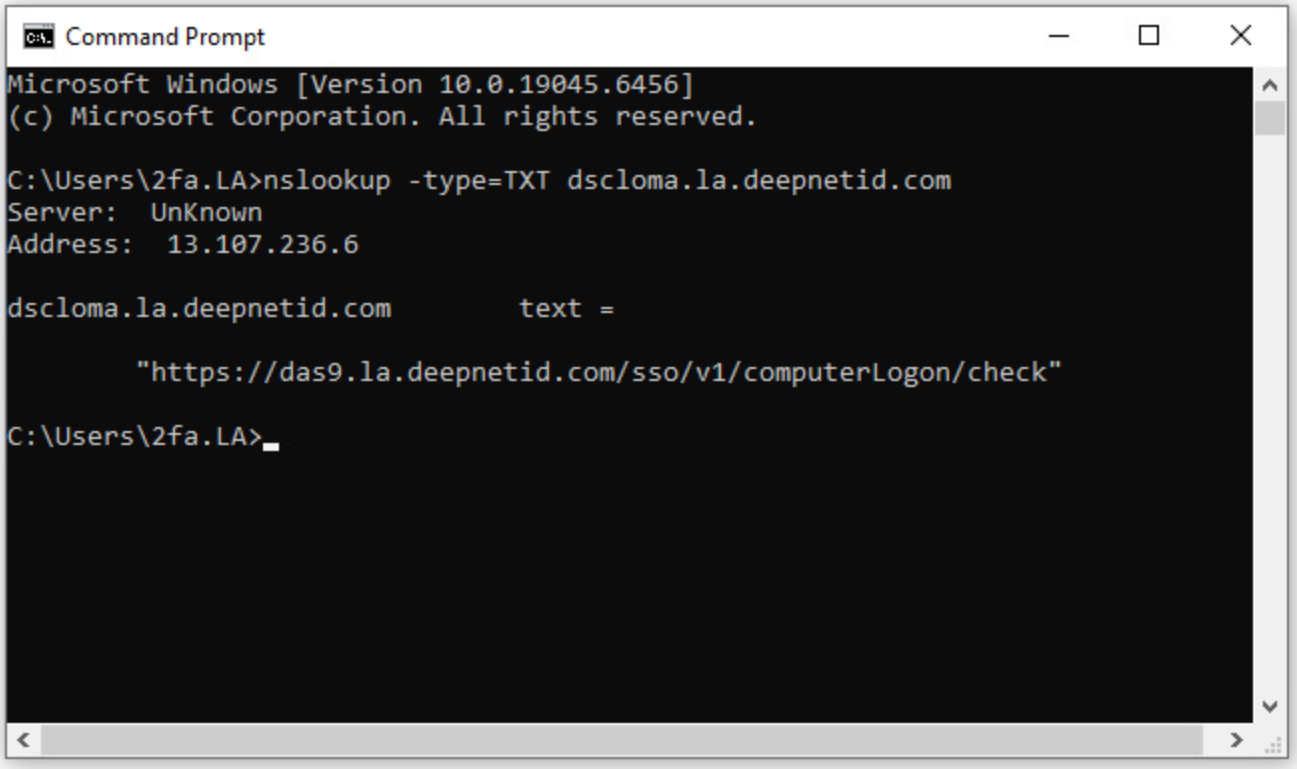
To look up a TXT record from a Windows PC, you can use the nslookup command from the Windows Command Prompt (CMD)
nslookup -type=TXT xyz.fqdn
in which "xyz" is the name of the TXT record, and "fqdn" is the fully qualified domain name.
For instance, to look up a TXT record named "dscloma" in the domain "la.deepnetid.com", the command is:
nslookup -type=TXT dscloma.la.deepnetid.com