For the user to be able to view the DualShield EAM as an option on the Microsoft Authentication page, it has to be added as a useable authetnication method under the user's Entra account.
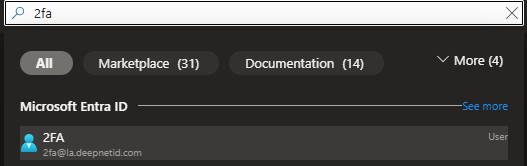
To do this, search and select a user account on Entra
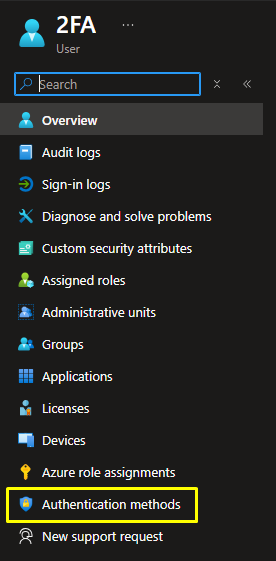
Click on Authentication Method from the menu on the left
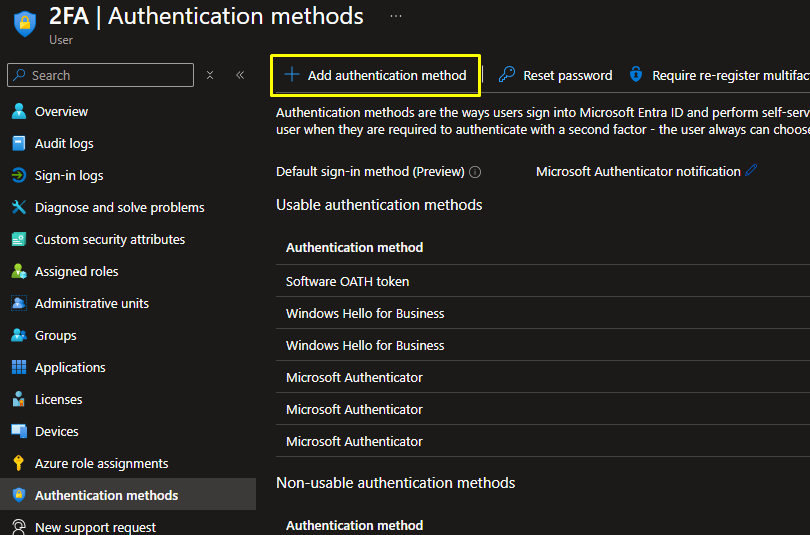
Click Add Authentication Method
The Add authentication method box will appear on the right hand side. Select External Authentication Method (Preview) from the drop down..