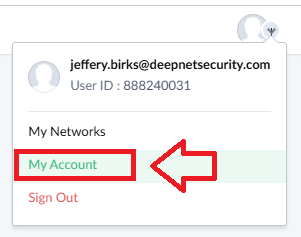
Log in to your Zoho Account, and use your account dropdown to select "My Account";
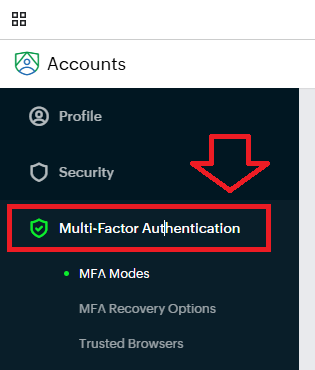
In the accounts column, select the option "Multi-Factor Authentication"";
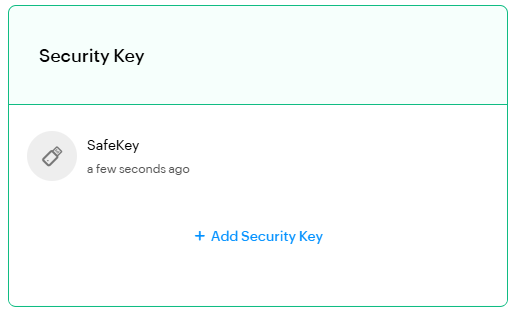
A list of available MFA Modes will now show, in the section "Security Key" click "Set up Now";
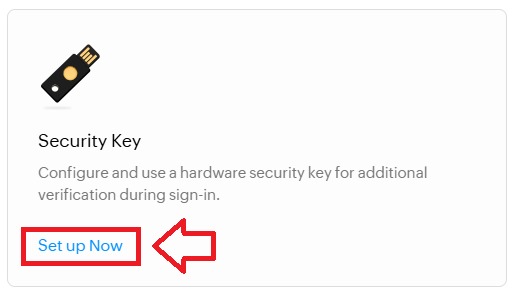
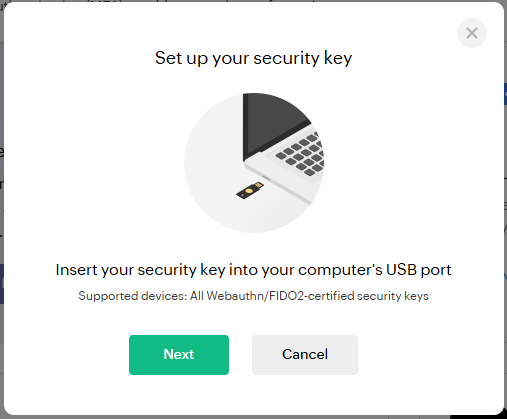
The following window will now open, click  ;
;

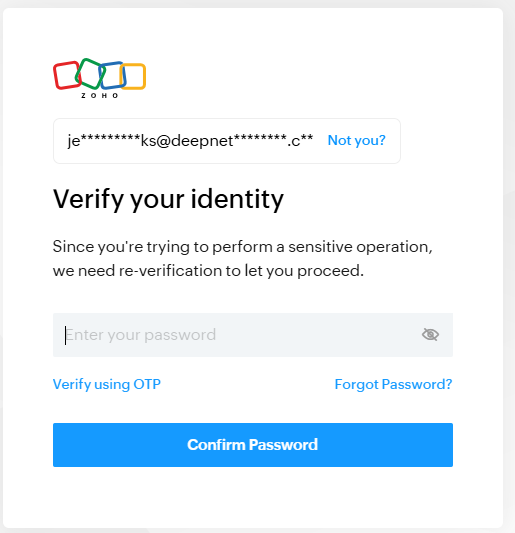
A verification window will then open , enter your account password then click  ;
;
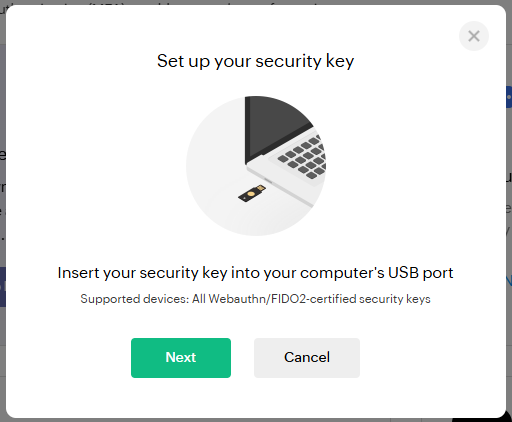
Insert your Fido key then click  ;
;
You will now be prompted to specify the device that is to be added as a passkey.
Select the option "Security key", then click  ;
;
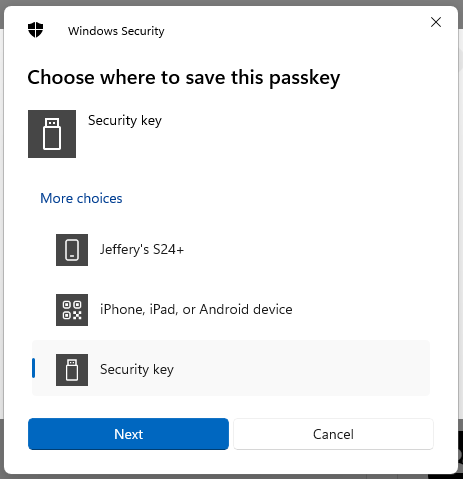
You are now notified that access to google will be prepared with your Fido2 security key - click  to proceed to the next step;
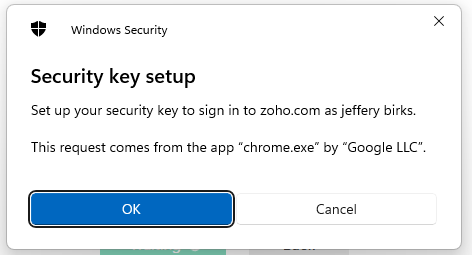
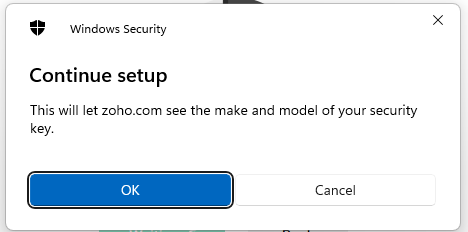
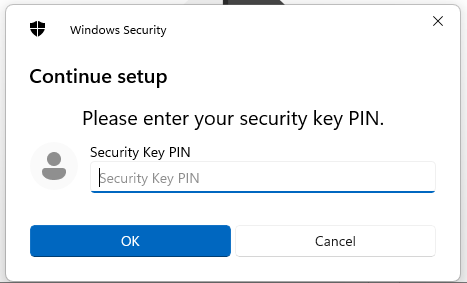
You will now be prompted to enter the PIN code for your Fido2 key.
At the prompt "Security Key PIN", enter the PIN code, then click  .
.
(in the case of a Fido key with a fingerprint reader you will need to swipe your finger on the key);
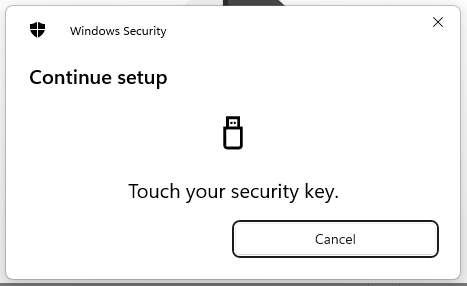
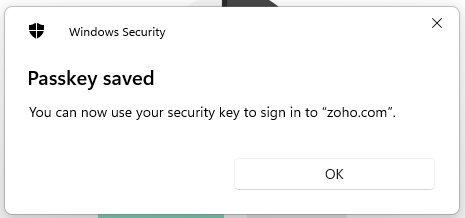
You are now prompted to touch the key (to prove you are present and giving permission for the key to be used).
Touch the necessary area on your Fido key;
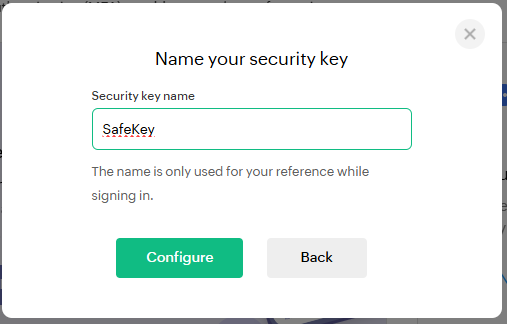
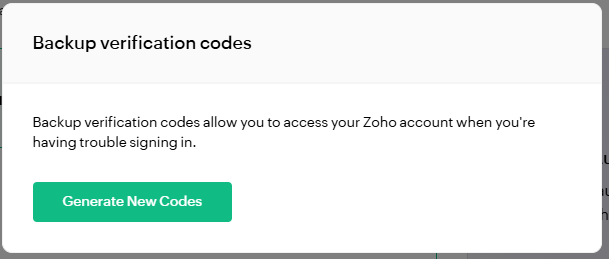
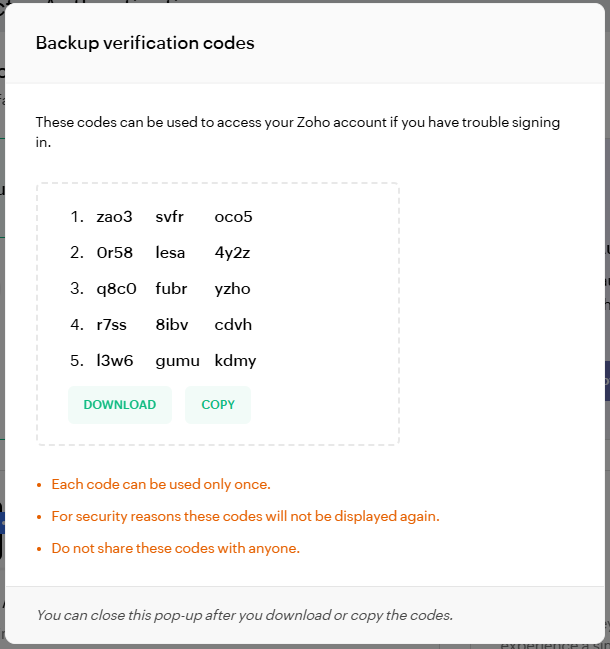
Click  , and you will be presented with 15 codes that can be kept and used as an emergency access method for your account';