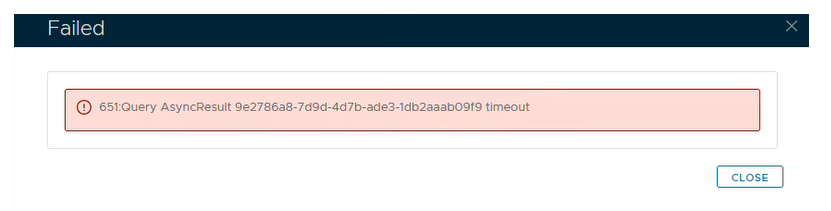
If you experience issues when applying for a Let's Encrypt certificate, such as...
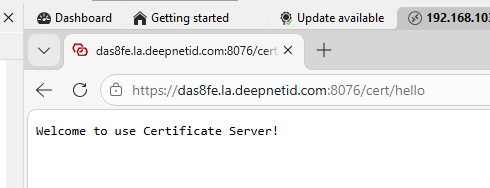
Check the Certificate Server service is running...
Launch a browser and type in yourFQDN:8076/cert/hello
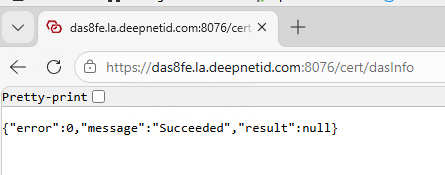
and yourFQDN:8076/cert/dasinfo
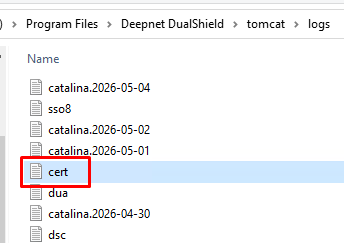
Also go to C:\Program Files\Deepnet DualShield\tomcat\logs
Check for errors in (or send us a copy of) the Cert.log file.