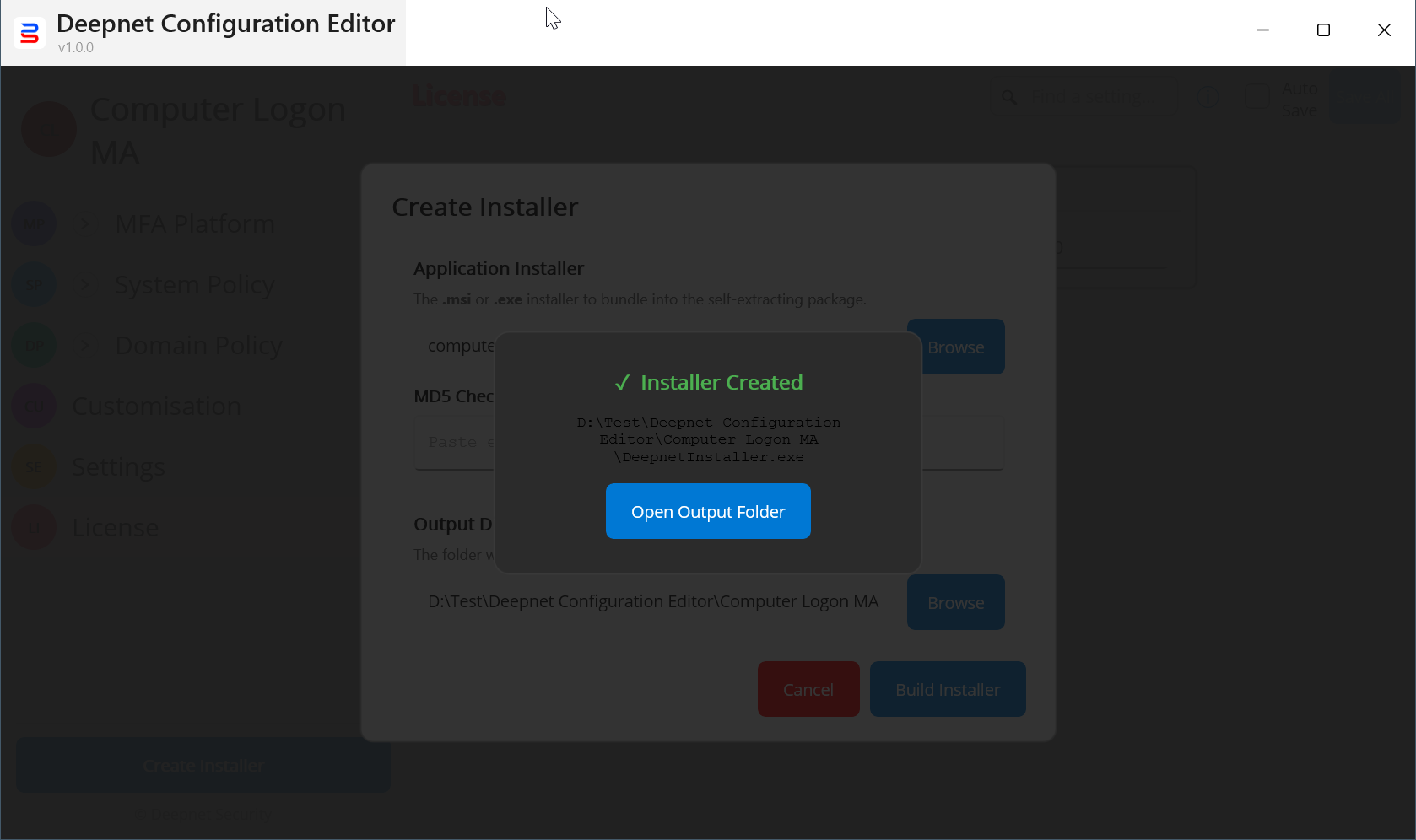
You can use the Deepnet Configuration Editor to build a custom installer of the Computer Logon MA.
In the Deepnet Configuration Editor, open the Computer Logon MA project
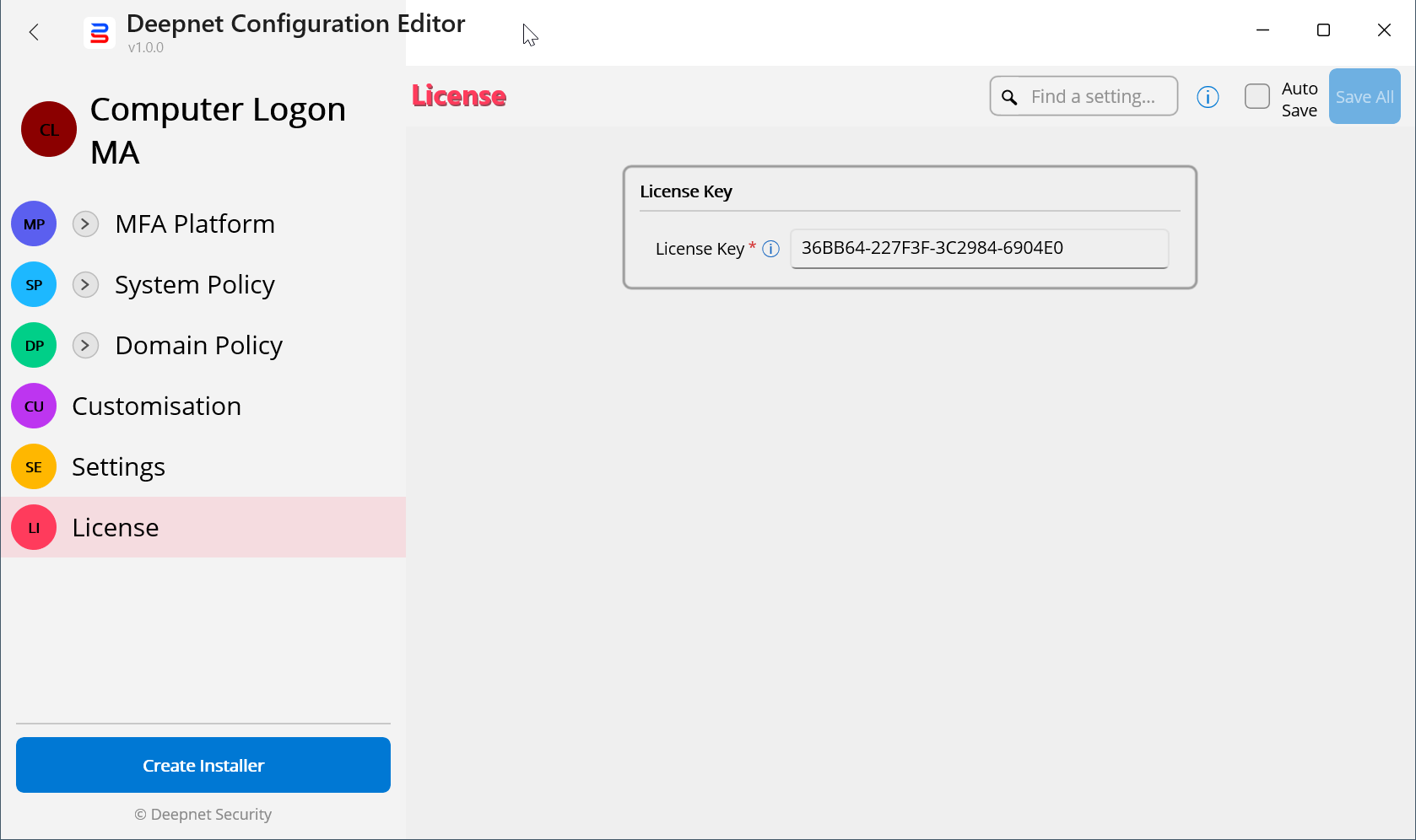
Make sure that you have completed the configuration, settings, and customization. Also, you have entered your license key.
Click the "Create Installer" button
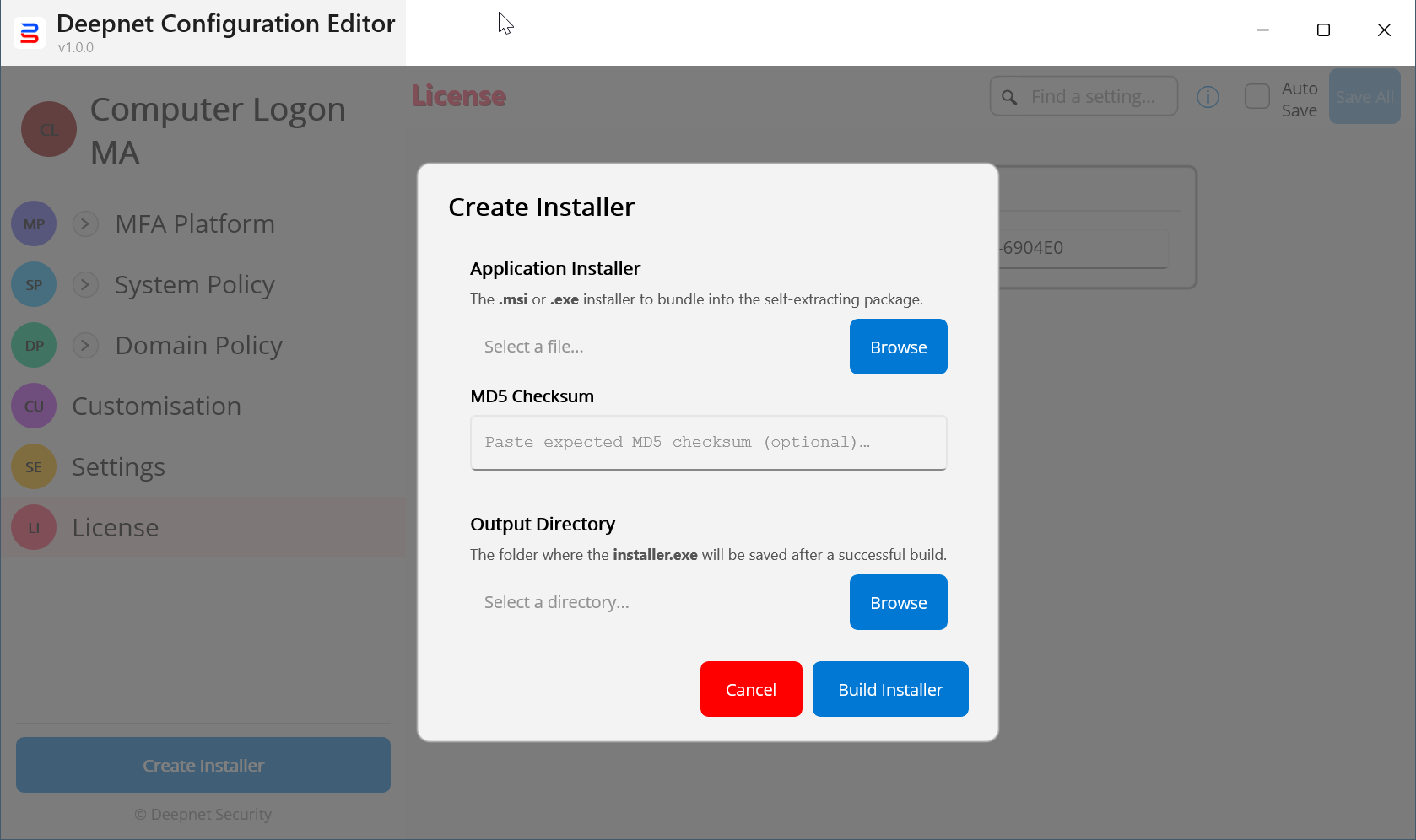
In the "Application Installer", select the original installer of the Computer Logon MA provided by Deepnet Security, i.e. "computer-logon-modern-authentication-xyz.msi"
Optionally, you can also enter the MD5 checksum of the application installer
In the "Output Directory", select the directory where the customer installer will be saved
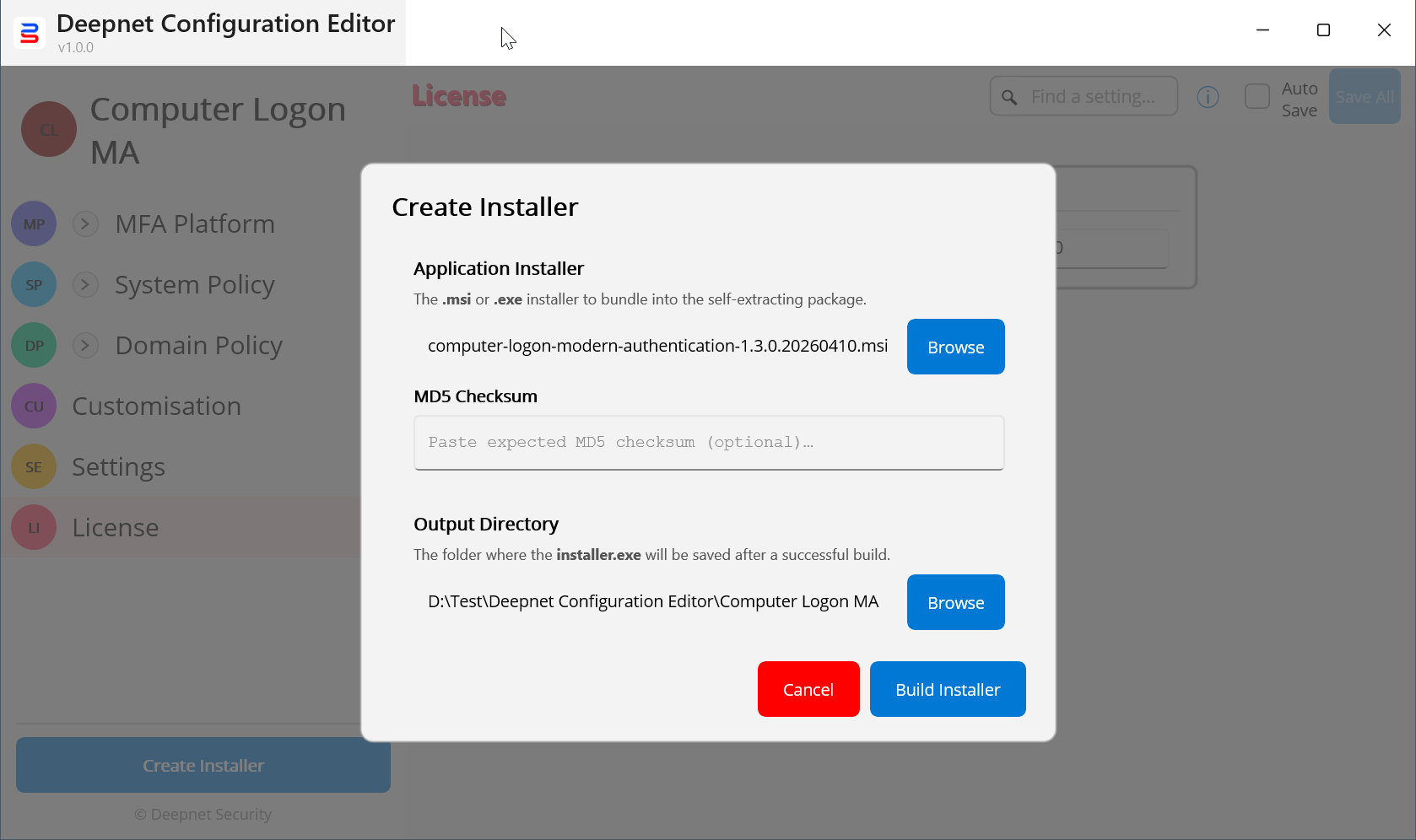
Click the "Build Installer" button