This instruction is for installing a fresh new instance of the DualShield backend server or all-in-one server.
To start the installation, execute "DualShieldSetup64-xxx.yyyy-signed.exe", where xxx is the version number and yyyy is the build number, e.g. "DualShieldSetup64-6.0.0.0228-signed.exe"

DualShield 6 supports multiple languages. However, in the first release, version 6.0.0, language translation has not yet been completed. Please select English for now.


You may install DualShield on a different drive, in a different folder. However, it is recommeded to use the default drive and folder as suggested, for the sake of simplicity and transparancy in future communications.
| Option 1: All-in-One Server | Option 2: Slim Backend Server |
|---|---|
If you want to install a DualShield server that is to be used as both the backend and frontend, then you need to install all of its component. Select "All Components"
| If you want to install a DualShield server as a pure backend server without the end-user services, then you can keep it slim. Select "Back-end Components"
|
If you would like to install the legacy components, then select them. If you select lthe lagacy management server and/or self-service server, then you must also select the legacy SSO server.
| If you would like to install the legacy components, then select them. If you select lthe lagacy management server, then you must also select the legacy SSO server.
|


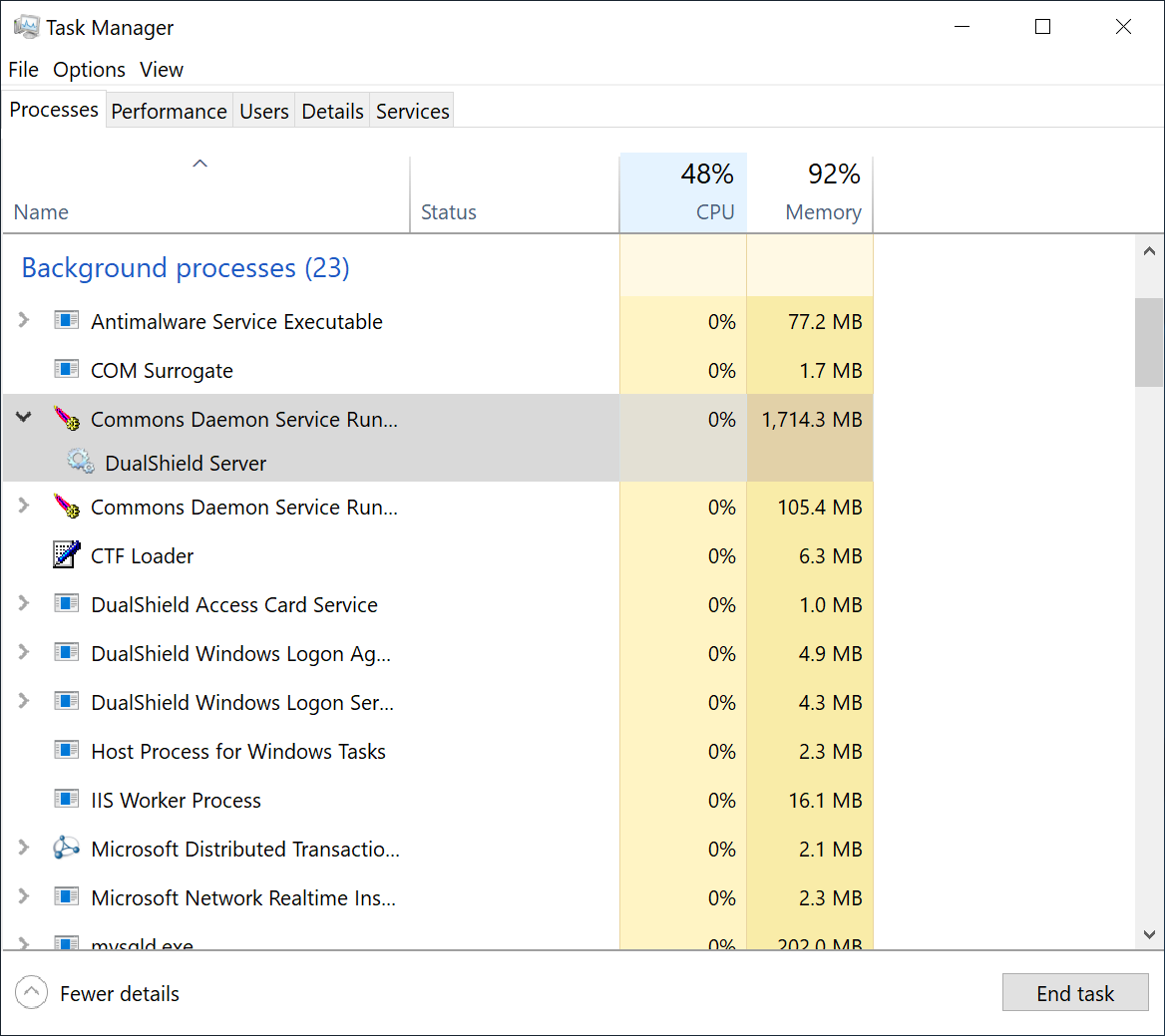
To wait for the DualShield server to be fully loaded and monitor the its initialisation progress, launch the Windows Task Manager and check the process called DualShield Server which is often a sub-process of Commons Daemon Service Runner, as shown below:
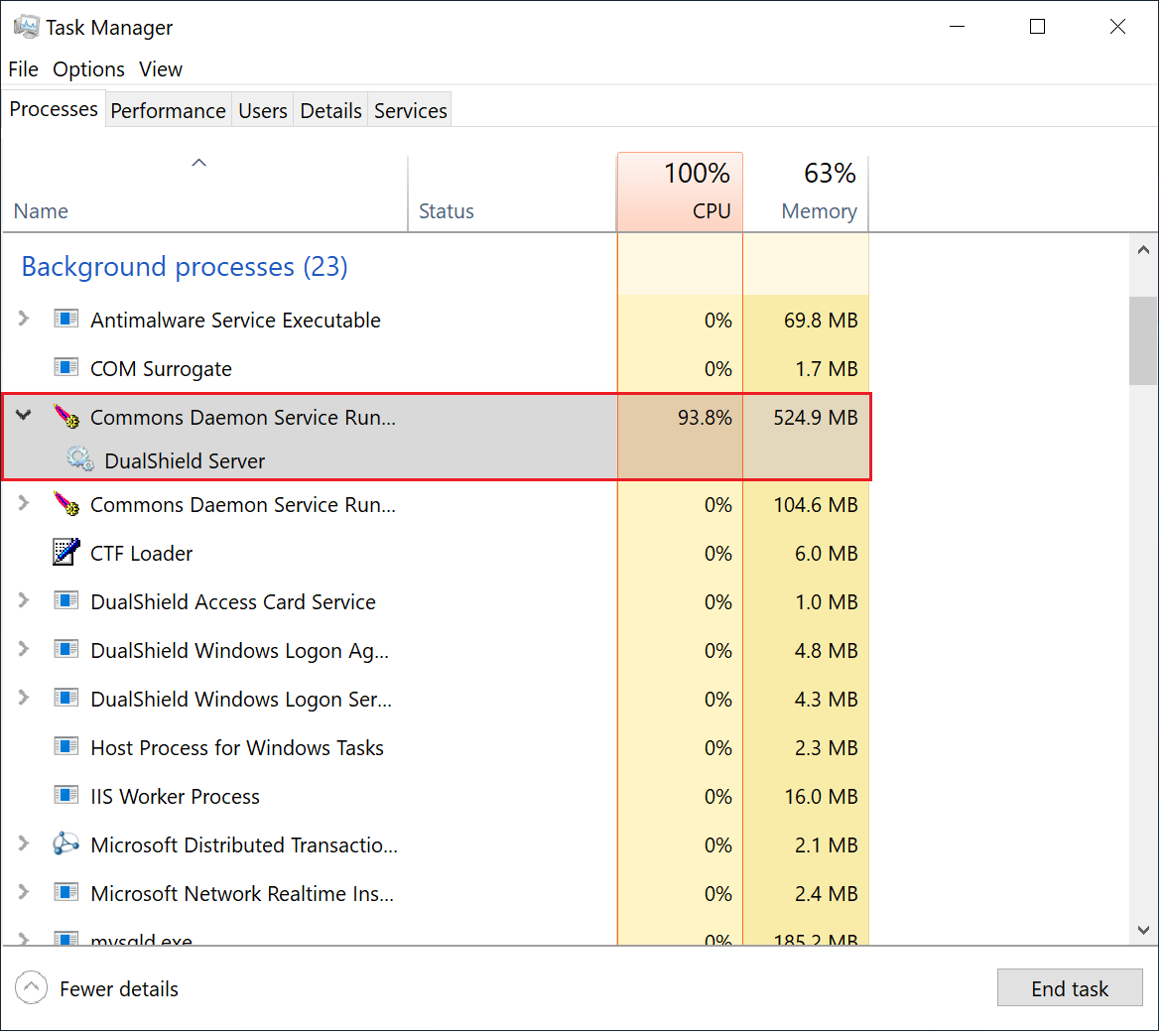
During the initialisation process, the CPU usage of the DualShield Server process will go up and down, and the Memory consumption will continue to increase.
When the CPU usage drops to zero or slightly above zero, and the memory consumption reaches close to 1.8GB for the backend or 550MB for the frontend, that's the indication that DualShield is fully loaded and ready for operation.