Because the Server/workstation is not joined to the domain the type of logon will be 'local logon' Therefore we need to make sure the local logons will be protected even if the machine is moved into a separate location and no longer connected to the network(offline logon).
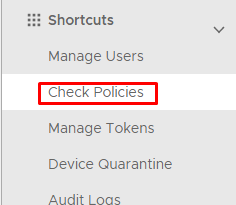
On the Administration Console go to Shortcuts>Check Policies
Click on  on the top right.
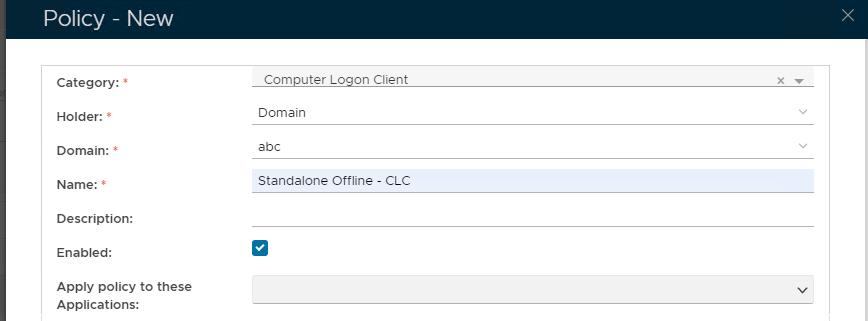
Set these Values in the Policy - New Window
| Option | Value |
|---|---|
| Category: | Computer Logon Client |
| Holder: | Domain |
| Domain: | Enter the virtual domain name |
| Name: | Enter a user-friendly name |
| Enabled: | True |
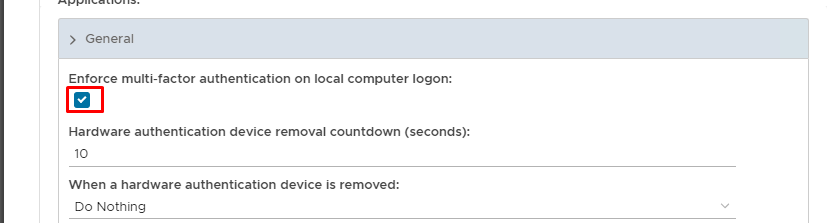
Expand General and check Enable MFA on local computer logon
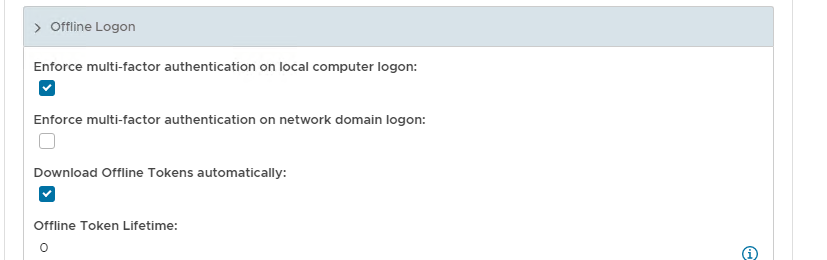
Scroll down the policy and expand Offline Logon
Check Enforce MFA on Local Computer Logon and Download Offline Tokens Automatically
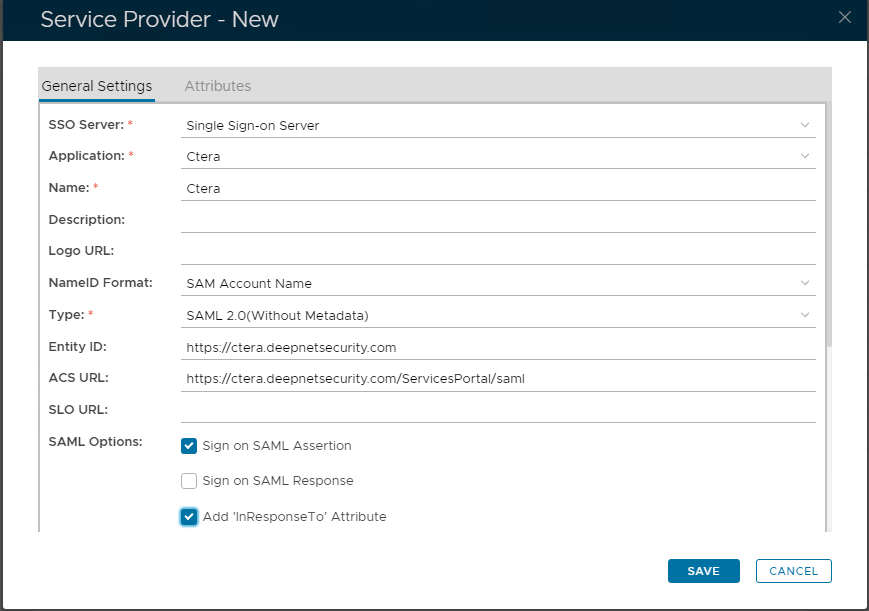
Now fill out Entity ID and ACS URL.
| Option | Value |
|---|---|
| Entity ID: | |
| ACS URL: |

The completed Service Provider dialogue box will look like this:
Click Save.
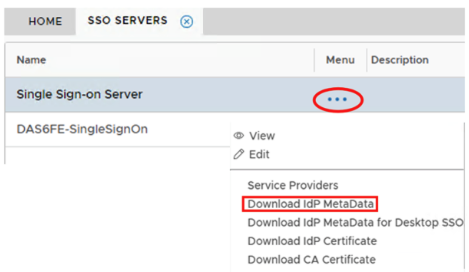
Download the IDP Metadata file.
Go to SSO>SSO Servers
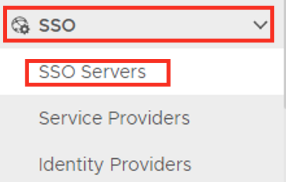
Select the drop down menu corresponding to the SSO server you will be using and click on Download IDP Metadata.