Navigate to the repository of the SSL Server Certificates at Repository | Certificates | Server Certificates
Click on the context menu icon of the server certificate that you want to apply to an SSO server.
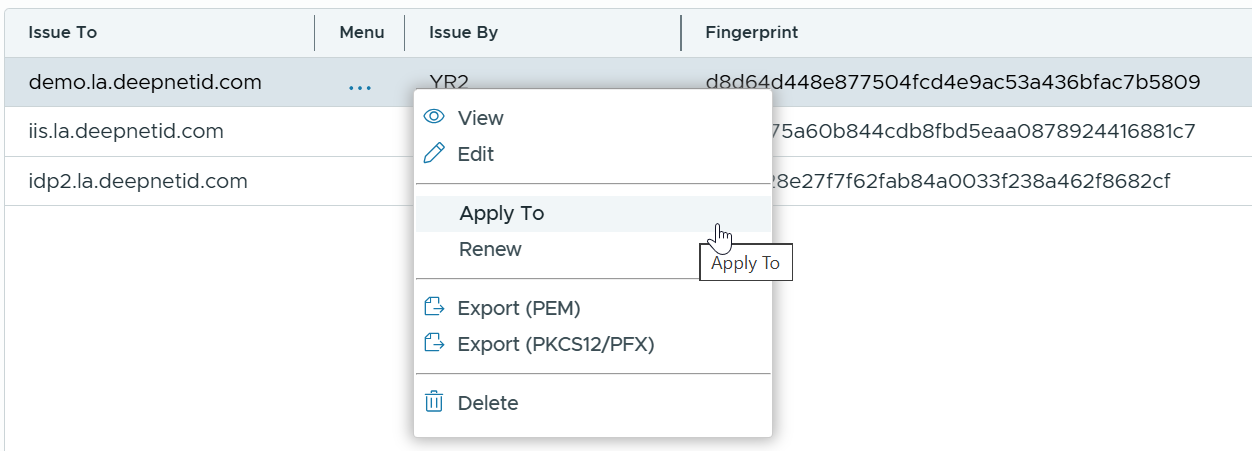
Select Apply To from the menu
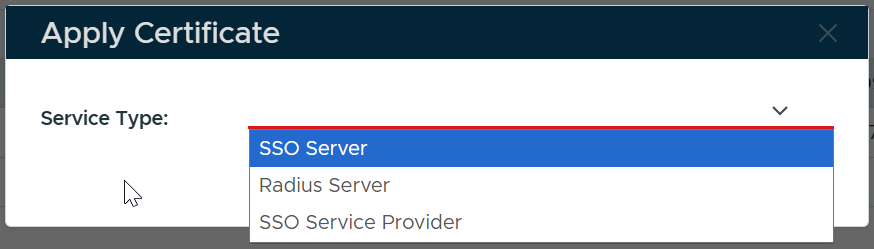
In the Service Type box, select SSO Server
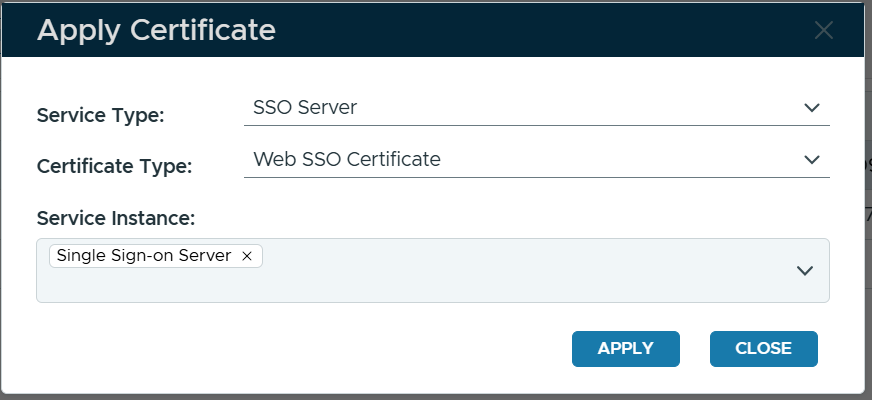
In the Certificate Type box, select Web SSO Certificate
In the Service Instance box, select the instance(s) of the SSO server(s) to which you want to apply this certificate
Click Apply