Sign in to the STS admin console, navigate to "Polices"
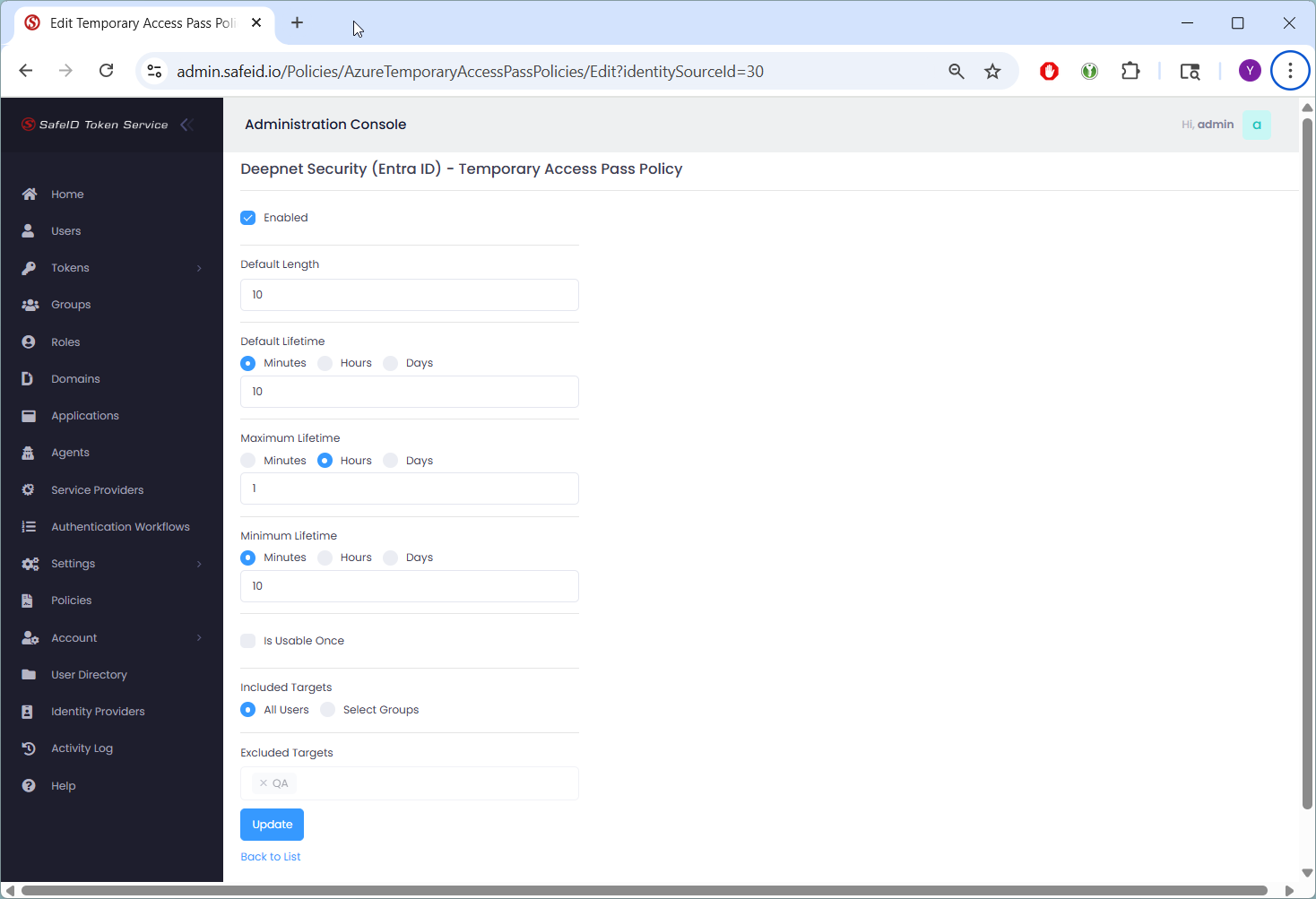
Click the Actions menu of the Temporary Access Pass policy to change, and select "Edit" in the menu
Sign in to the STS admin console, navigate to "Polices"
Click the Actions menu of the Temporary Access Pass policy to change, and select "Edit" in the menu