In the STS Admin Console
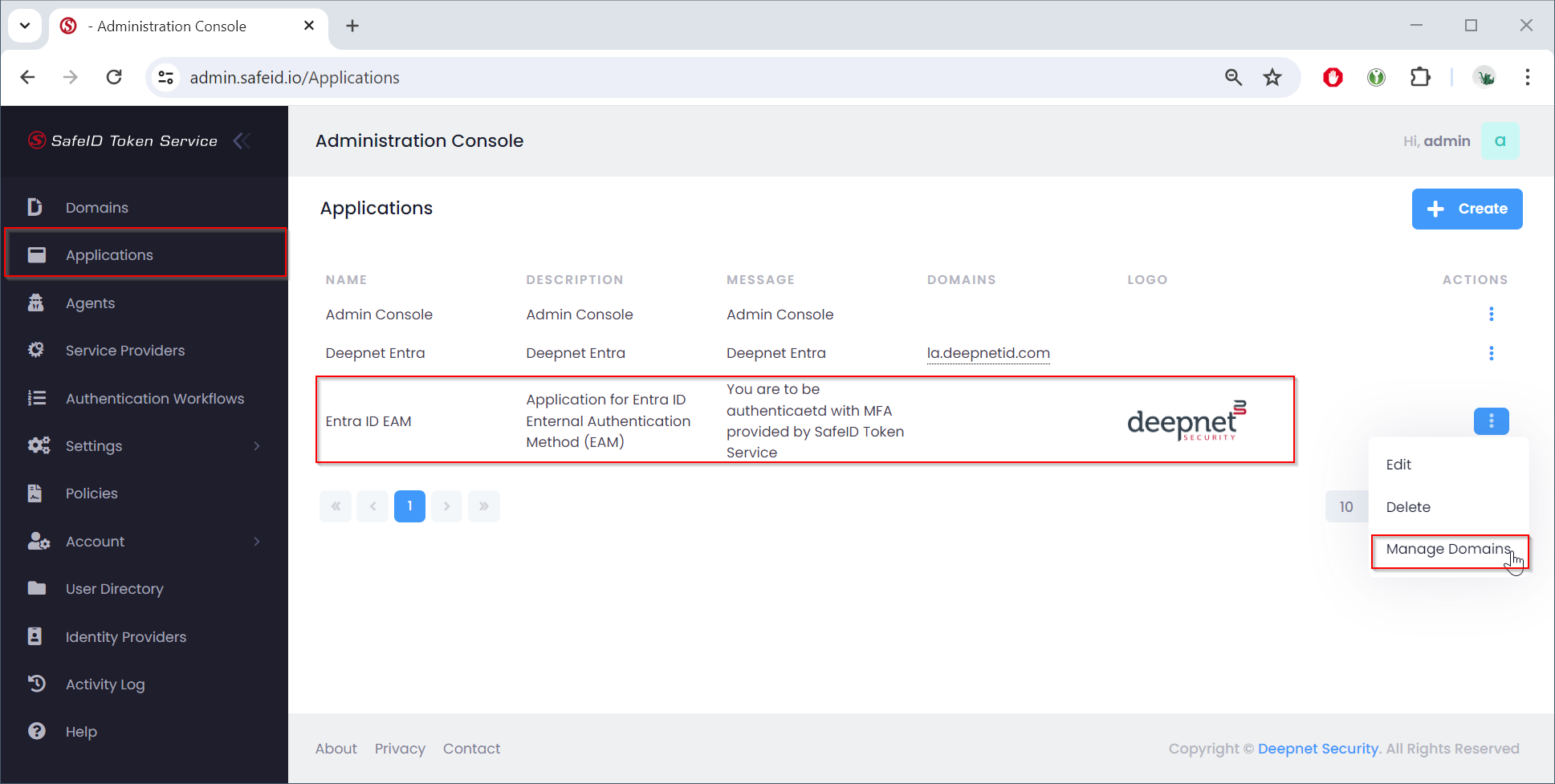
- Navigate to "Applications"
- Find the targeted application in the list
- Click the context menu of the application
- Select "Manage Domains" in the context menu
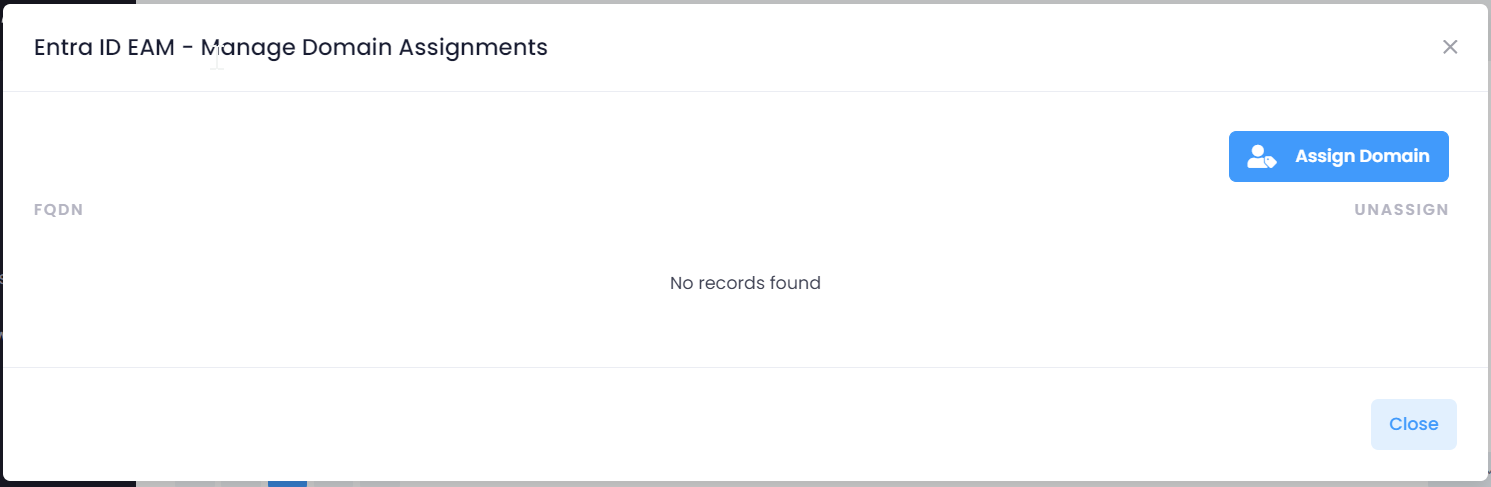
Click "Assisgn Domain"
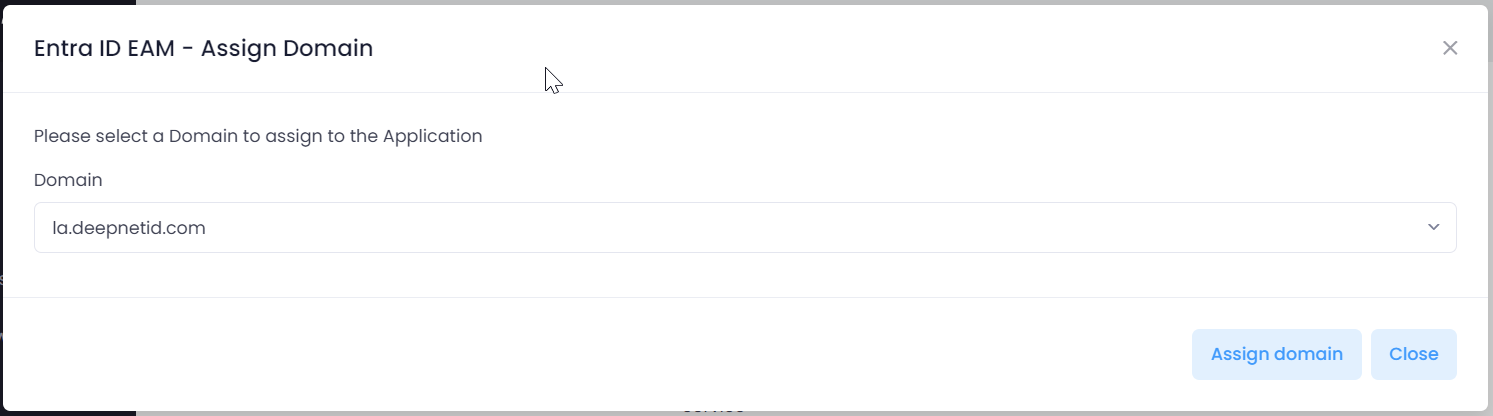
Select the domain to be assigned, e.g. "la.deepnetid.com"
Click "Assign domain" to save the assignment