Open up the windows settings home page (press windows and "I" keys at the same time);
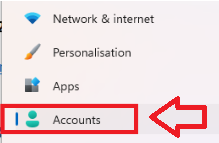
In the left hand column, select "Accounts" to open the user accounts settings;
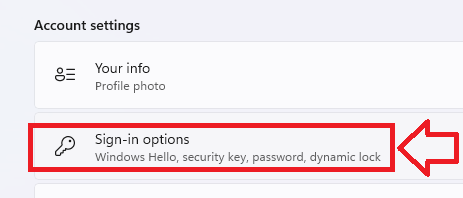
Scroll down the right hand column to the "Accounts Settings" section, then select "Sign-in Options";
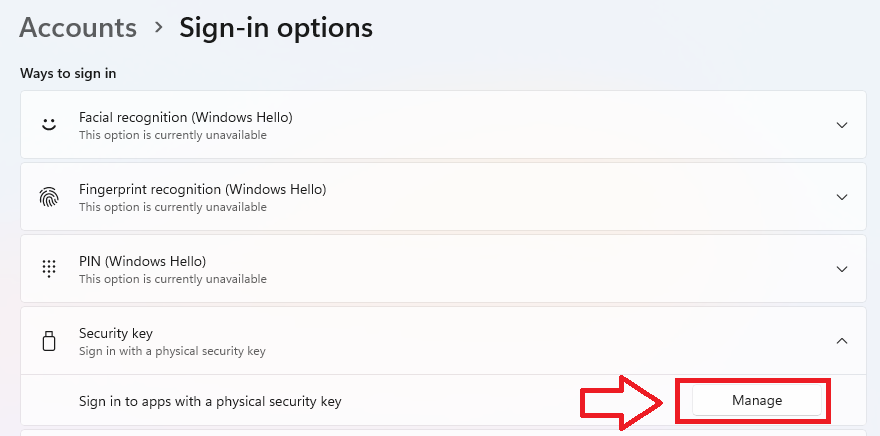
In the section "Security key", click on the "Manage" button;