Navigate to the token inventory by clicking "Tokens | Tokens" in the control panel, then select "FIDO Tokens" from the drop list next to "Inventory" in the content

Find and locate the FIDO key that you want to assign to a user, e.g. S/N 129301831, click the ACTIONS menu icon to the right of the token
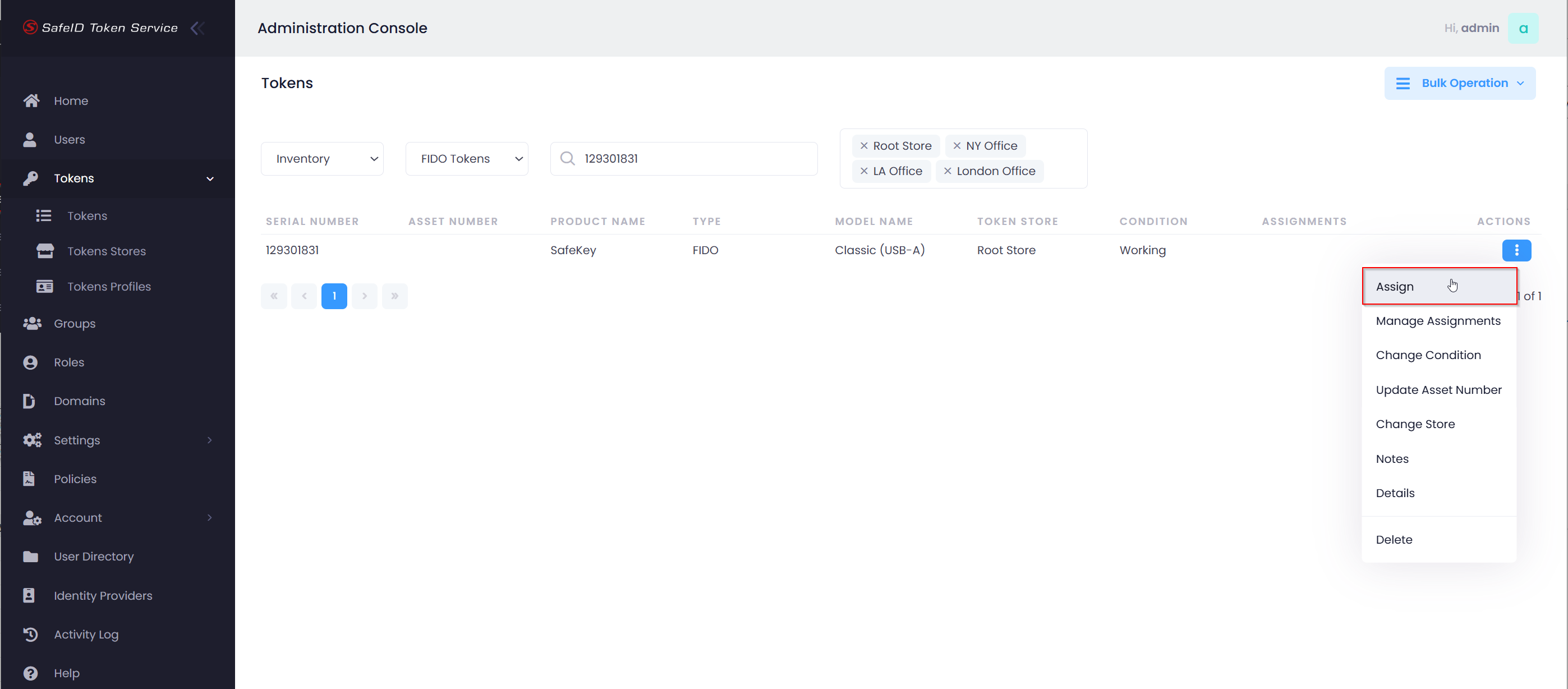
Select "Assign" from the actions menu
If this is the first time you are trying to assign a FIDO key to a user, then you will get the prompt below
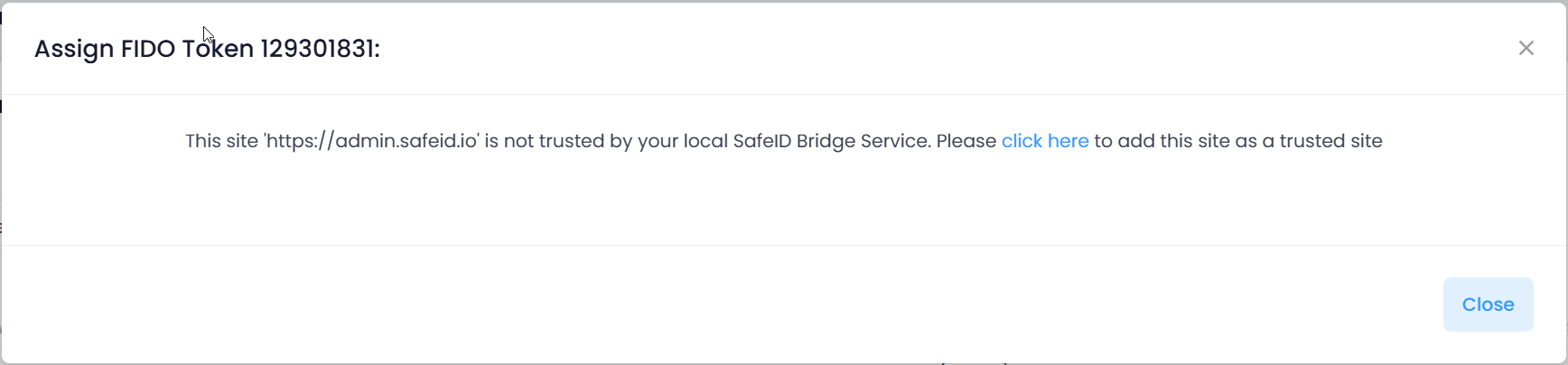
Click "click here" and follow the instructions below to add the SafeID admin console as a trusted site to your local SafeID Bridge Service
At the first time you are trying to assign a FIDO key to a user, you will get the prompt below
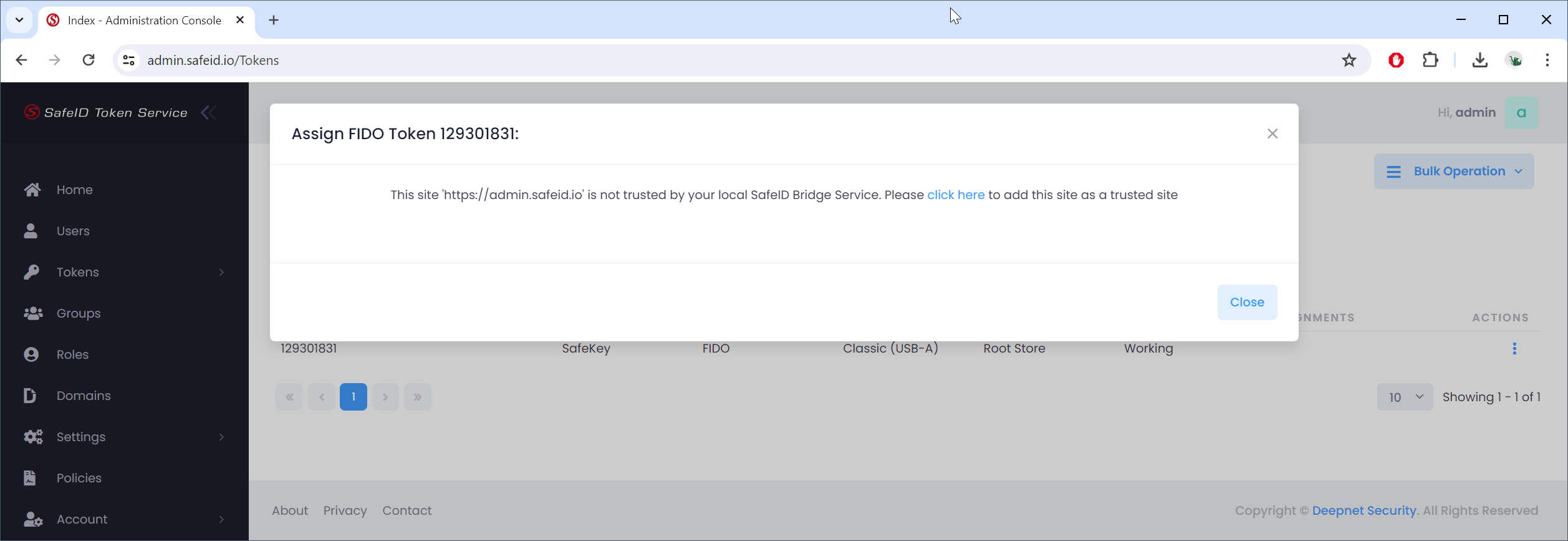
Click "click here" to continue
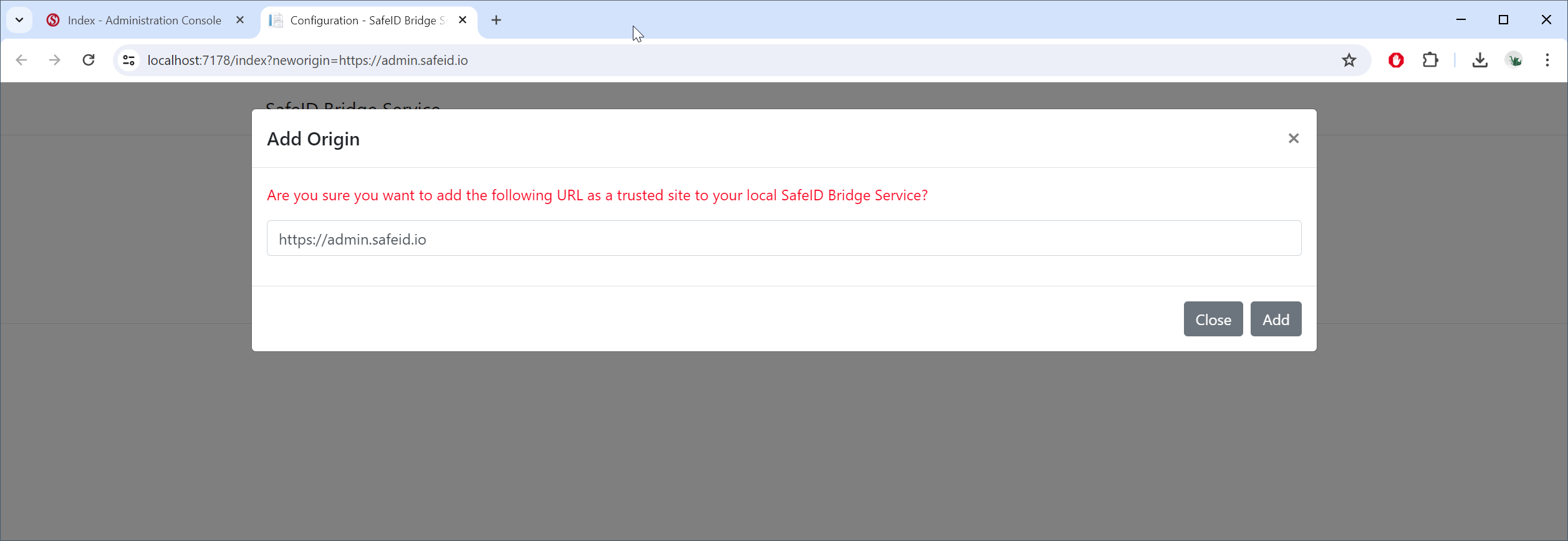
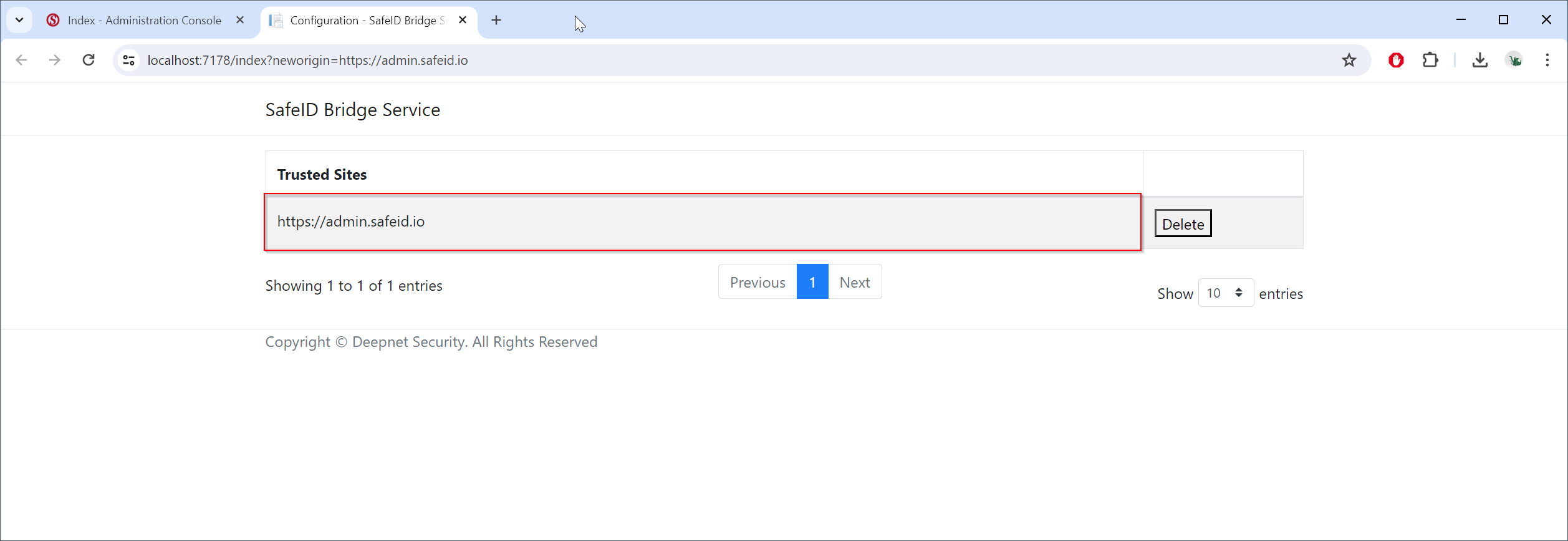
Click "Add" to add the SafeID admin console as a trusted site to your local SafeID Bridge Service