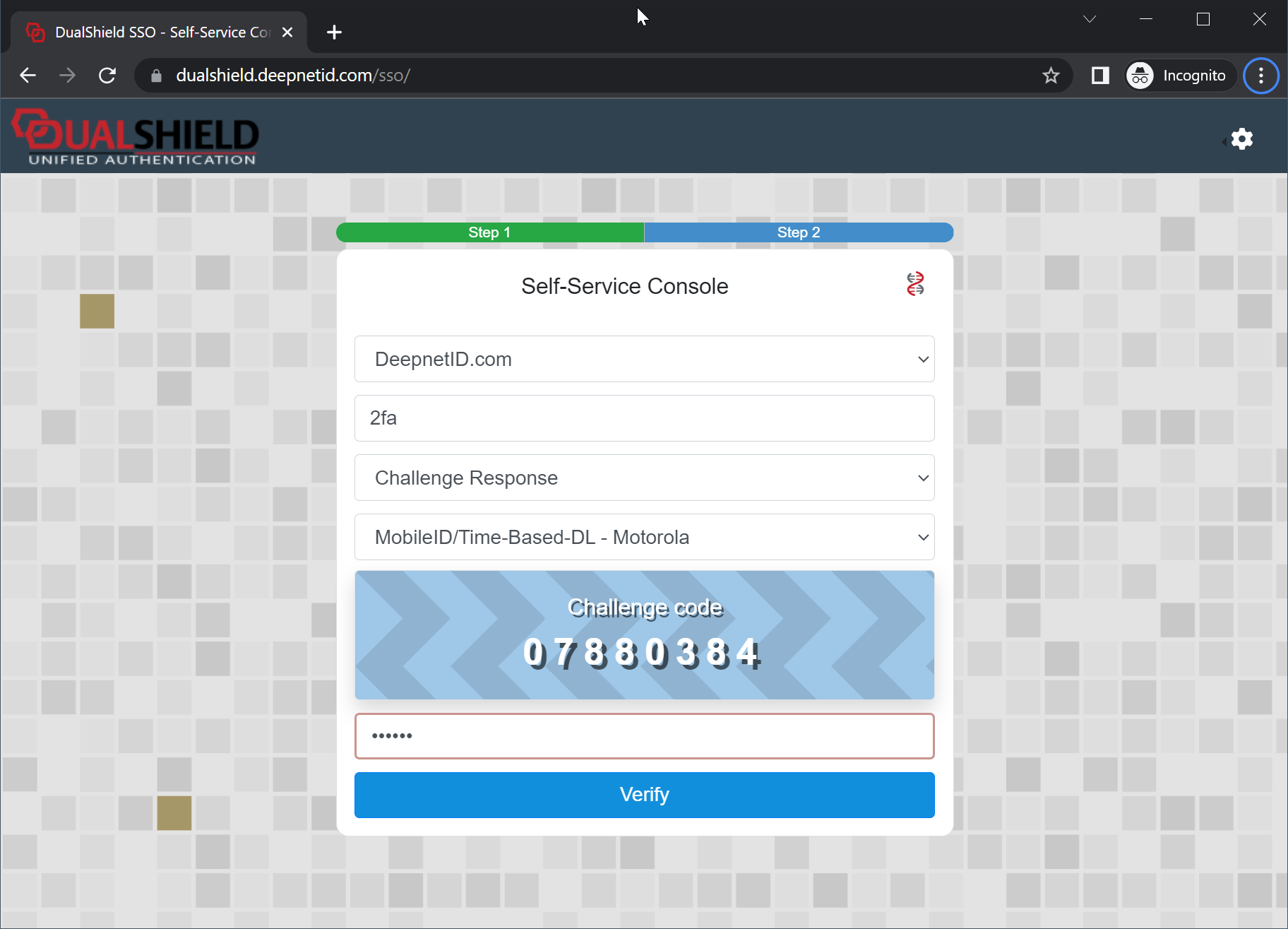
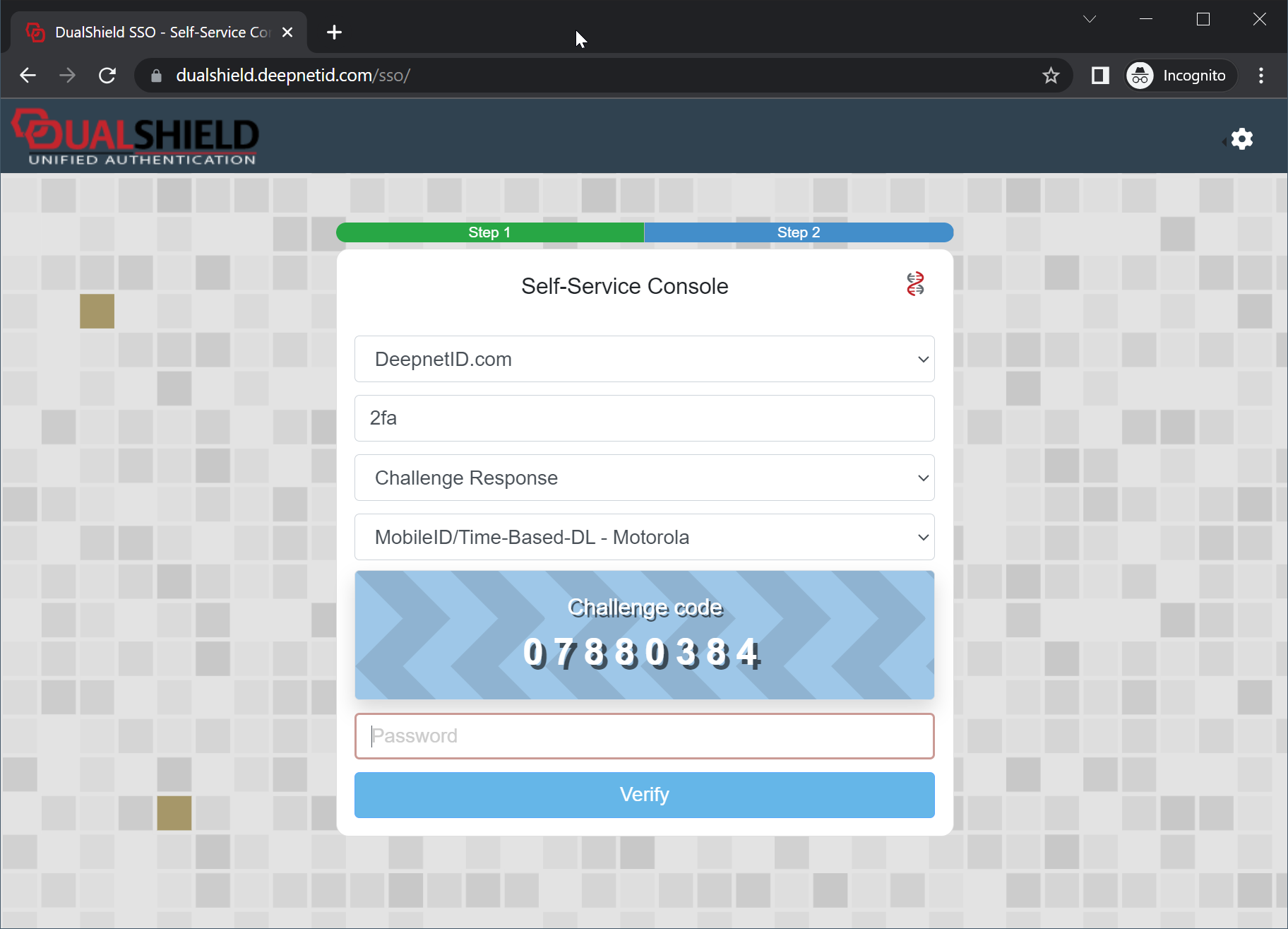
In the application's login form, select "Challenge Response"
Select the MobileID token if neccessary
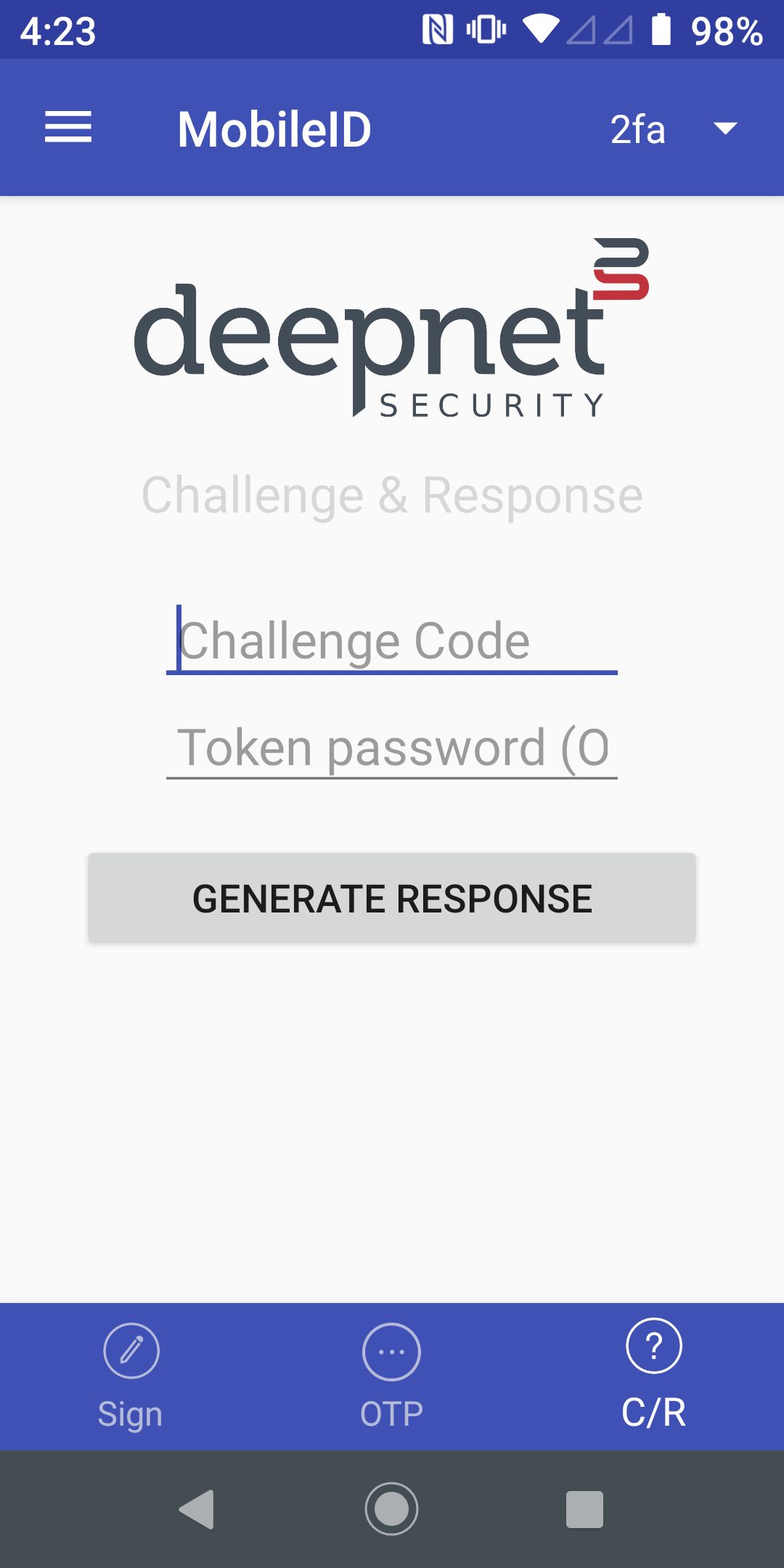
| Step 1: Open your MobileID app, click "C/R" on the bottom toolbar | Step 2: Enter the Challenge Code displayed in the application login form | Step 3: Press the "Generate Response" button |
|
|
|
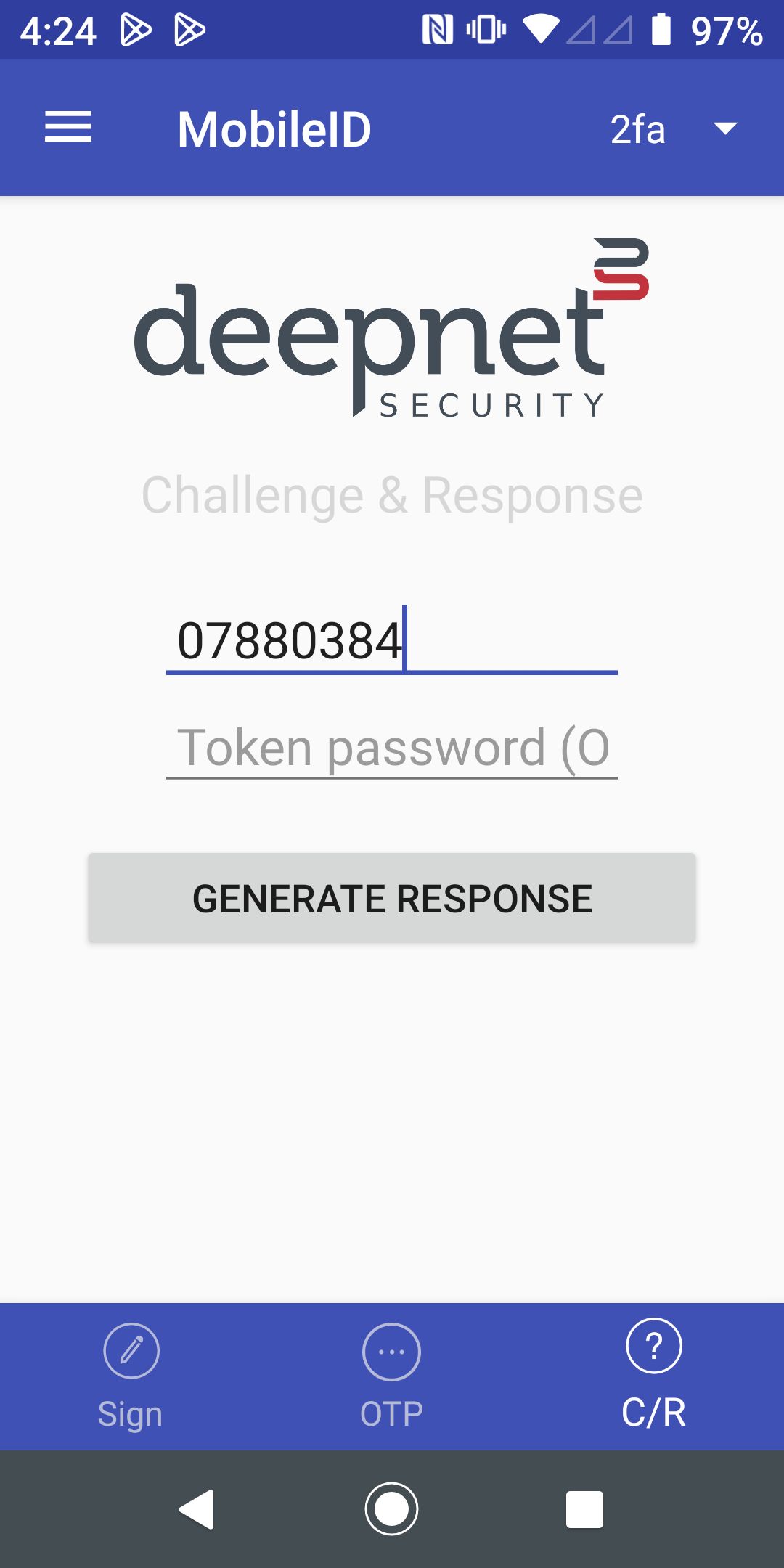
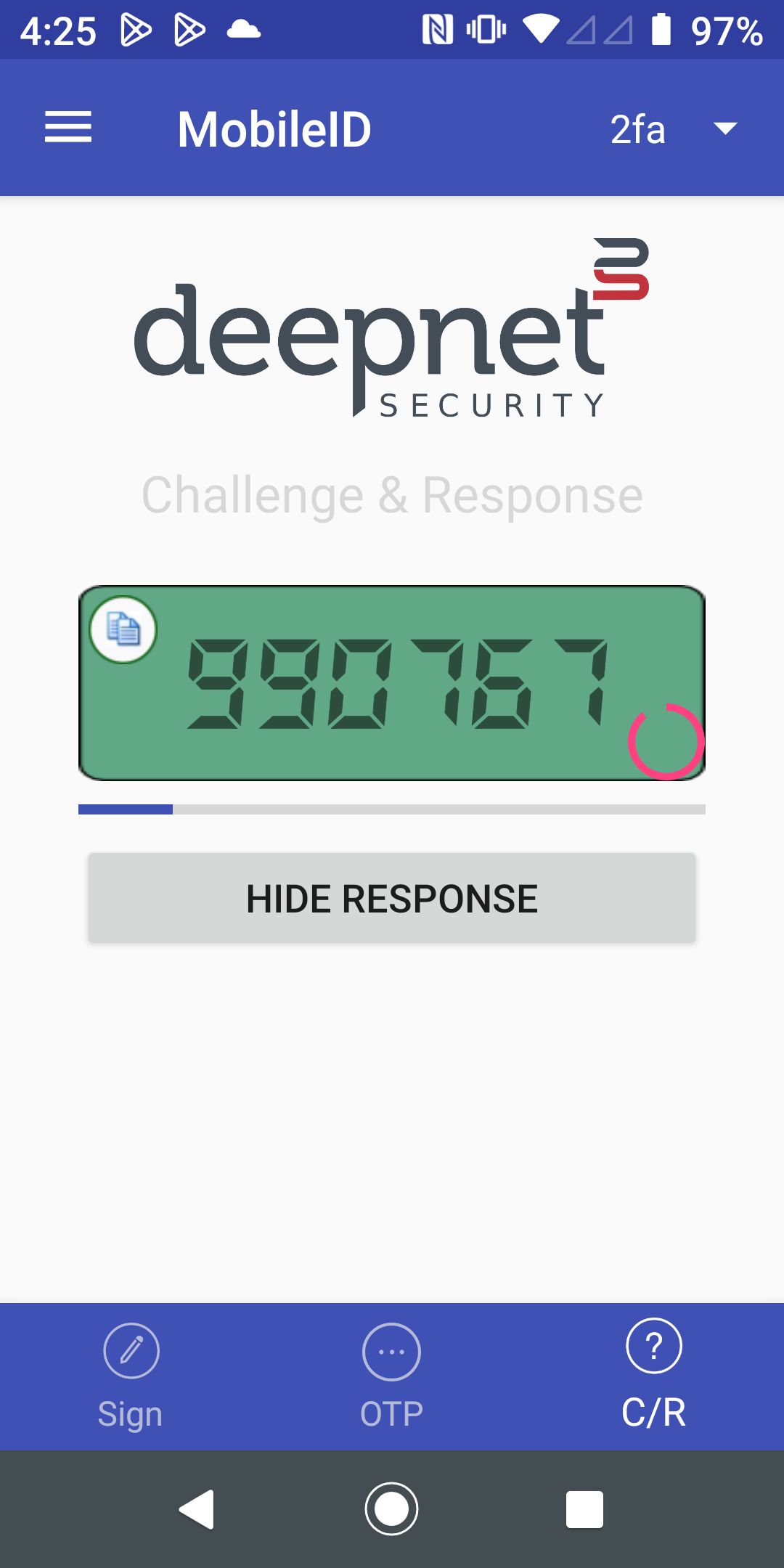
Enter the Response Code generated in your MobileID ID in the application's login form