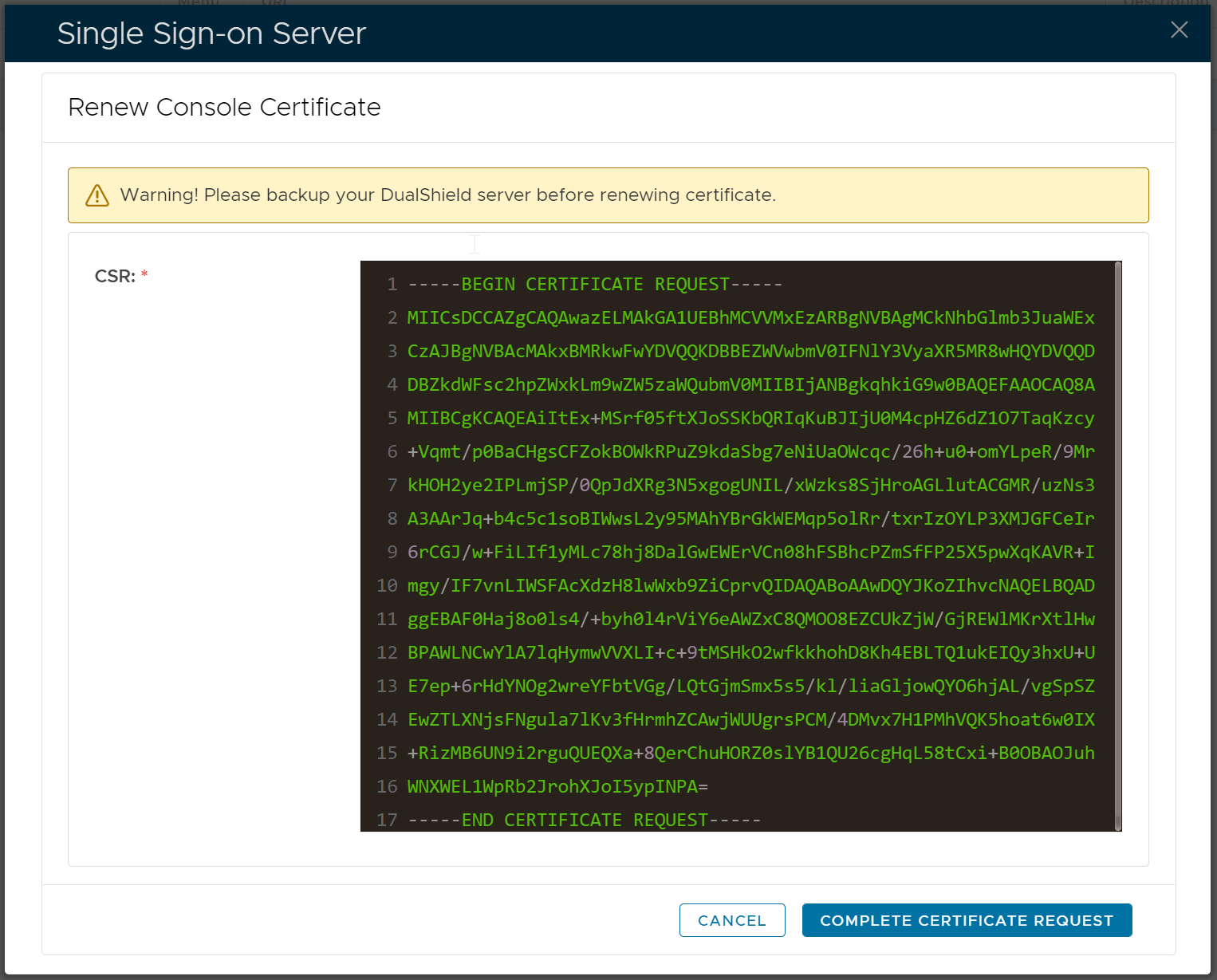
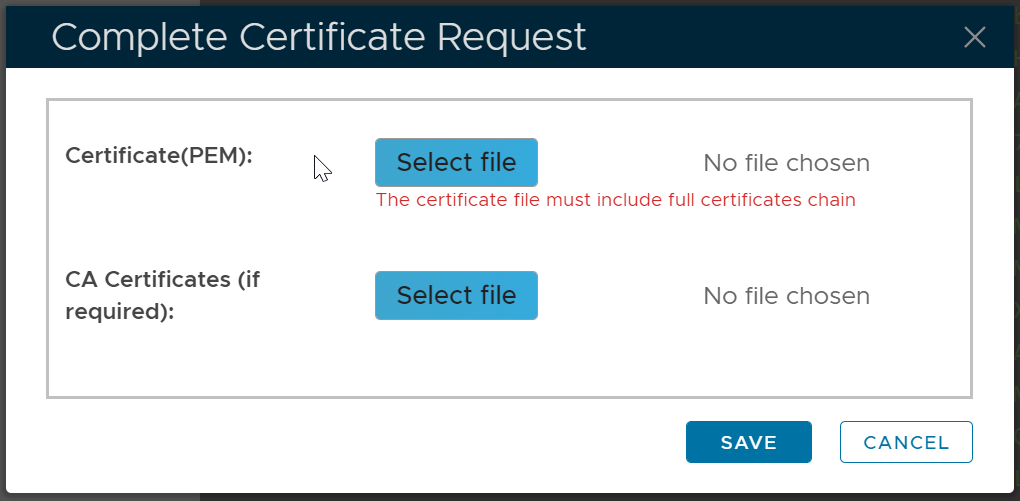
DualShield has several web consoles, namely
- Single Sign-On Console (SSO)
- Administration Console (DAC)
- Service Console (DSC)
- Deployment Console (DDS)
- Reset Password Console (DRP)
- Unlock Account Console (DUA)
- Emergency Access Console (DEA)
All of those web consoles use the same SSL certificate.
To renew the certificate of web consoles, navigate to "SSO | SSO Servers"
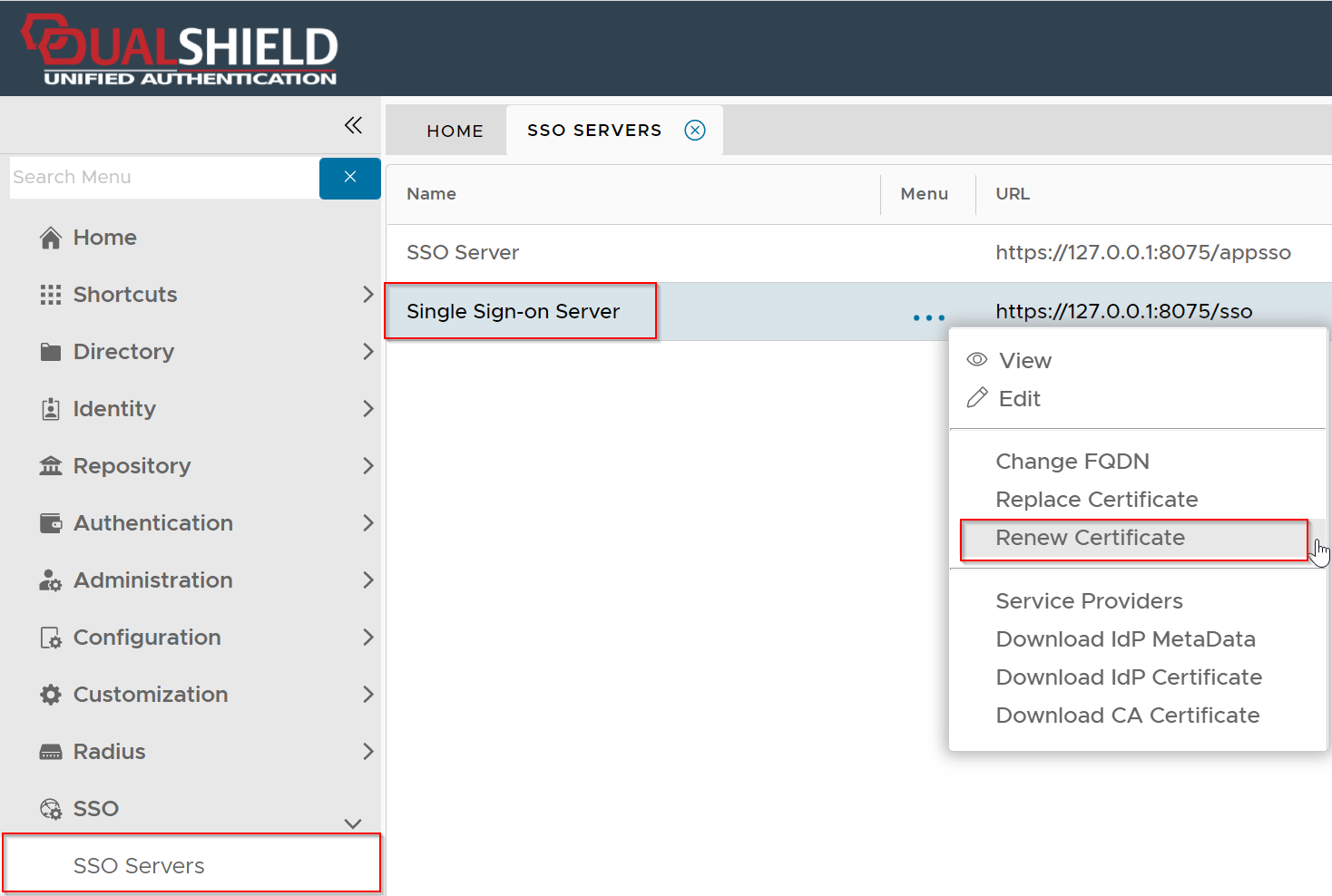
Click the context menu of "Single Sign-on Server", then select "Renew Certificate"
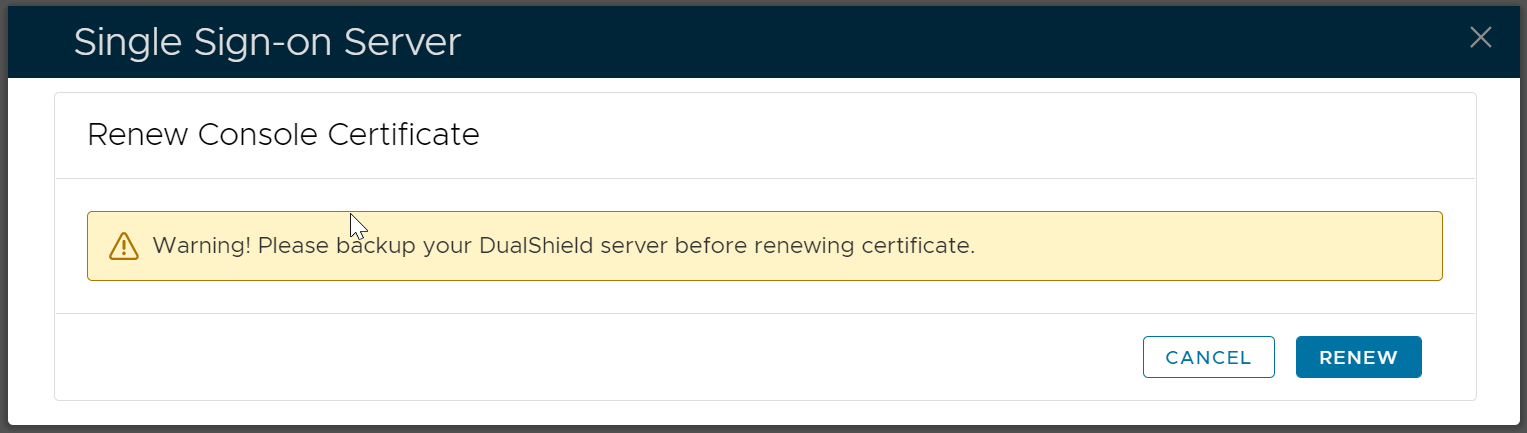
To be cautious, you might want to back you your DualShield server or take a snapshot of your DualShield VM.
Click "Renew" to start the renewal process
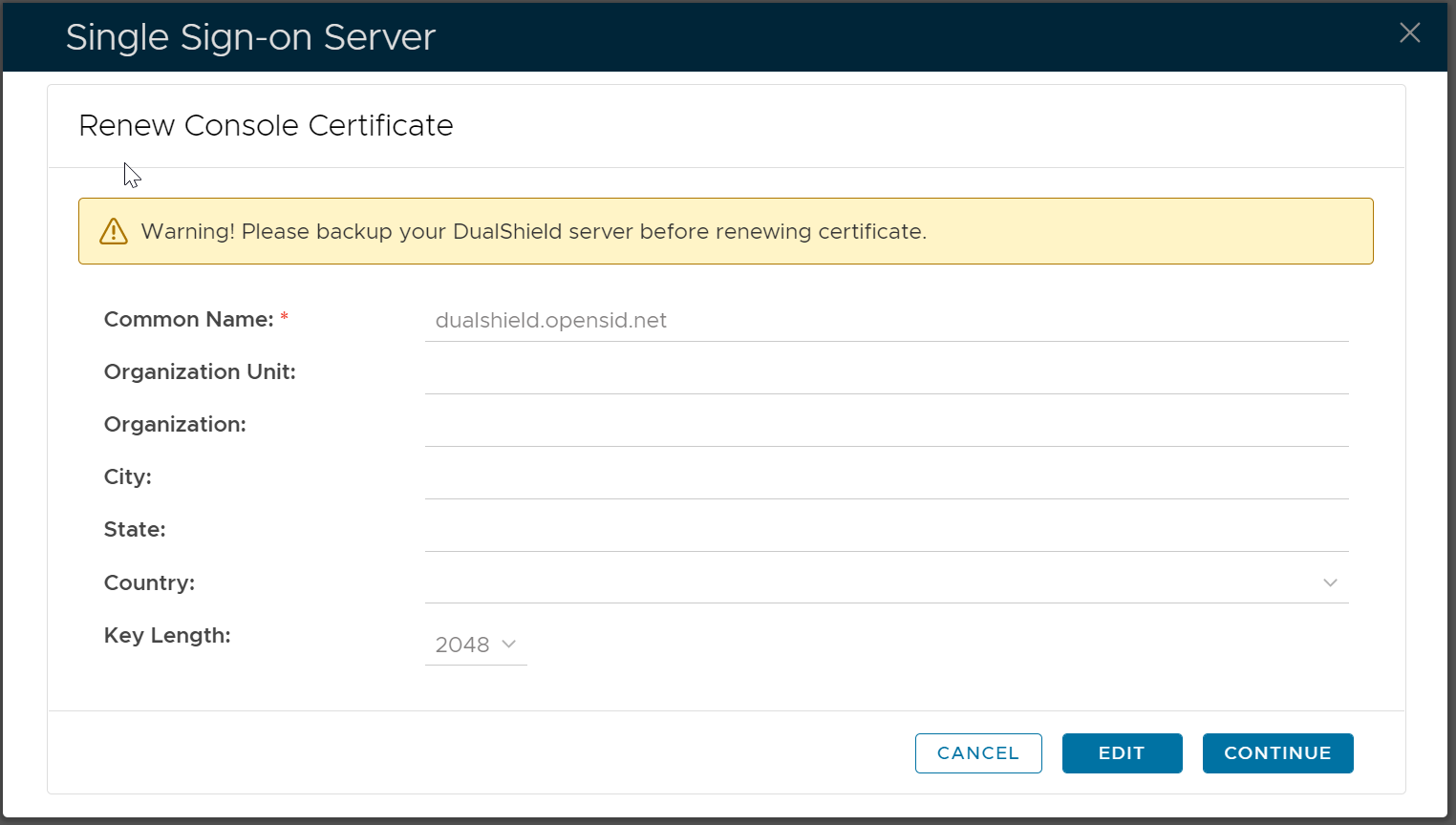
Click "Edit"
Fill the certificate application form
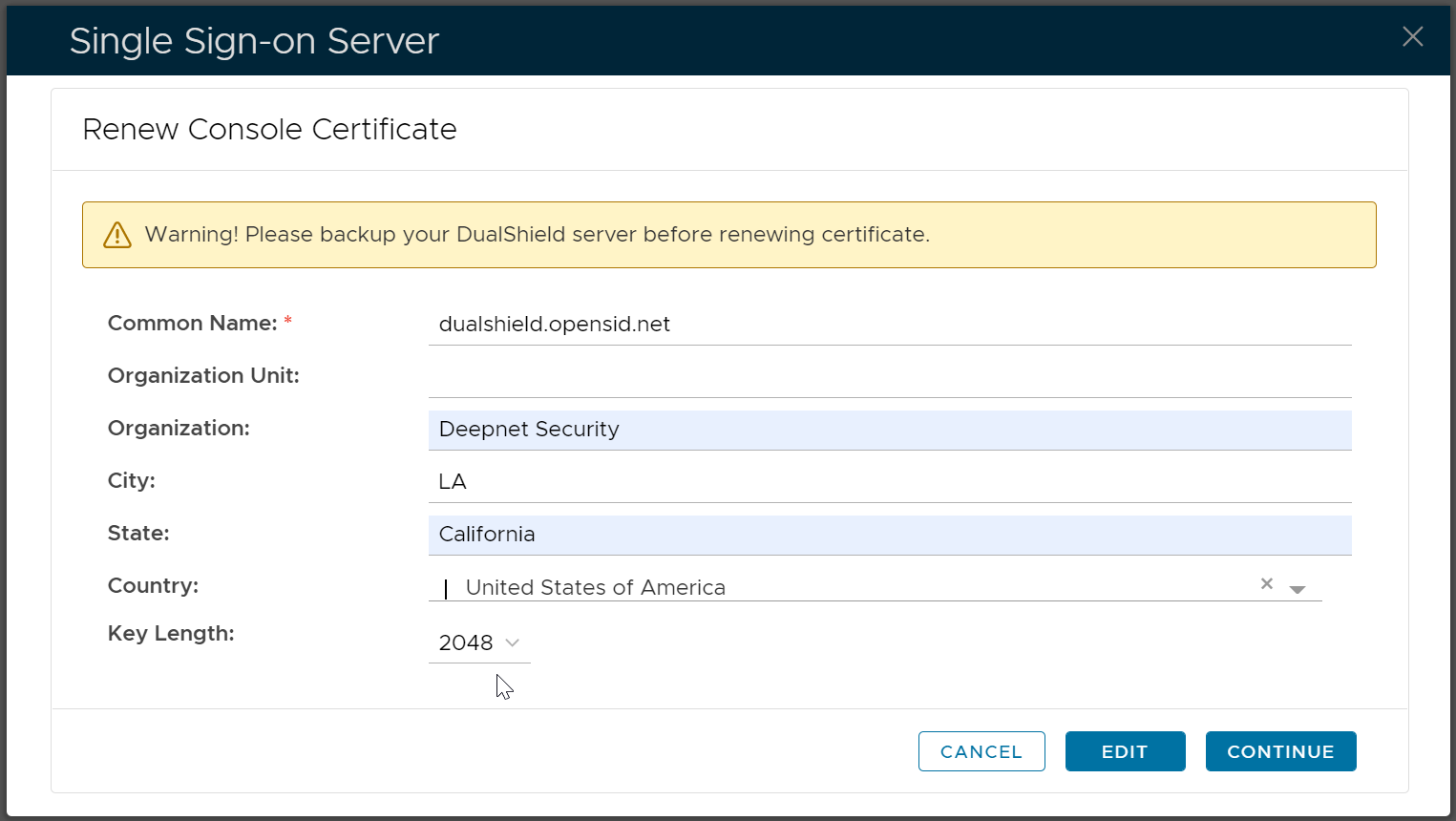
Click "Continue"