In order to import a certificate into Windows certificate store, you need to access it from the Microsoft Management Console (MMC).
First, you need to add the Certificates Snap-In into the MMC
Then, you can import the CA certificate into the Root Certificate Stores.
There are two Root Certificate Stores in Windows systems, Trusted Root Certification Authorities and Third Party Root Certificate Authorities. Usually, you would import a CA certificate into the Trusted Root Certification Authorities.
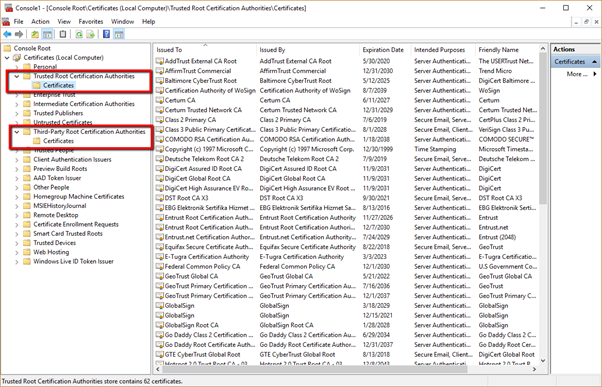
Expand Trust Root Certification Authorities
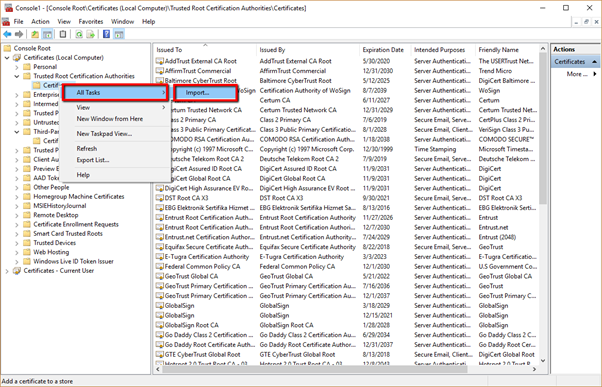
Right Click Certificates.
Select All Tasks > Import
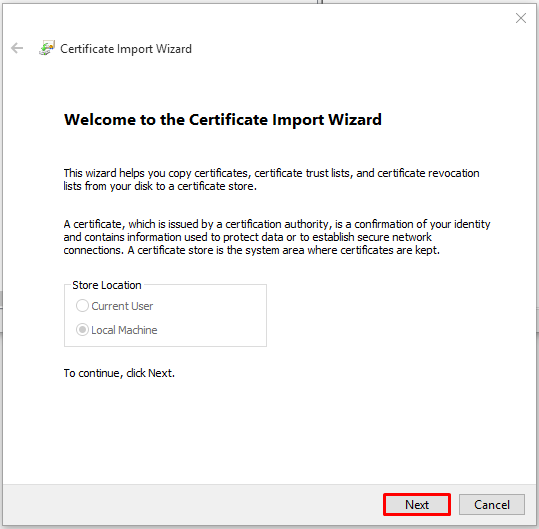
In the Certificate Import Wizard click Next
Click Browse
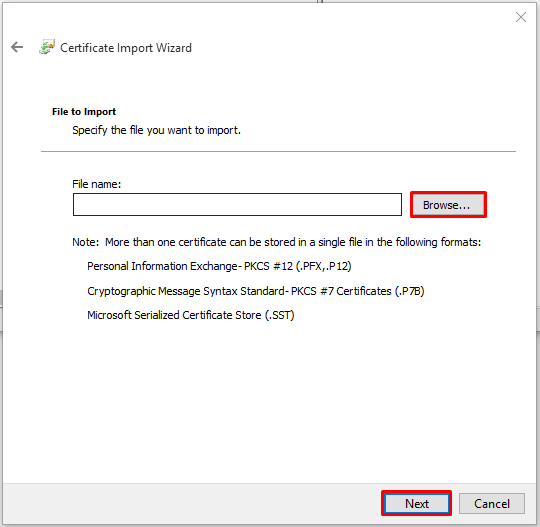
Select the CA certificate to be imported
Click Open
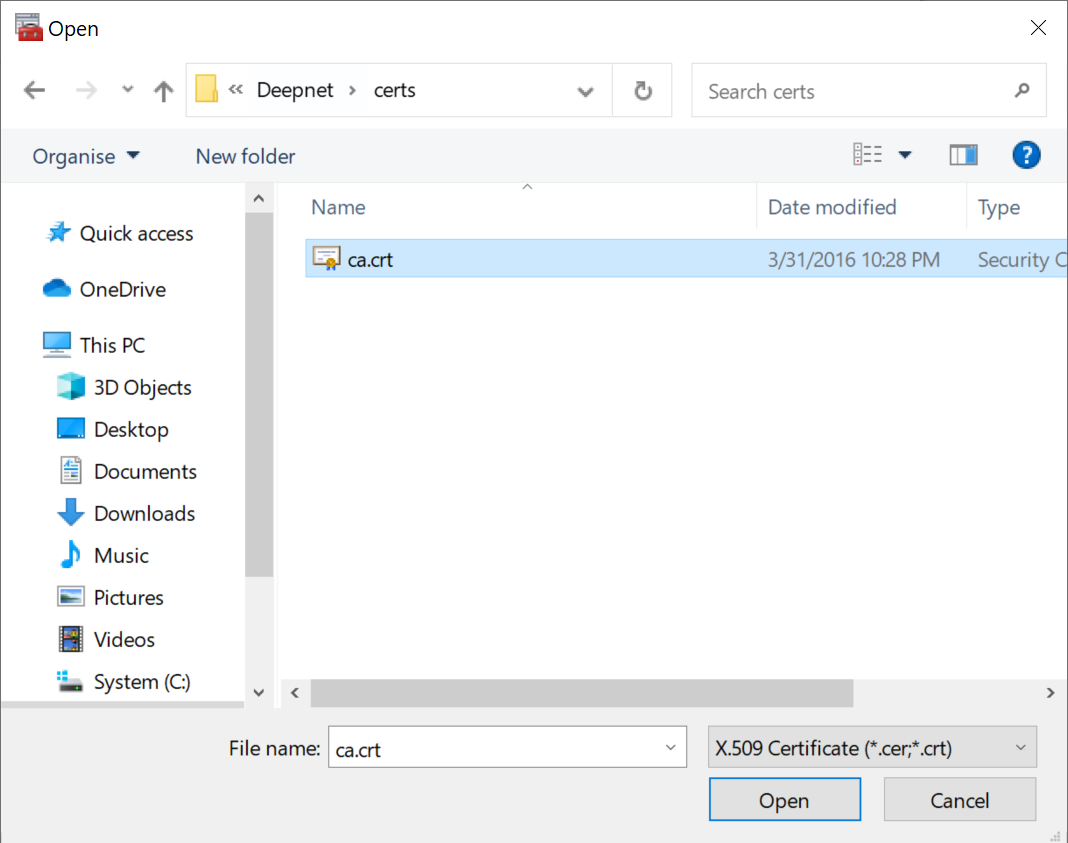
Click Next
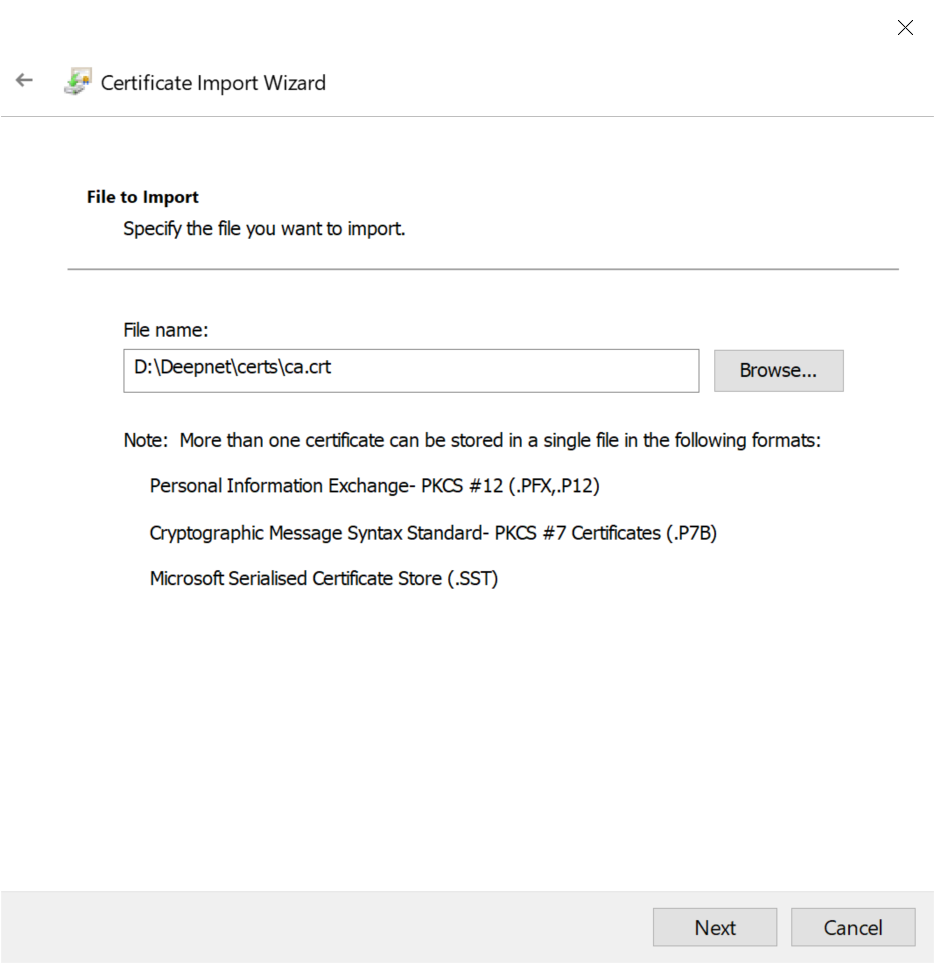
Click Next
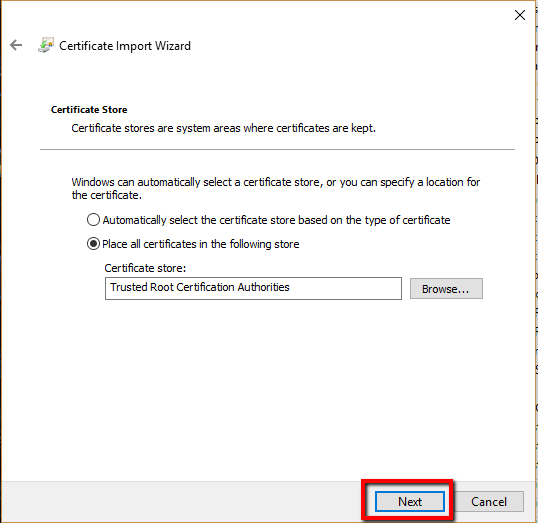
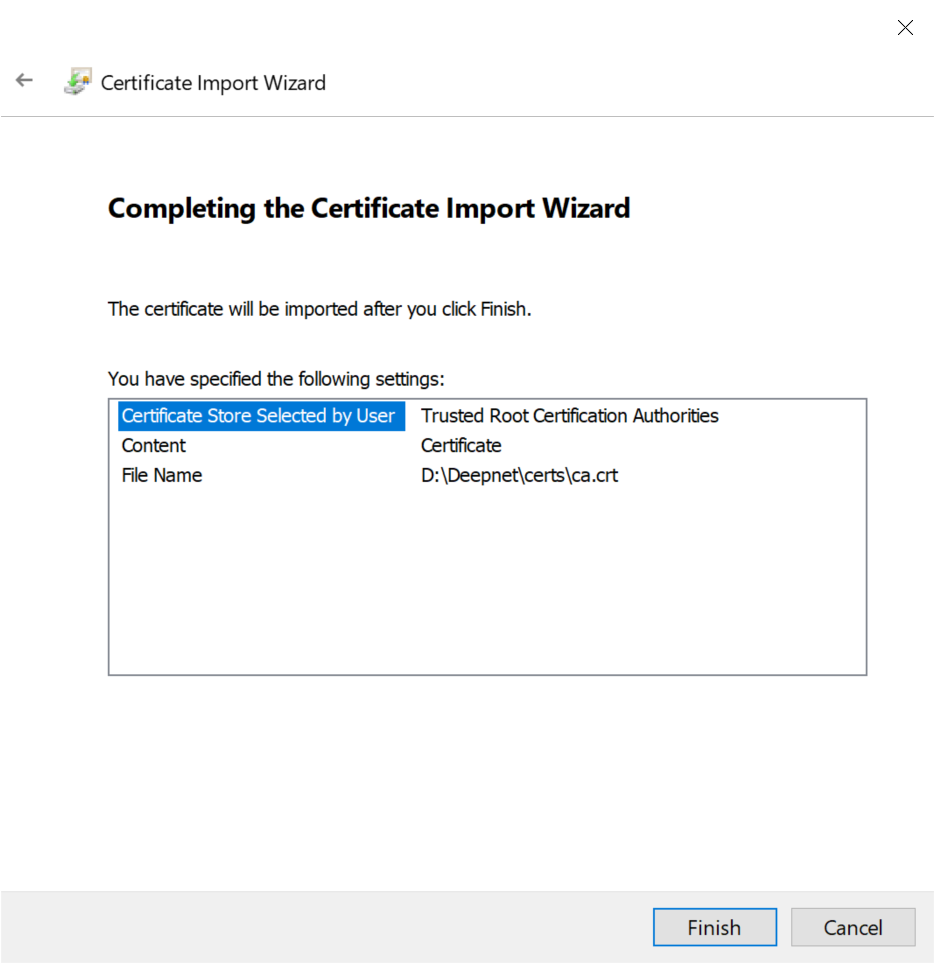
Click Finish