The Issue
Attempting to delete a domain on the Administration Console;
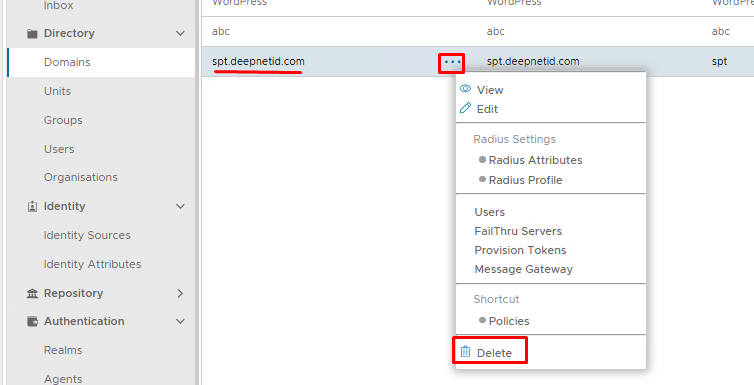
However the following error appears:
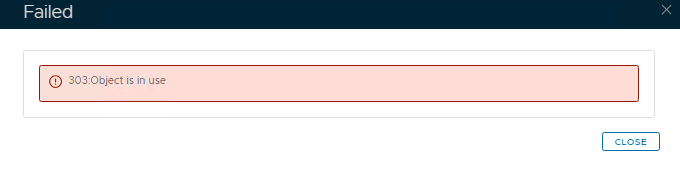
This usually means the domain is still tied to something else, for example, a realm, a policy, a role, etc
Search the Admin Console for Domain Bindings
The first thing to do is check the obvious places on the Admin Console
Authentication > Realms
Check under the domains column...
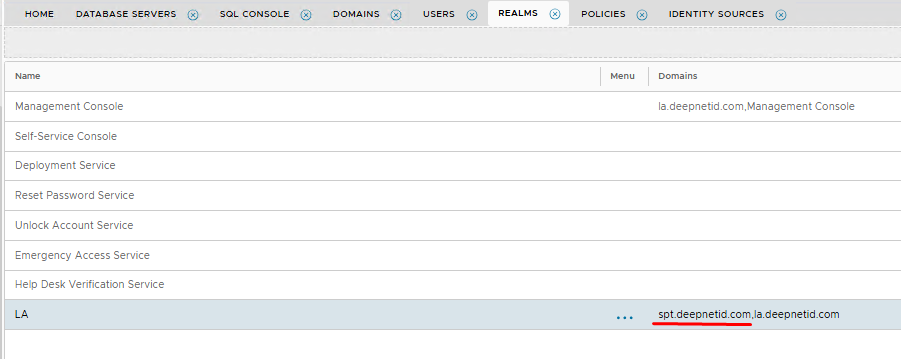
If you see it in there (as per the example above), edit the realm and remove it.
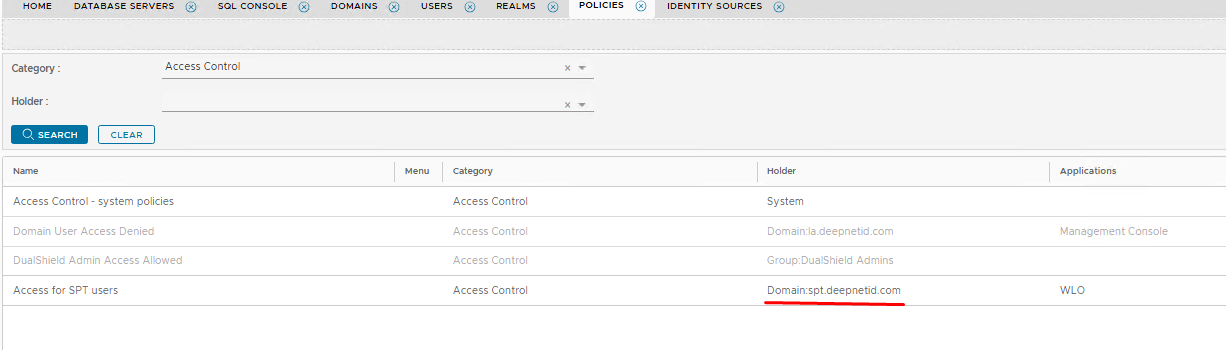
Administration>Policies
Check all domain/group/user policies that you may have created or edited recently
Administration>Roles
Check if any roles are tied to a domain
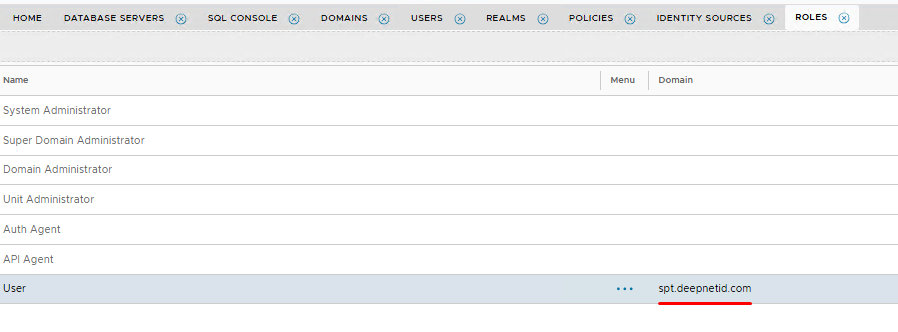
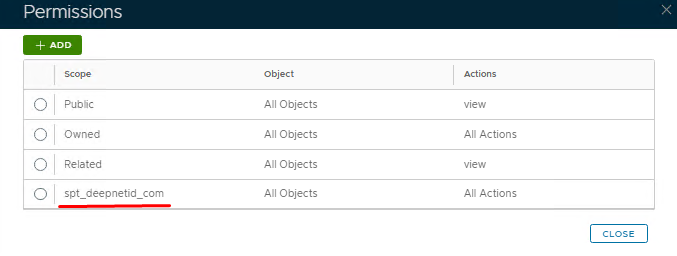
Also, check the permissions of all roles in case the domain is specified as the scope
Configuration>Gateways
Check to see if you can see the domain bound to any message gateway

If you see the domain you wish to delete listed in any of the above place then you will need to edit and remove those associations, then try deleting again.
If however, you cannot find it in any of those locations, then it will need to be manually removed using a series of SQL queries.
Go to Platform>Database Servers then click on the blue SQL Console button on the top right.