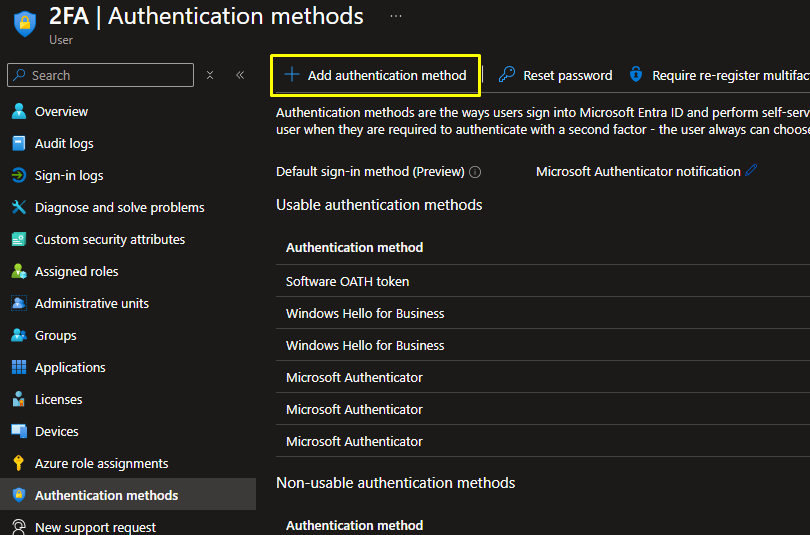
For the user to be able to view the DualShield EAM as an option on the Microsoft Authentication page, it has to be added as a useable authetnication method under the user's Entra account.
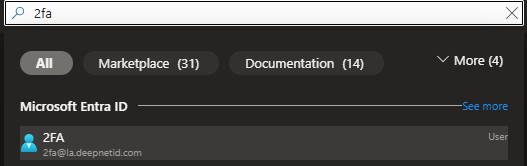
To do this, search and select a user account on Entra
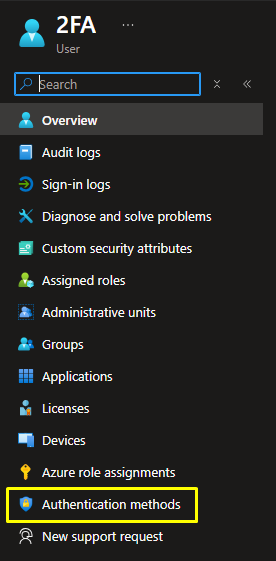
Click on Authentication Method from the menu on the left
Click Add Authentication Method