Log into the DualShield Management Console, select "Authentication | Logon Procedure", and add "Fingerprint" to the logon procedure of the Windows logon application.

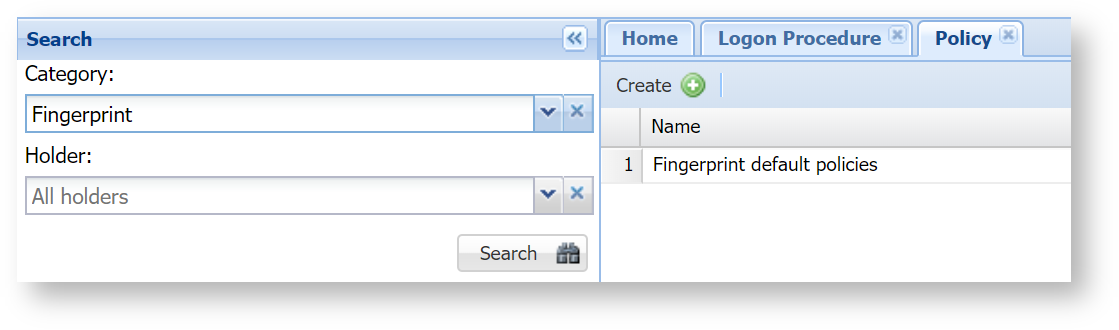
You will also need to customise the fingerprint policy according to your needs. Select "Administration | Policies" then select "Fingerprint" from the Category list
Click the context menu icon and select "Edit"

Check and set the following policy options:
- Token Provisioning
- Token Activation
- Token Enrollment