Follow the steps below to create a new authentication product.
In the Admin Console, navigate to Authentication \ Products

In the authentication products panel, click the CREATE button on the boolbar
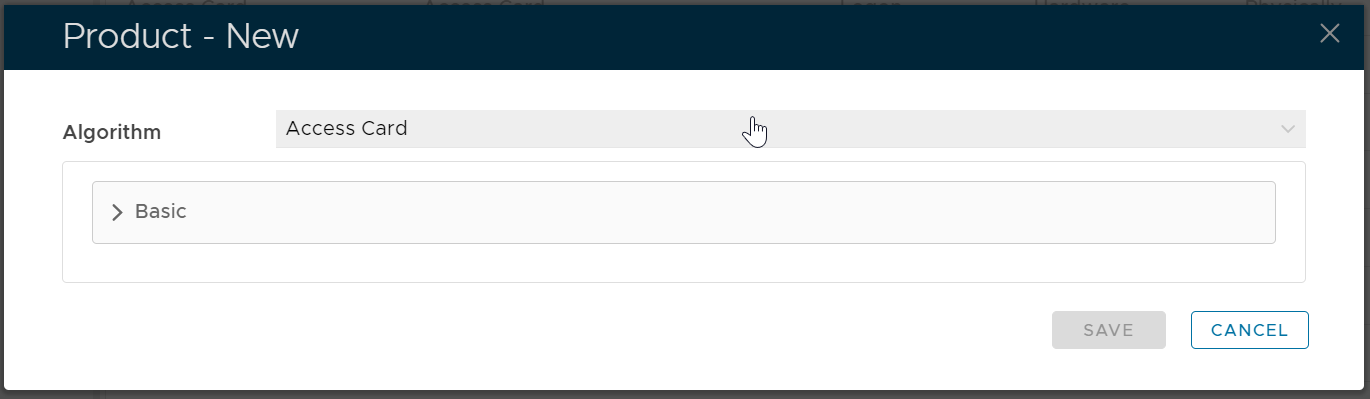
In the Algorithm selection box, select the algorithm that the product uses.