...
However what you probably just need to do is download the SP metadata again, by following steps 6 - 10 in this wiki guide guide DualShield Preparation for Citrix Workspace.
Please note for step 9 except you click on View instead of Connect..

The SP metadata file will contain the old certificate and the new certificate string..
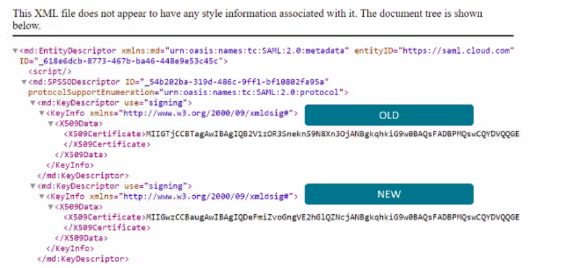
You can upload it as it is or you may wish to edit the file and remove the old certificate information. If you edit in Notepad++ then you can delete rows 3-9
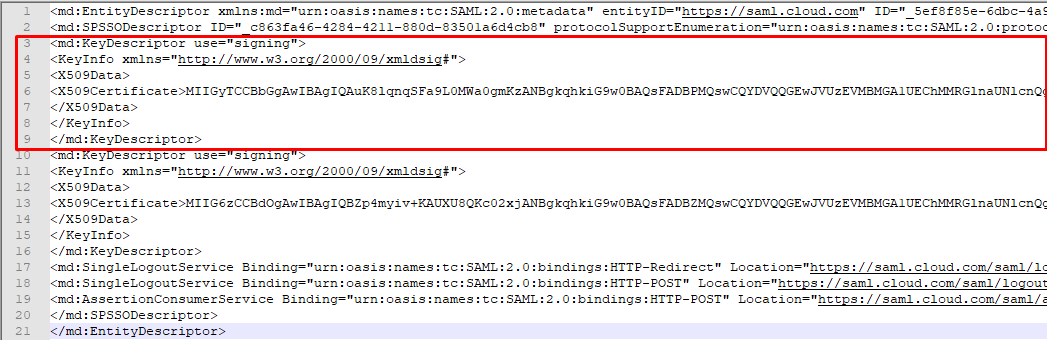
..This is because the new certificate is not valid until the old one expires!
Copy the contents of the new metadata the go to To upload the new SP Metadata please go to SSO>Service Providers on Dualshield Admin Console, edit the entry for Citrix Cloud.
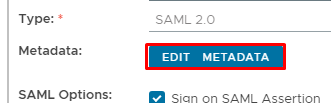
Then Edit Medata
Delete the existing metadata, then paste the new metadata in here...

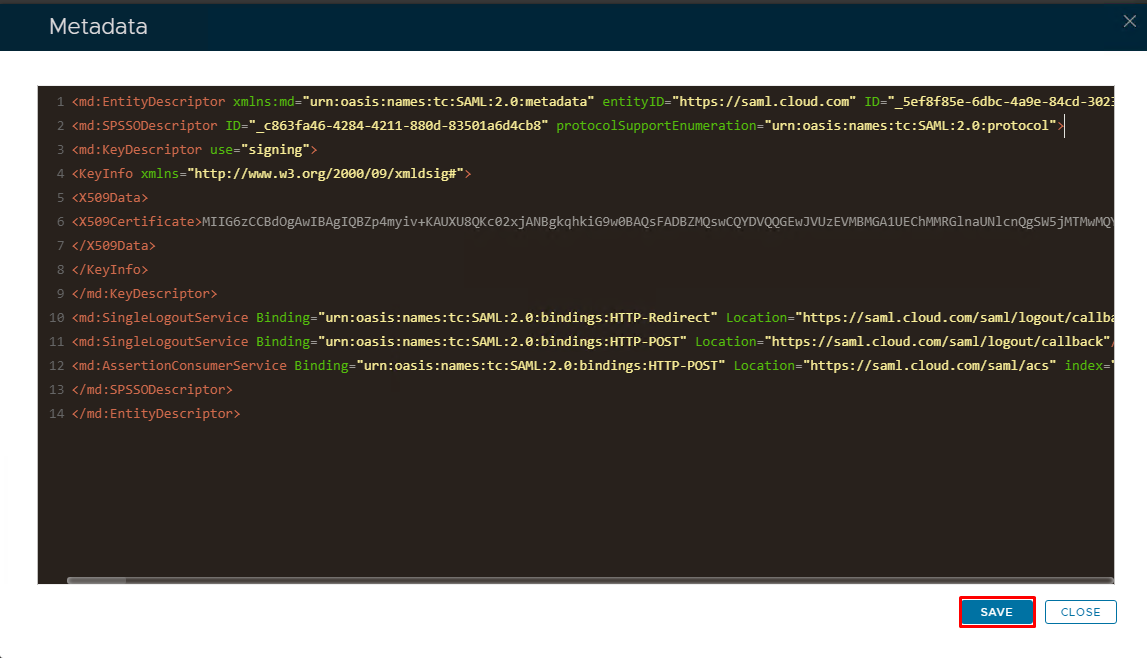
Click Save
Click Save again on the Service Provider edit screen.
...