In order to use the DNA app as a login console, you users must first register your their DNA app apps with your their user accountaccounts. In other words, you they must add your their user account accounts into your their DNA appapps.
To add a new user account into the DNA app, you need the user needs to obtain a QR code from the DualShield Service Console (DSC)
...
- Click Scan QR Code, then scan the QR code displayed in the DaulShield DualShield Service Console
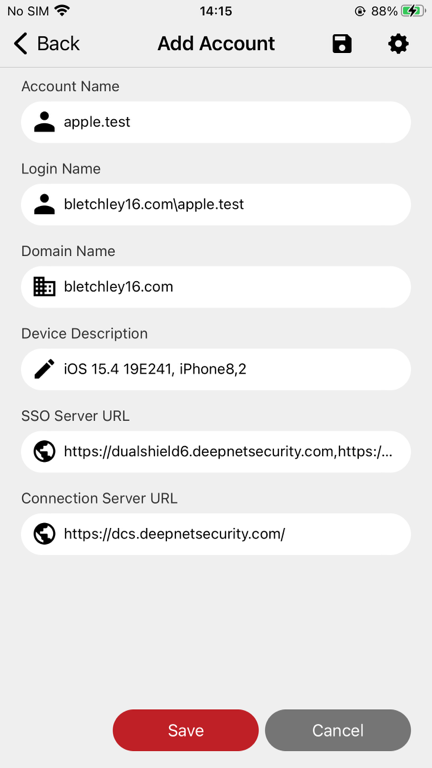
- Click Save
...