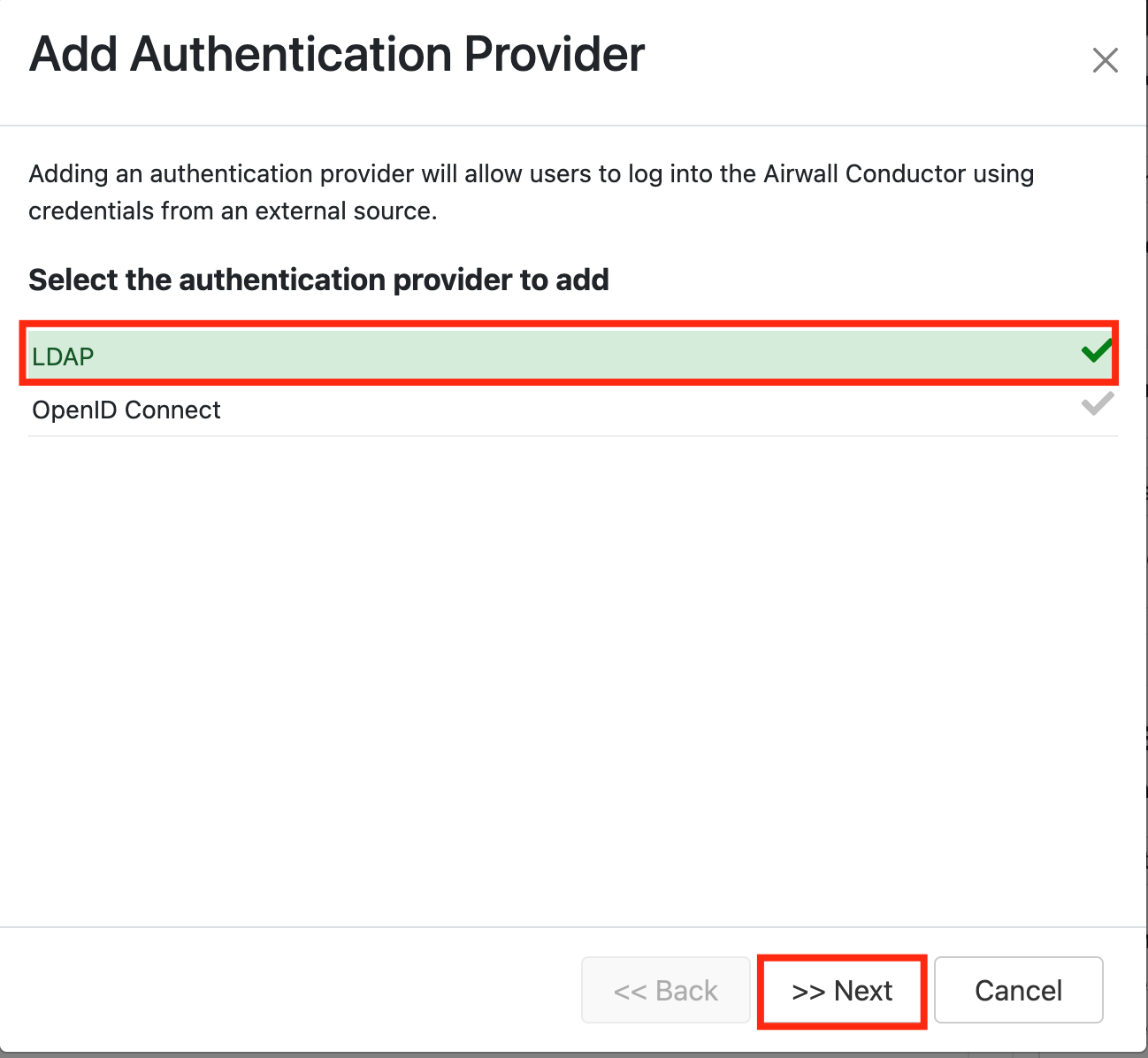
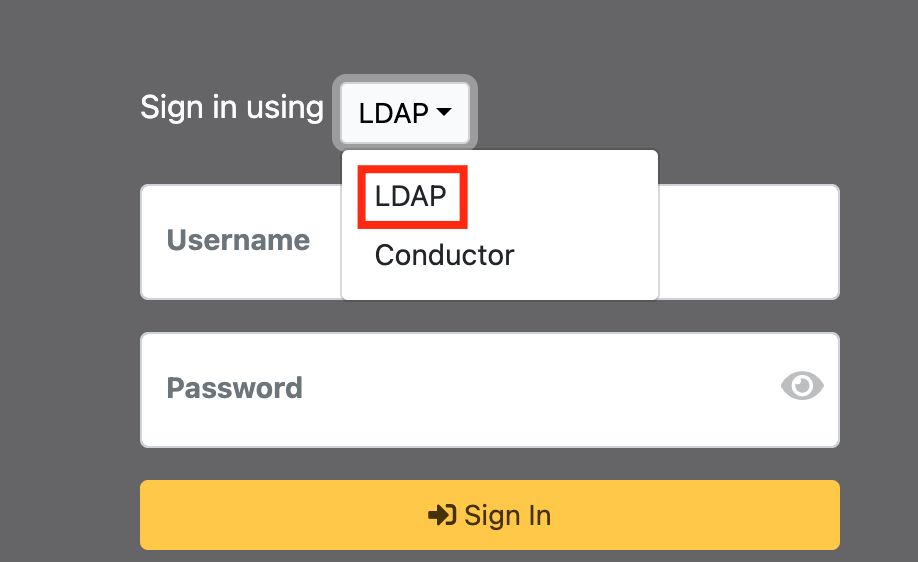
Under 'Add Authenticator Authentication Provider' Select LDAP
Column
width
50%
Panel
borderColor
#9EBEE5
bgColor
#f0f0f0
borderWidth
1px
...
Section
border
true
Column
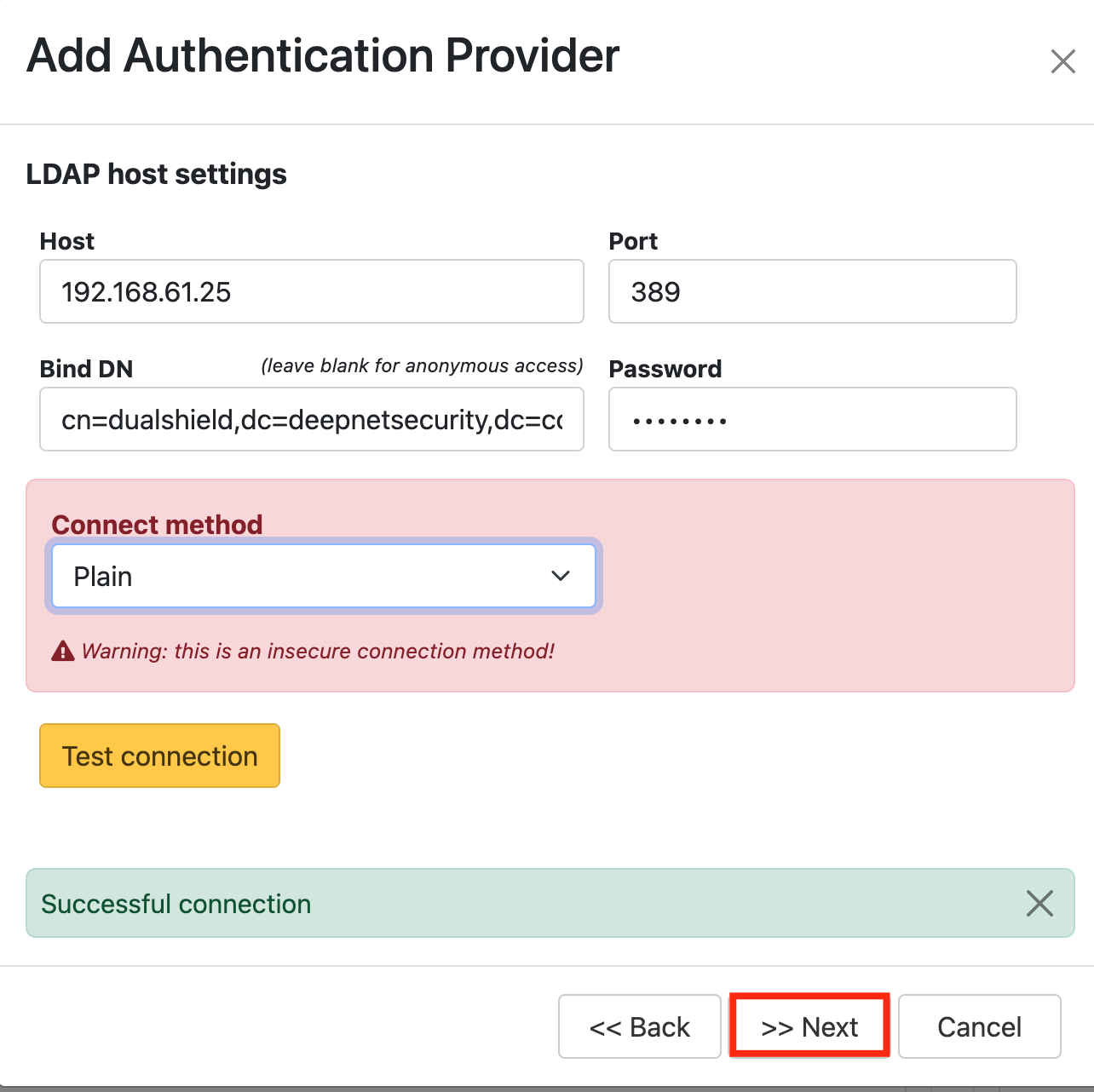
LDAP host settings: (* your own settings)
Attribute
Value
Host*
IP address of DualShield ServerLDAP Broker
Port*
389/686636
Bind DN
cn=dualshield,dc=deepnetsecurity,dc=com
Password
password
Connection method*
Plain/SSL/TLS
Column
width
50%
Panel
borderColor
#9EBEE5
bgColor
#f0f0f0
borderWidth
1px
...
Section
border
true
Column
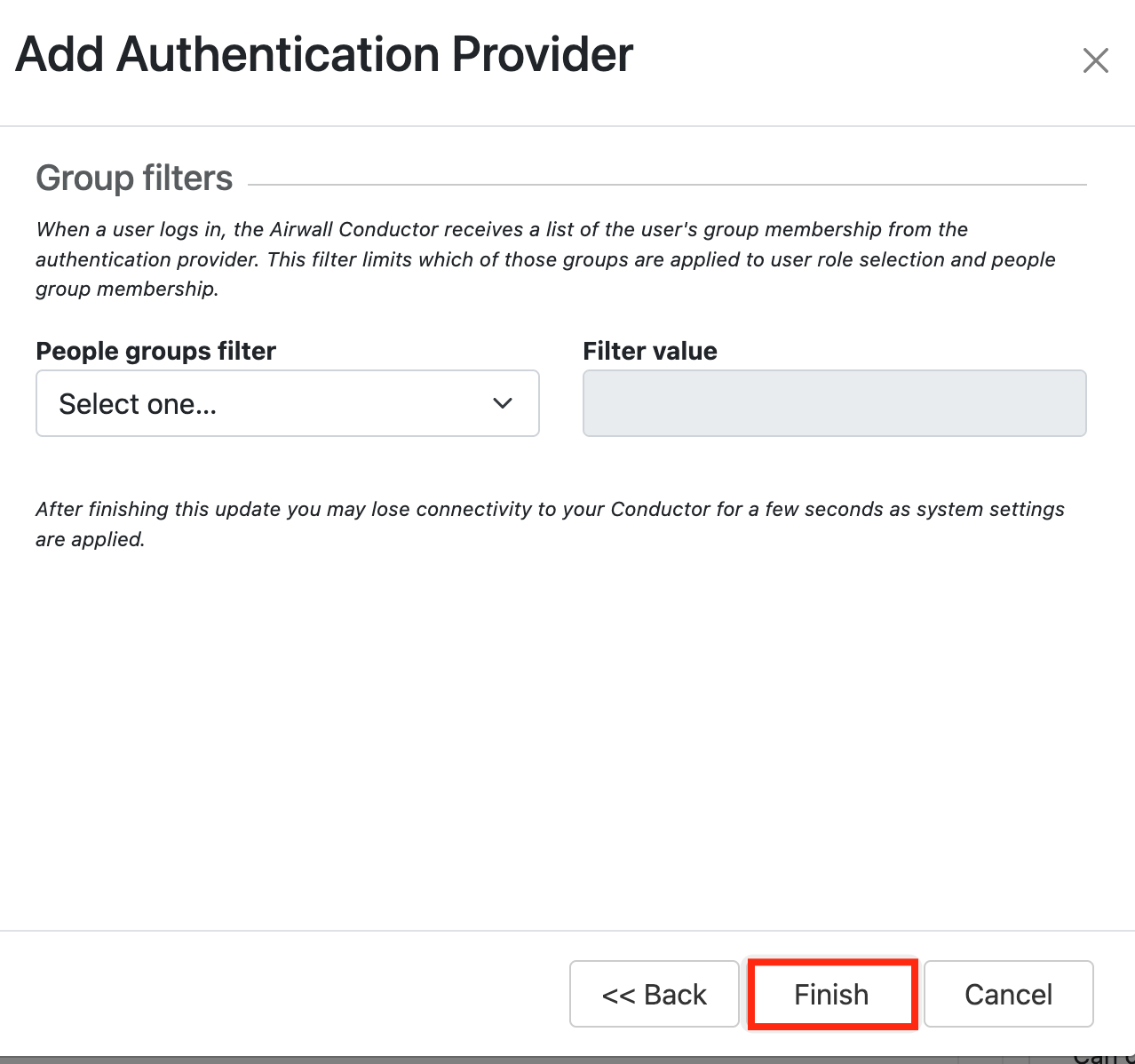
Click: Finish
Column
width
50%
Panel
borderColor
#9EBEE5
bgColor
#f0f0f0
borderWidth
1px
...
Test LDAP logon:
Section
border
true
Column
Select the drop down menu corresponding to the Application you will be using and click onAgents.On the Sign in screen, select LDAP from the 'Sign in using:' drop down
Column
width
50%
Panel
borderColor
#9EBEE5
bgColor
#f0f0f0
borderWidth
1px
Image RemovedImage Added
Section
border
true
Column
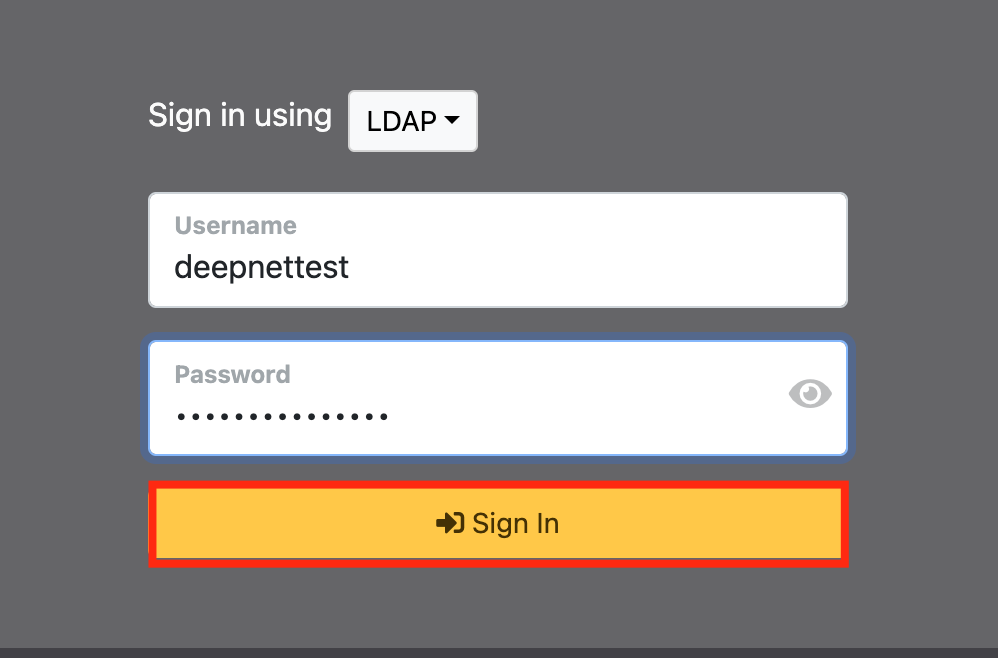
Now enter the username and AD Password+OTP
Click Sign inTick the box of the SSO Server you will be using and clickSavebelow.