...
In some rare environments, the DualShield Windows Logon 5.x suffers from some network networking related issues. Those issues are difficult to reproduce hence difficult to fix. It was diagnosed that those issues were rooted in the networking technology used in the software. Therefore, we decided to change the networking technology in the DualShield Windows Logon 6.x in order to avoid those network-related issues in 5.x.
...
Therefore, technically speaking, you will not upgrade the DualShield Windows Logon 5.x to 6.x. Instead, you will migrate the DualShield Windows Logon from 5.x to 6.x. During the migration period, you are able to run both the 5.x and 6.x in parallel. In order to better distinguish Windows Loogn Logon 6.x from Windows Logon 5.x, the DualShield Windows Logon 6.x is also labelled as DualShield Windows Logon G2.
From the customer's point of view, the following are the main changes in the DualShield Windows Logon 6.x
- The Windows Logon Agent 6.x operates on ports 14292 and 14294 - Windows Logon Agent 5.x operates on ports 14282 and 14284
- The Windows Logon 6.x supports agent discovery by DNS only - The Windows Logon 5.x supports agent discovery by DNS and Network Broadcasting
- The Windows Logon 6.x supports MFA for UAC Prompt
- The Windows Logon 6.x supports MFA for Network Drive Map
- The Windows Logon 6.x does not support voice recognition as an authentication method
- The Windows Logon 6.x does not have the logon client for the MacOS. - Customers who need the MFA logon solution for the MacOS should migrate to a new solution called DualShield Computer Logon with MFA.MFA for Computer Logon.
| Expand | ||||||
|---|---|---|---|---|---|---|
| ||||||
|
DualShield Windows Logon Agent
You As a final note, you are able to install and run both the DualShield Windows Logon Agent 5.x and 6.x on the same machine. In other words, if you install the DualShield Windows Logon Agent 6.x on a machine where there is a DualShield Windows Logon Agent 5.x, then you will have both 5.x and 6.x running on the same machine.
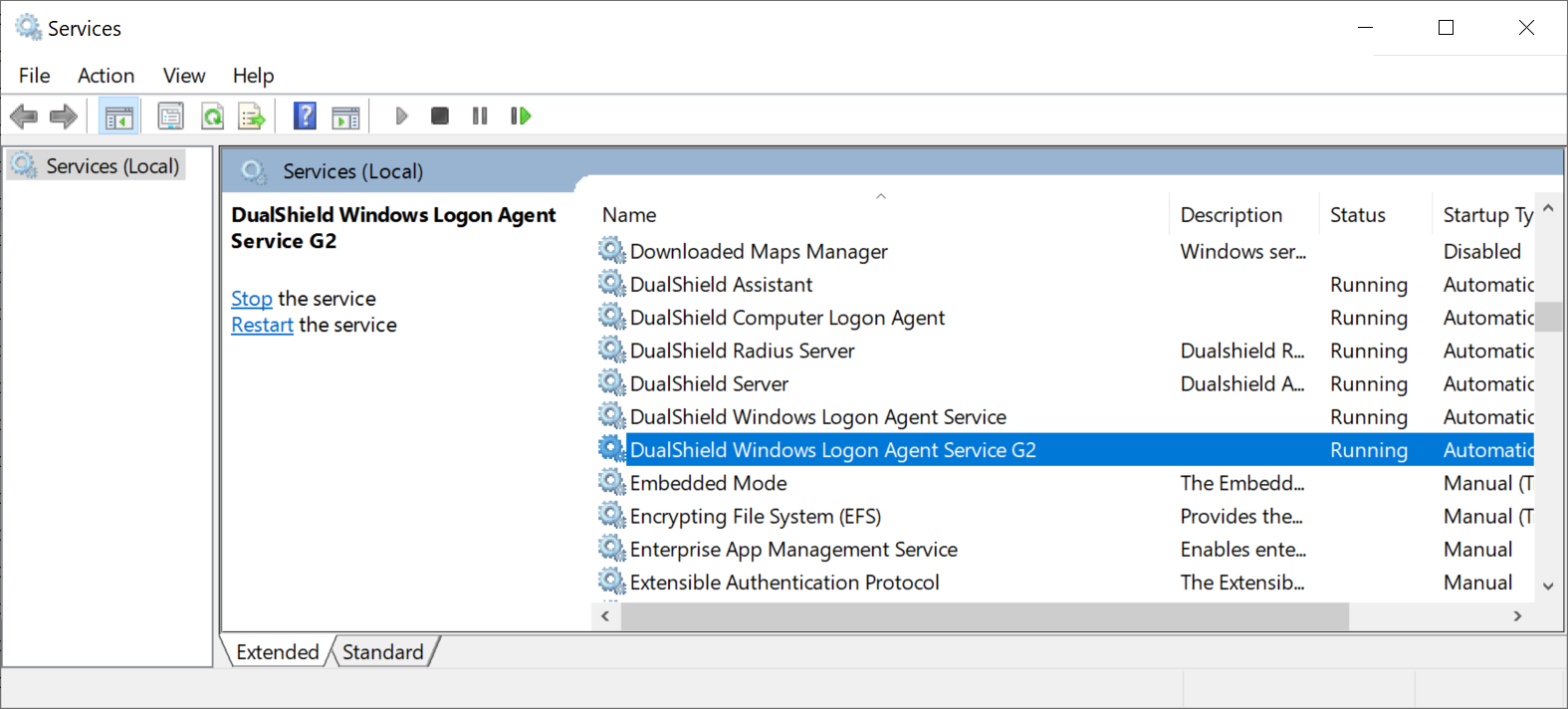


For further installation and setup of Windows Logon Agent version 6.x please go to Windows MFA Logon Agent
| Info | ||
|---|---|---|
| ||
If you install the new Dualshield Windows Logon Agent 6.x on a machine where the old DualShield Windows Logon Agent 5.x has been running, then you should NOT uninstall the old the DualShield Windows Logon Agent 5.x, even when there is no old DualShield Windows Logon Client running in your network at all. |
DualShield Windows Logon Client
On But, on the endpoint machines, the PCs and terminal servers, you can only install and run either the DualShield Windows Loogn Logon Client 5.x or 6.0. If you install the DualShield Windows Logon Client 6.x on a machine where there is a DualShield Logon Client 5.x, then the 6.x client will replace the 5.x client.
The DualShield Windows Logon Client has 2 installers, EXE and MSI. Please note the following:
- If the current logon client 5.x was installed using the EXE, then you must uninstall it first. Then, install the logon client 6.x using either EXE or MSI
- If the current logon client 5.x was installed using the MSI, then you can install the new logon client 6.x directly on top of the old 5.x client. The 6.x MSI installer will automatically remove the 5.x client first then install the 6.x client.
For further installation and setup of Windows Logon Client version 6.x please go to Windows MFA Logon Client