...
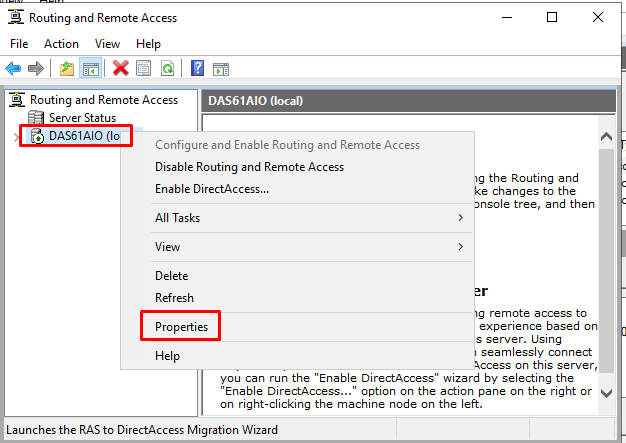
3. Right Click on the server and select "Properties"
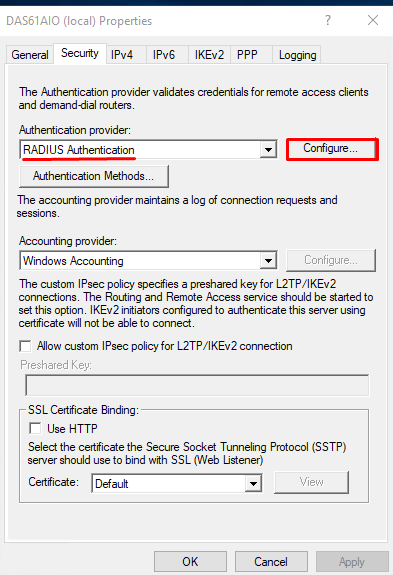
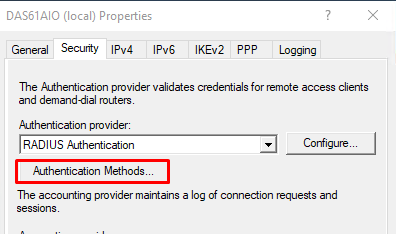
 4a Select the "Security" tab and click "Authentication methods", select the authentication methods and click "OK"
...
4. Under Security set the Authenticator Provider to RADIUS Authentication and click on Configure
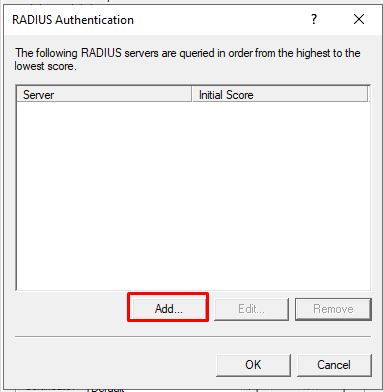
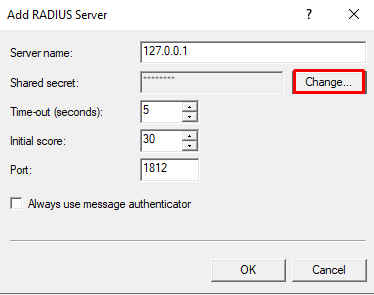
5. Add a new RADIUS server. Set the Server Name as the IP address of the NPS. If NPS is installed on the same machine set the server name as the local IP address. Also, specify the shared secret by clicking on Change
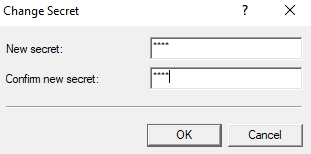
6. OK out of RADIUS Authentication and click on Authentication Methods.
7. Select the authentcation methods you wish to use, e.g. MS-CHAP v2
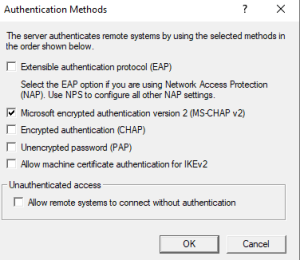
(You can select multiple.)
8. Click OK
...