This instruction is for installing a fresh new instance of the DualShield frontend server.
Table of Contents
Enable Agent Auto Registration
Installing a DualShield fronend frontend server is like instaling installing a DualShield agent, it requires Agent Auto Registration to be enabled.
| Include Page | ||||
|---|---|---|---|---|
|

Install Frontend Server
Execute "DualShieldSetup64-xxx.yyyy-signed.exe" (where xxx is the version number and yyyy the build number) to start installation:
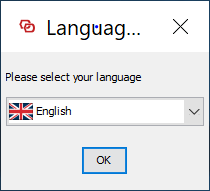
As of version 6.0.0, the language translation is still in progress. For now, please select "English".
...
Please keep the installation path as suggested, unless the C drive does not exisits exist or for some other reasonsreason.
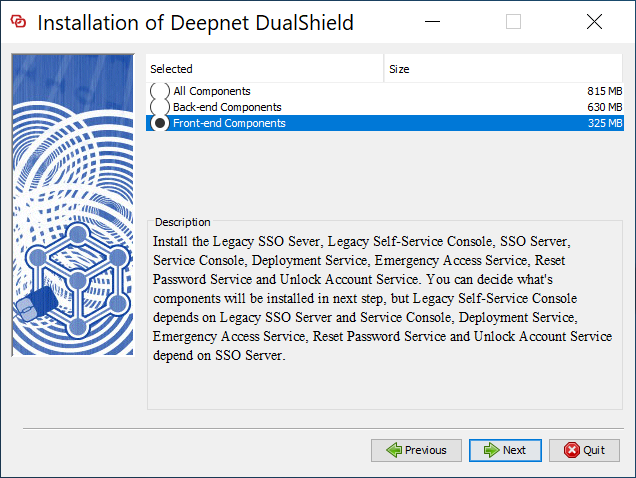
Select "Front-end Components"
...
The frontend server is not as resource-demanding as the backend. The default values should be appropriate in most cases.
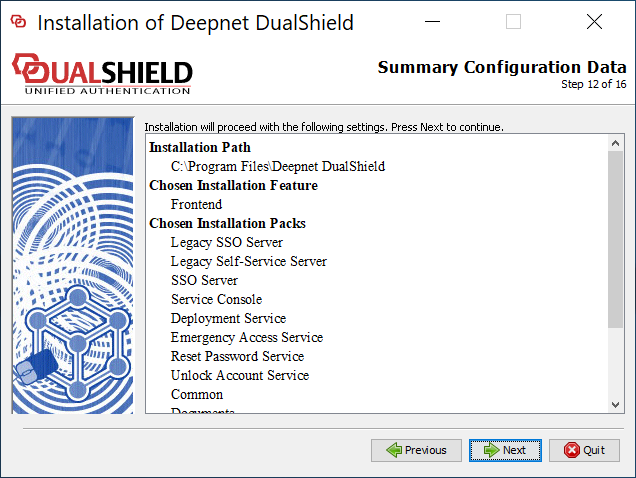
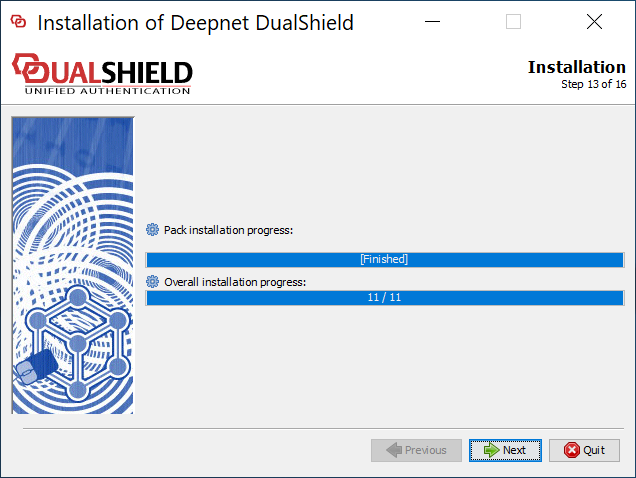
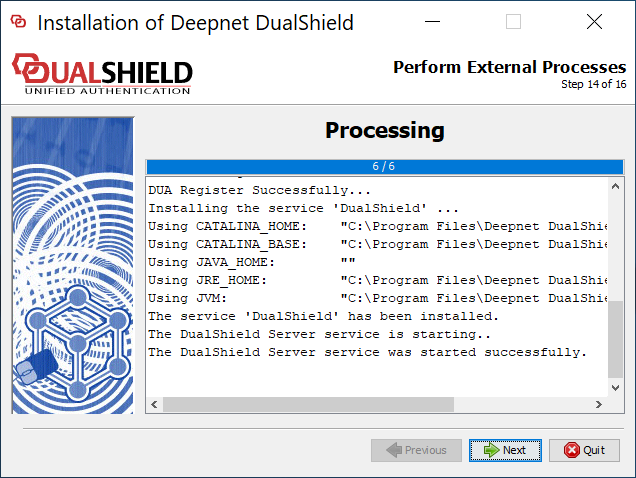
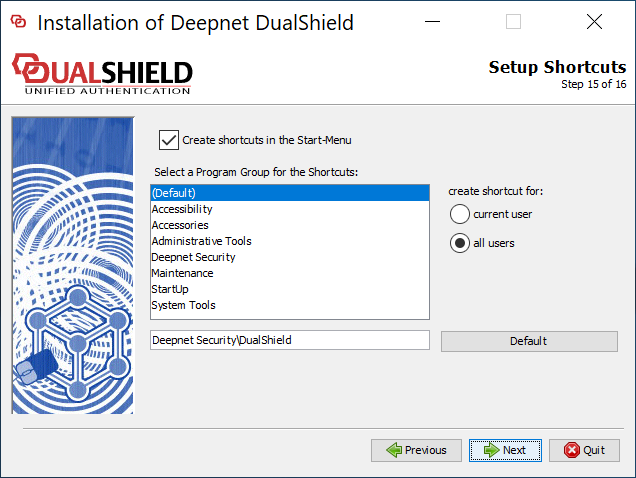
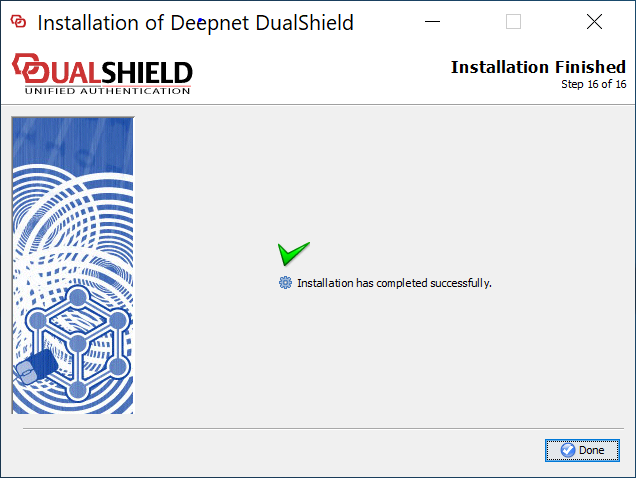
Wait for the DualShield server to be fully loaded
| Include Page | ||||
|---|---|---|---|---|
|
...