...
- System Policy
- Online
- Offline
- Domain Policy
- Local
- Entra ID
- Online
- Offline
- On-Prem AD
- Online
- Offline
The domain policy has priority over the equivalent system policy. For a given policy option, the software will always search for the domain policy first. If the domain policy is found, then the software will use it. Otherwise, the software will find and use the system policy.
In total, there are 7 scenarios where you can define the MFA Policy. Namely
| Scenario |
|---|
| Location | Comment | |
|---|---|---|
| 1.a | System Policy\Online | |
| 1.b | System Policy\Offline | |
| 2.a | Domain Policy\Local\Online | |
| 2.b.i | Domain Policy\Entra ID\Online | |
| 2.b.ii | Domain Policy\Entra ID\Offline | |
| 2.c.i | Domain Policy\On-Prem AD\Online | |
| 2.c.ii | Domain Policy\On-Prem AD\Offline |
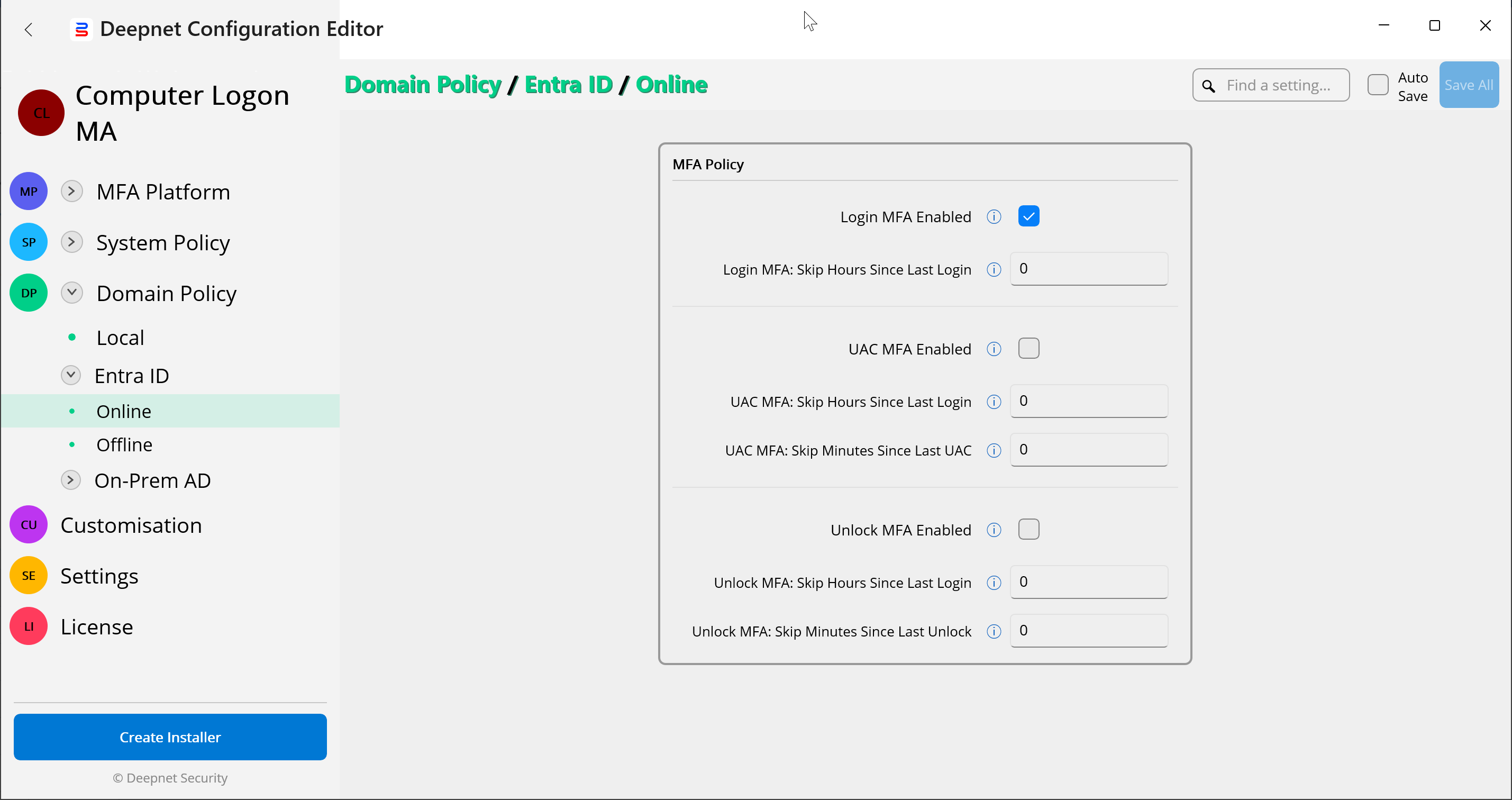
To edit the MFA Policy, navigate to the specific location in the Deepnet Configuration Editor. For example, Domain Policy\Entra ID\Online