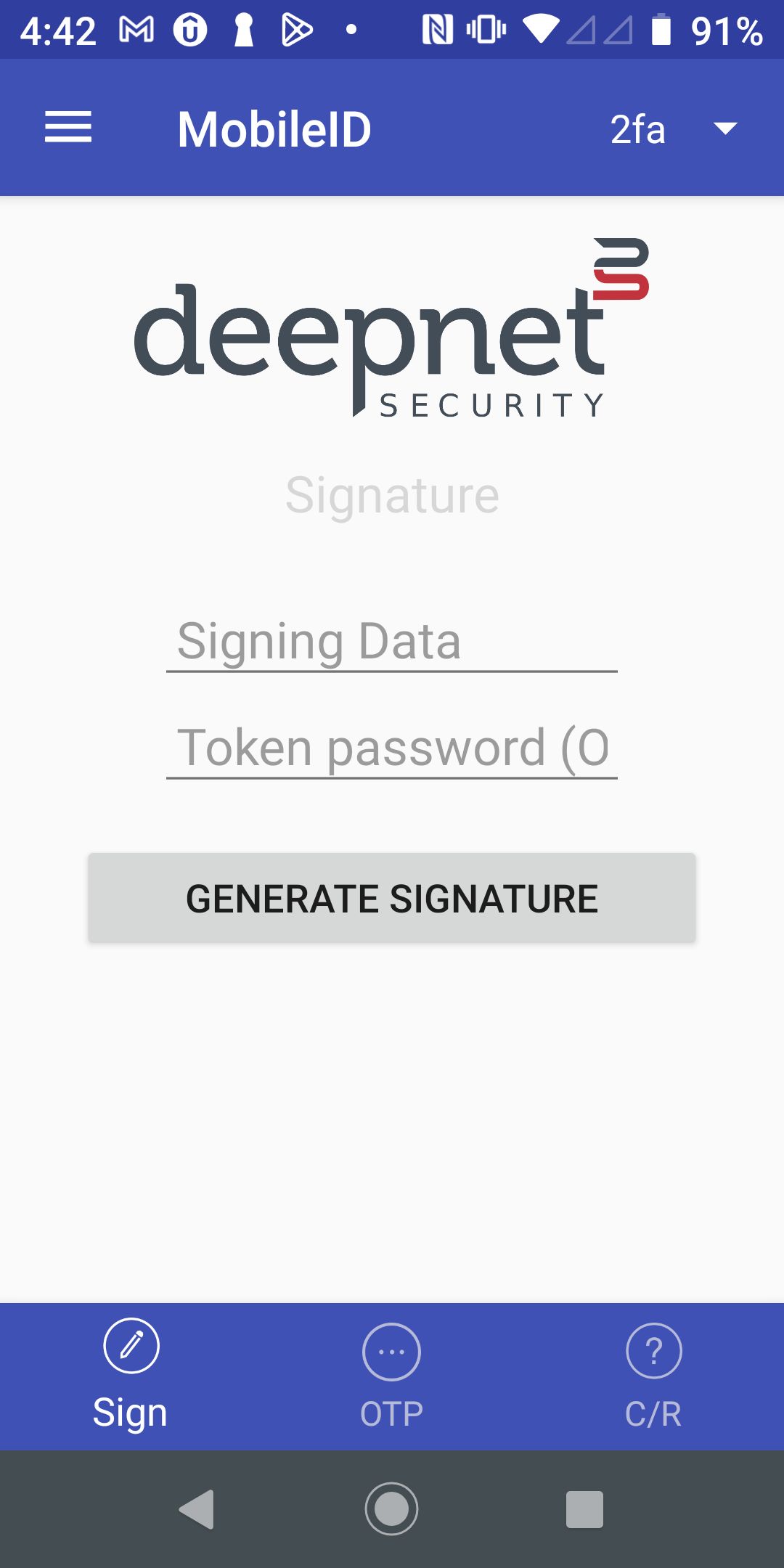
Open the MonileID MobileID on your mobile device
| Select "Sign" on the bottom toolbar |
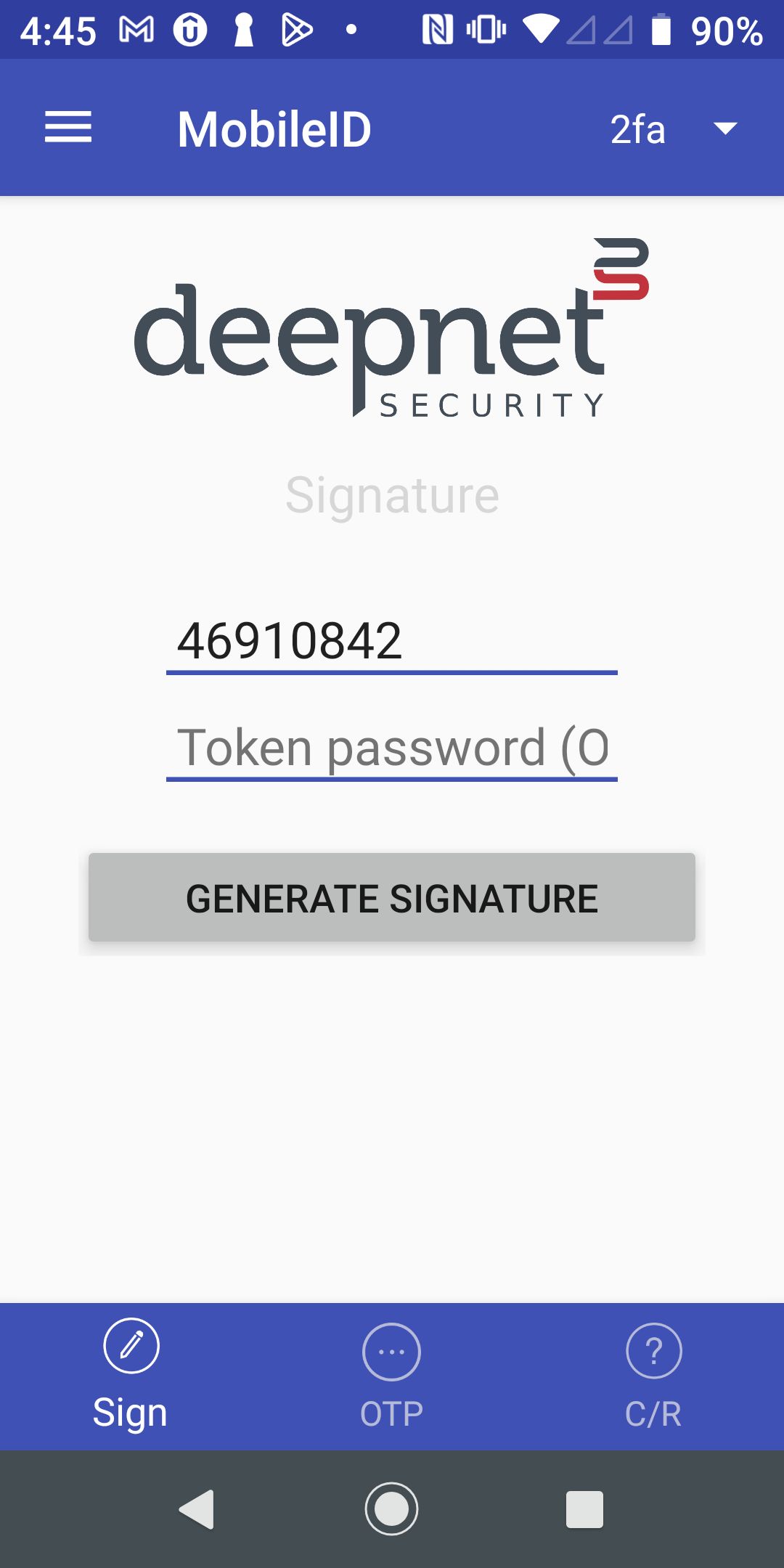
| In the "Signing Data" entry, enter the data to be signed, e.g. 46910842 The signing data is generated by the application. For instance, in an online banking application, the signing data is typically generated based on the payee account number and the amount to be paid. |
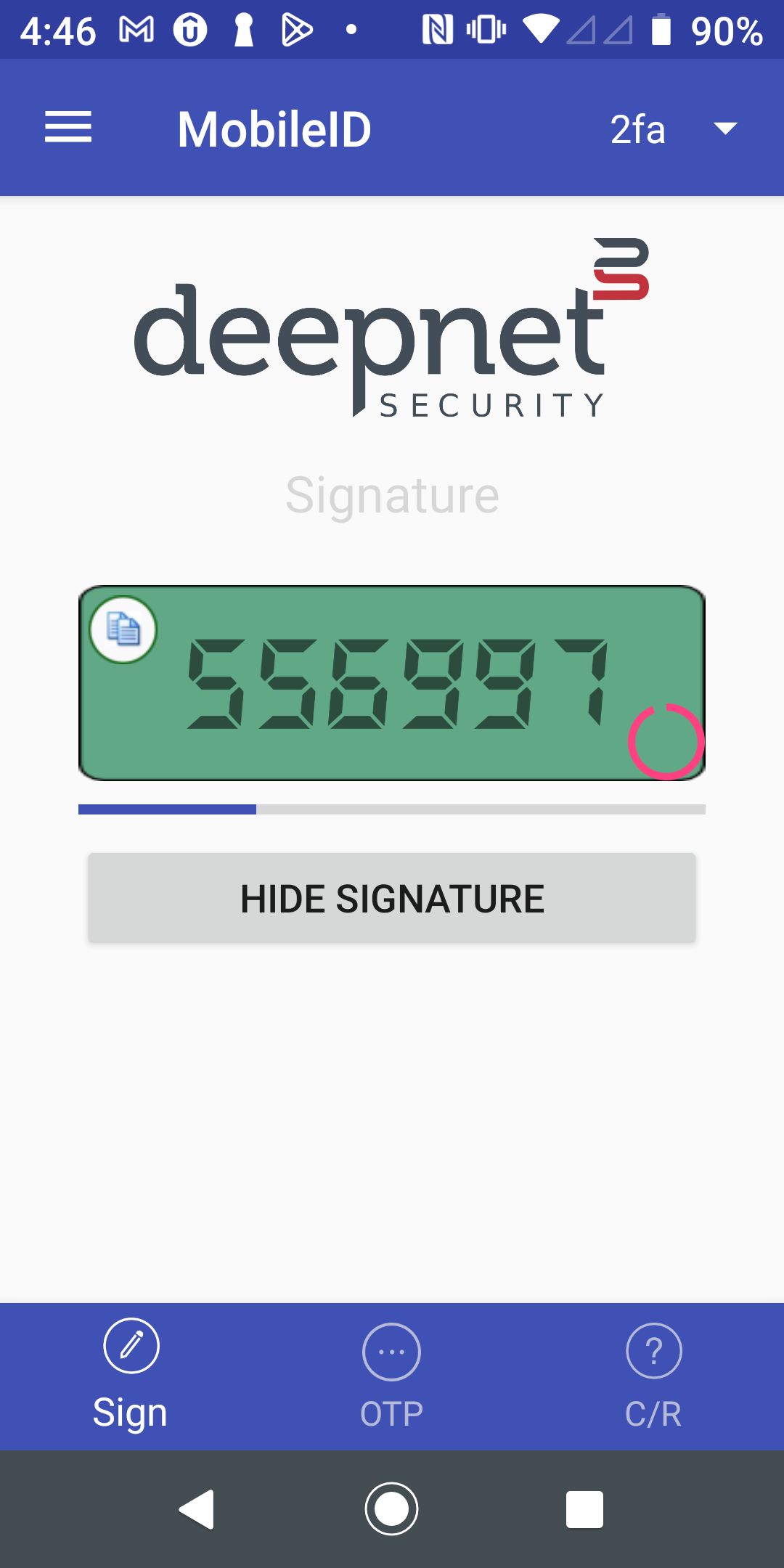
| Press the "Generate Signature" button to get the signature code, e.g. 556997 |